Meet Cardboard
Cardboard is an AI video editor. Upload your footage, describe your idea, and our AI agent edits it for you.




Make a 30-second launch video for our new dashboard
 Auto


How does Cardboard work?
Imagine having your own video editor. You share your footage, tell them what you want, and they put the edit together for you. That’s how Cardboard works too.
There are three steps to get from your idea to a finished video.
01 Describe it
Describe how you want the video to feel. Then upload your clips and add a reference, just like you would with a real editor. You can use your own words to do this. For example:
“Make a 30-second recap of this trip.”
Our AI agent watches your footage, picks the best moments, and builds a first version for you.
02 Refine it
Watch the first version and tell The Director (the AI agent) what you’d like to change. You can ask for anything from a shorter opening to generating a clip or syncing your media to an audio of your choice.
03 Export it
Once you are happy with the outcome, simply export your video and it is ready to be shared wherever you like.
You don’t need any editing experience to get started on Cardboard. Just bring an idea, and then work with the agent until it feels like yours.
Who is Cardboard for?
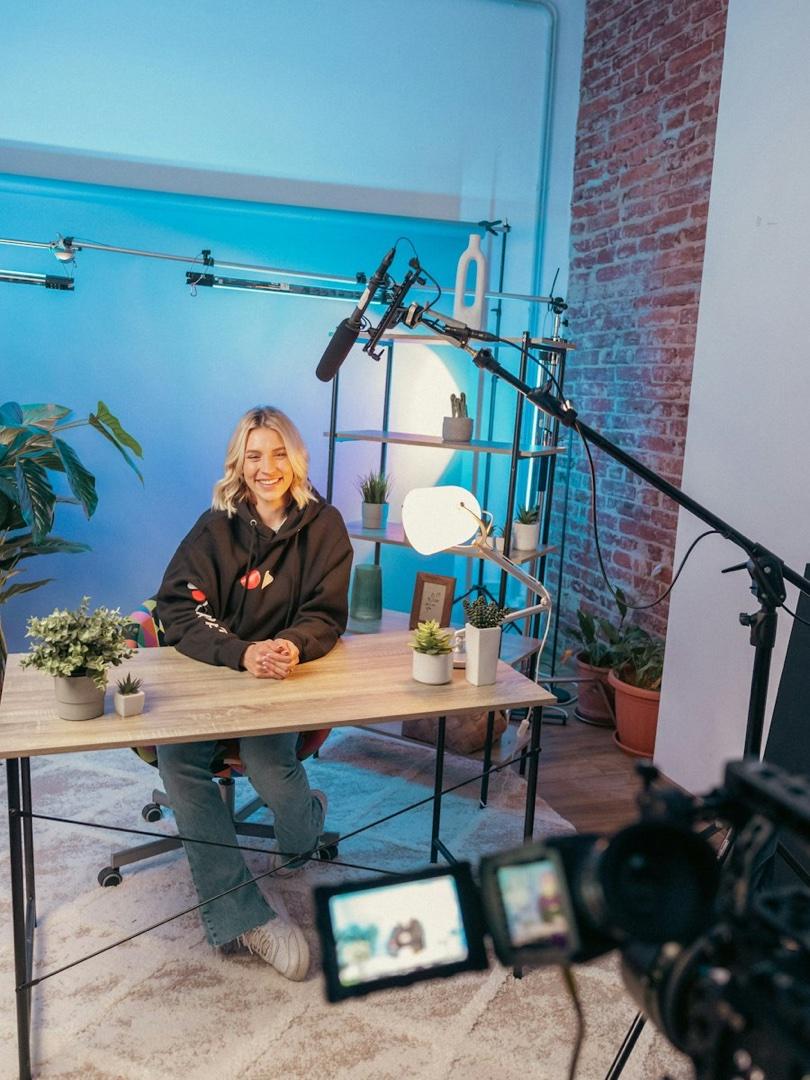
Creator Stories
Turn raw footage into a finished video that matches their idea, style, and references.
AutoCloud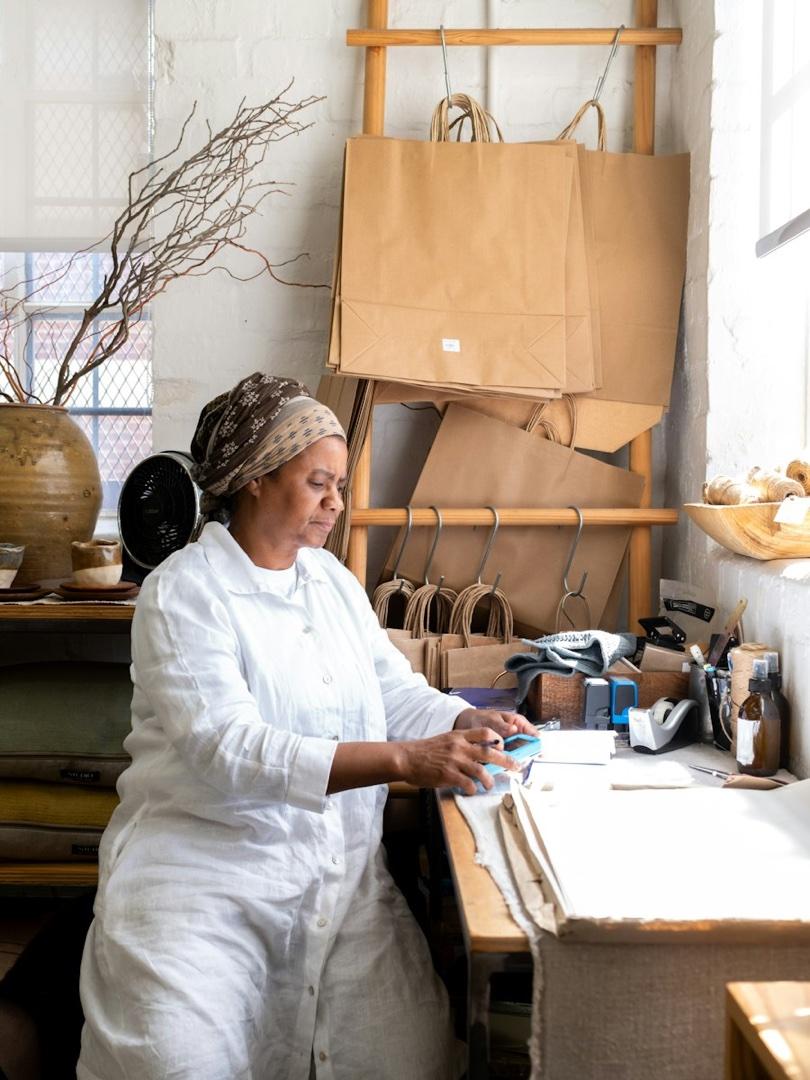
Small Business
Make promotional videos from clips of their products, space, and everyday work.
AutoCloud
UGC Campaigns
Turn product recordings into brand videos that feel personal and natural.
AutoCloud
Social Campaigns
Turn client footage and briefs into videos for different brands and campaigns.
AutoCloud
Startup Launches
Combine product demos and founder footage into a clear launch story.
AutoCloud
Online Lessons
Turn recorded explanations and demonstrations into lessons people can follow.
AutoCloud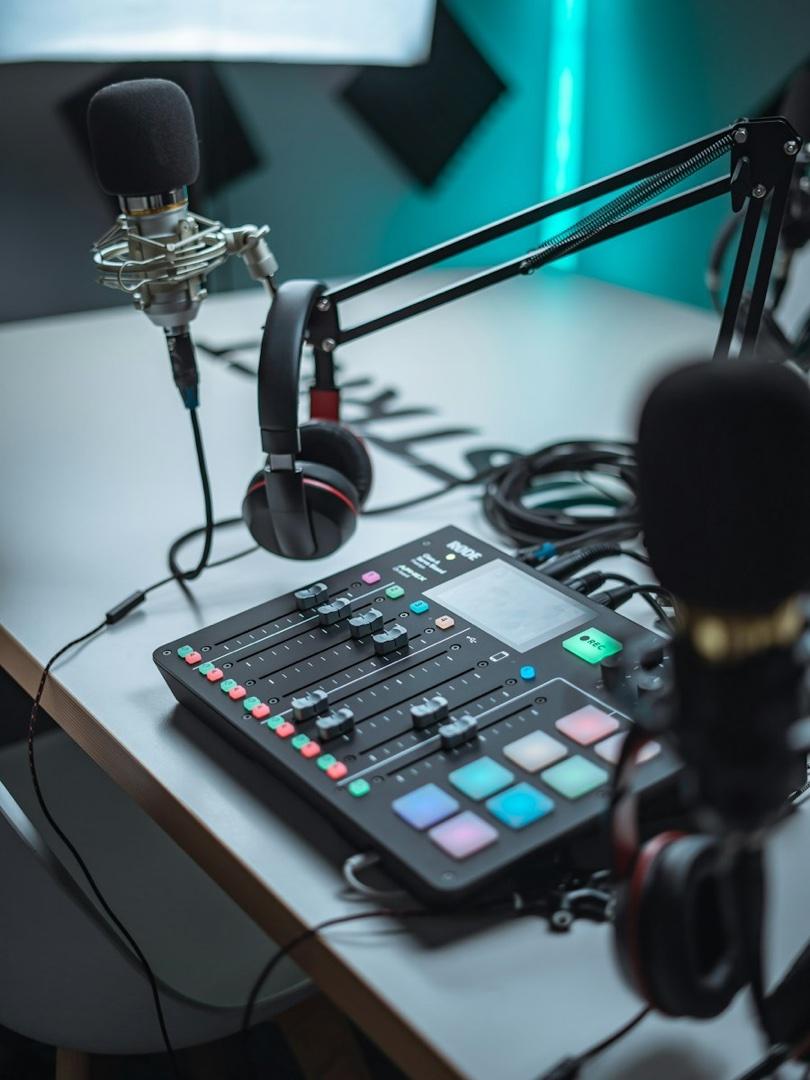
Podcast Clips
Pull compelling conversations from full episodes into clips that stand on their own.
AutoCloud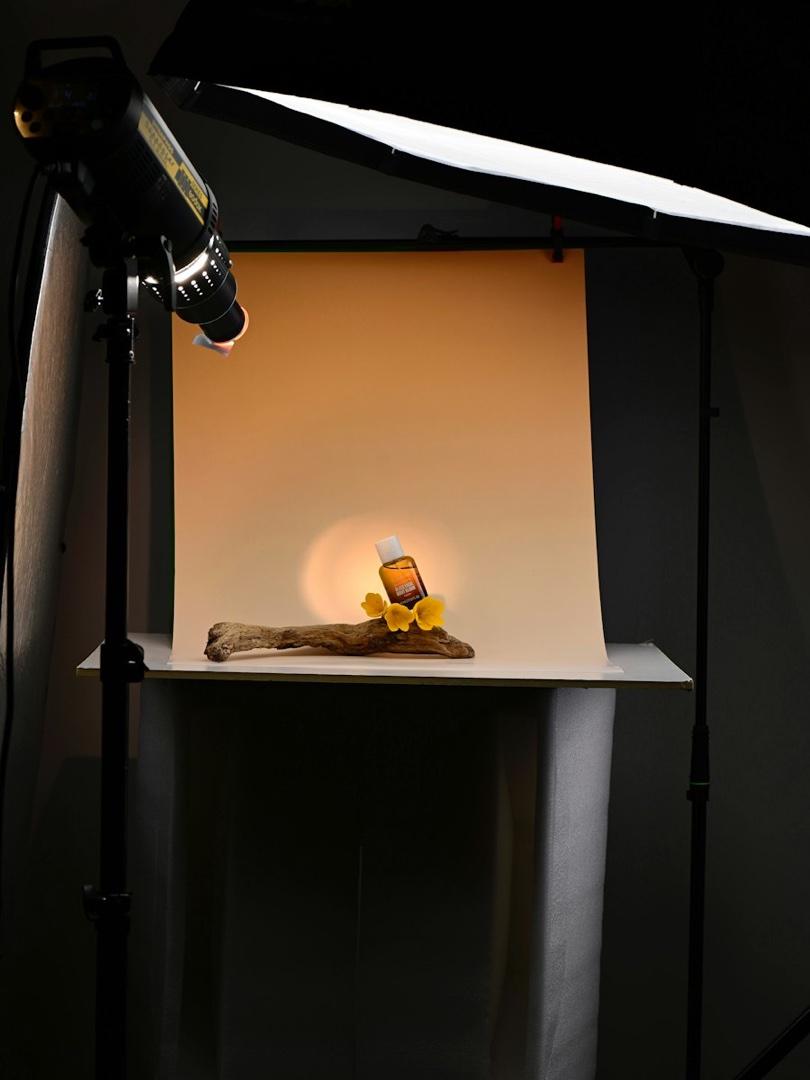
Product Videos
Show how a product looks, works, and fits into someone’s life.
AutoCloud

Travel Diaries
Turn scattered trip footage into a story that captures how the experience felt.
AutoCloud
Property Tours
Turn property footage into walkthroughs that help viewers picture living there.
AutoCloud
Event Recaps
Bring talks, crowd moments, and behind-the-scenes footage together into an event recap.
AutoCloud
Performance Films
Shape performance and rehearsal footage into videos that reflect their sound and style.
AutoCloud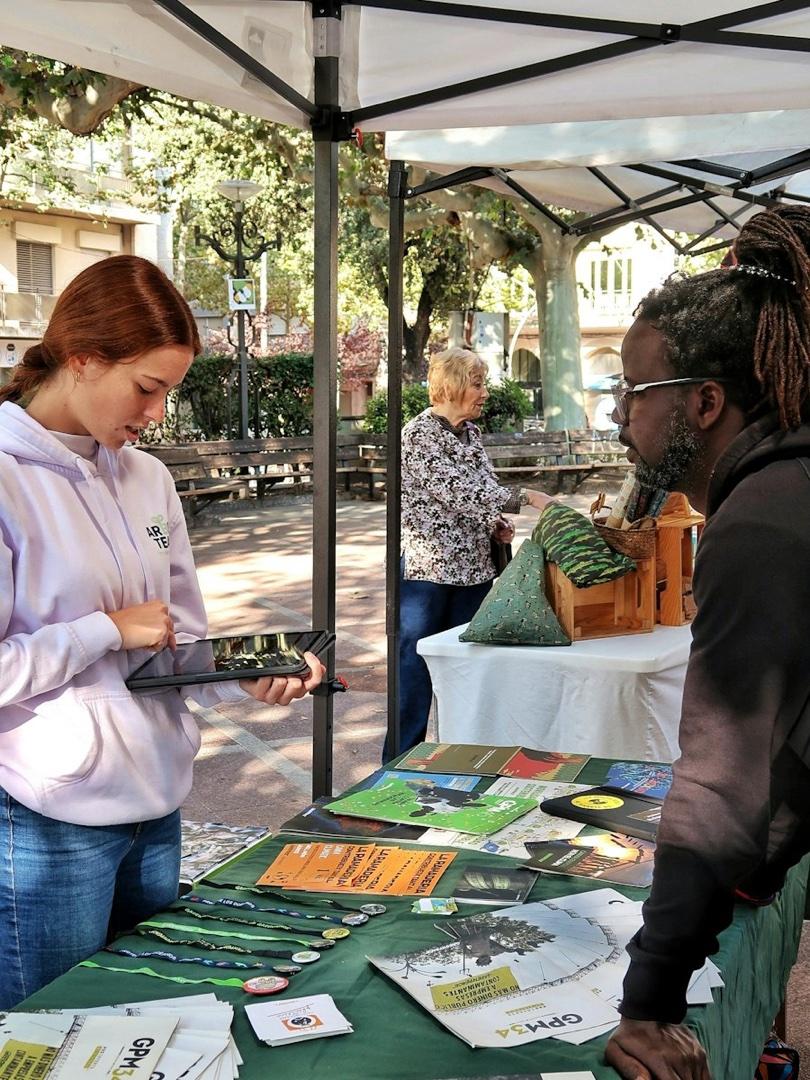
Impact Stories
Combine interviews and on-the-ground footage into stories that show the impact of nonprofit work.
AutoCloud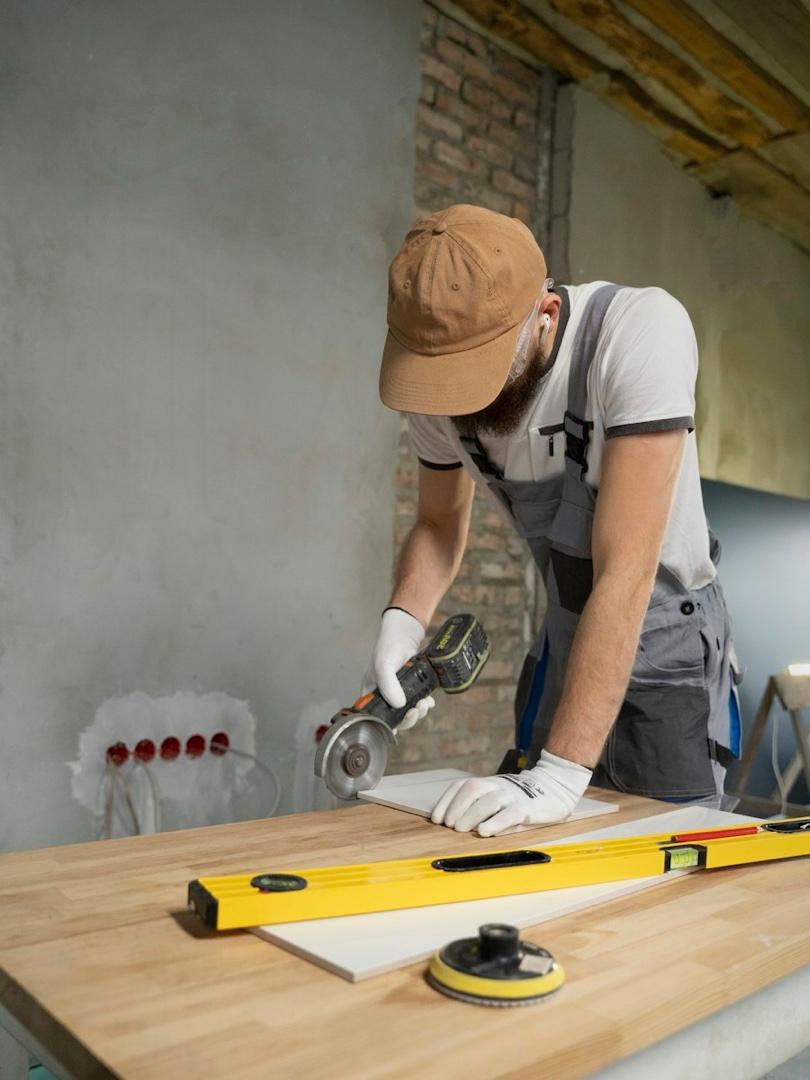
Project Journeys
Turn clips of a renovation, restoration, or creative process into a satisfying start-to-finish story.
AutoCloud
Personal Memories
Turn everyday clips and special occasions into personal films worth keeping.
AutoCloud
What can Cardboard do?
01Edit from a prompt
Describe what you want to make, and Cardboard turns your footage into a first cut.
02Match a reference
Share a link to a video you like, and Cardboard uses its style to guide your edit.
03Generate missing shots
Fill a gap or replace a shot that isn’t working with generated footage.
04Add motion graphics
Bring your video to life with animated text and graphics, including text that appears behind your subject.
05Refine your edit
Add captions, remove silences, and adjust the pacing.
06Add voiceover and dubbing
Narrate your video with an AI voice or dub it into another language.
07Search your footage
Find the clip or moment you need without watching everything back.
08Continue in your editor
Export your edit to Premiere Pro or DaVinci Resolve to make the finishing touches yourself.
09Prepare for different platforms
Reframe your video and adjust its format for wherever you plan to share it.



Where can I use Cardboard?
You can use Cardboard in your browser, or with the Cardboard for Mac app.