Any Footage, Sharper Cutouts, 3D Graphics
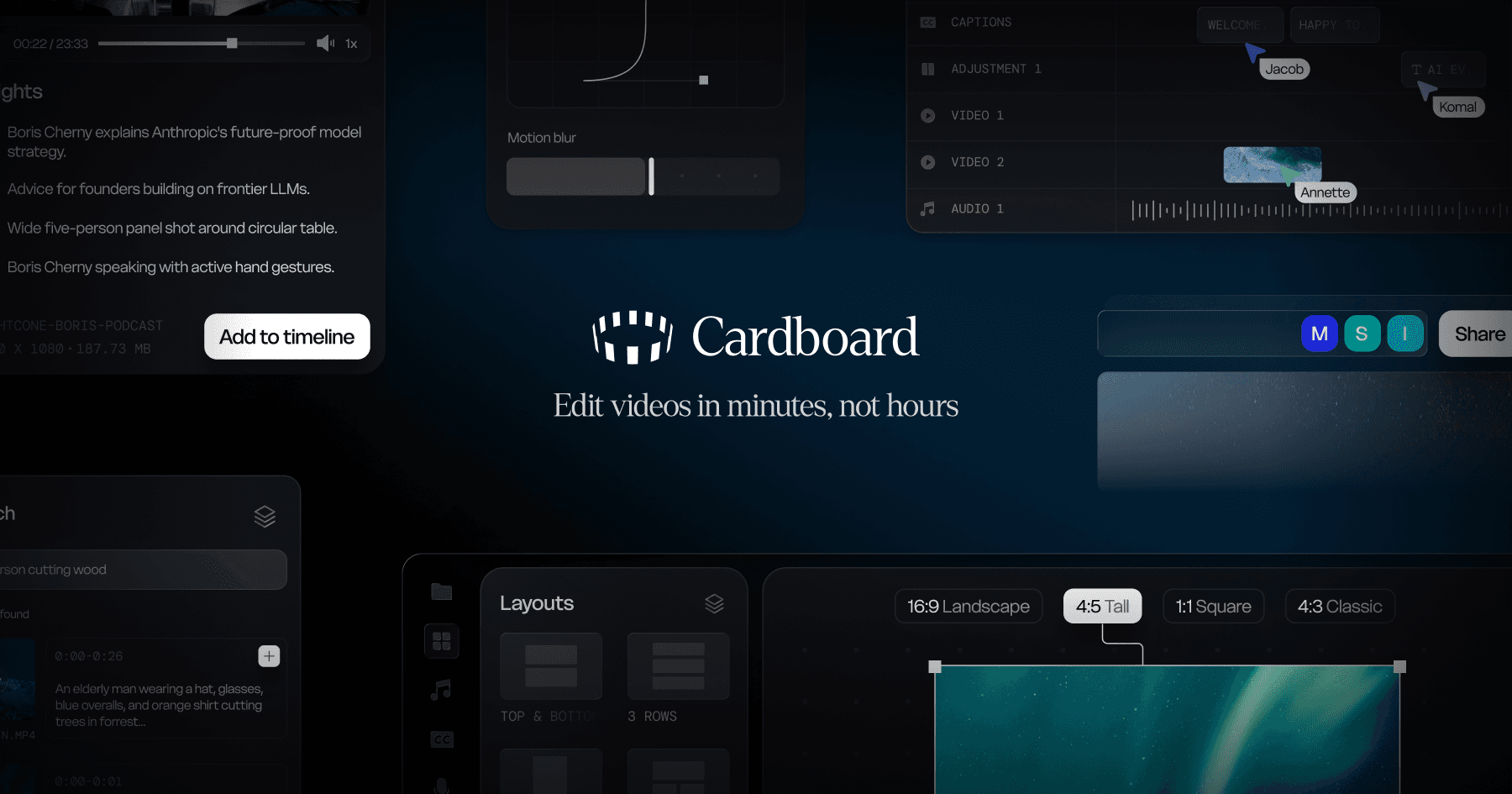
This week, Cardboard on Mac opens whatever your camera shoots, cutouts get sharper, and the Director learns to build in 3D.
Bring any footage
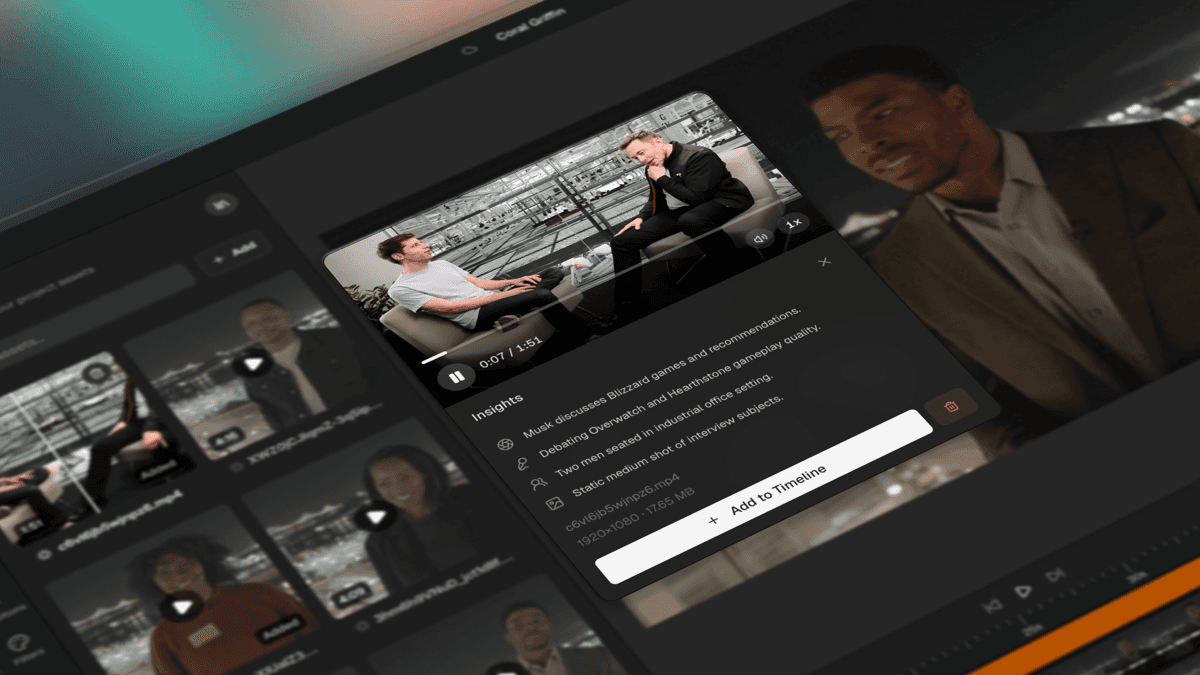
Drop in clips straight from your camera, pro formats included, and start editing. Each clip shows up right away and gets ready while you work.
Sharper cutouts
Background removal is cleaner around the edges, so your subject stands out and text placed behind them looks real.
Graphics in 3D
Ask the Director for a 3D scene, like a spinning product shot or a flight down to Earth, and it builds it for you.
A calmer agent chat
On Mac, the agent tells you what it's doing in plain words instead of code. Want the details back? Turn them on in Settings. The Director also keeps track of much longer sessions.
Bring whatever you shot and see what you make. Happy editing.