How to make a product demo video
To make a product demo video, show the problem, demonstrate the feature that solves it, and end with a clear next step. Record the product in use and pair each claim with visible evidence. Cardboard product showcase recipes provide starting layouts for app walkthroughs, physical products and hands-on reviews.
Step by step
Choose the benefit you can demonstrate
Write the viewer’s problem and the result your product actually delivers. Choose a small set of features that support that result, and verify any numbers or claims before putting them on screen.
Record the evidence
Capture readable screen recordings for software or clear close-ups for physical products. Supply a logo and narration if the chosen recipe asks for them. Avoid tiny UI text that becomes unreadable after cropping.
Match the recipe to the demonstration
Mobile App Walkthrough suits several app features. Laptop Revolution suits hardware explanation or teardown footage. Podcast Product Review suits a continuous hands-on conversation. Compare their required media before choosing.
Review callouts and the closing action
Time labels to the feature being shown and keep them clear of the important UI or product details. Check the audio mix, spelling and final link or call to action before exporting.
A prompt to start with
Replace the bracketed details with your own.
Make a product demo for [product] showing how it solves [problem]. Demonstrate [features] using the supplied footage. Time each callout to the matching action, use only these verified claims: [claims], and end with [next step].
Common questions
What should I include in a product demo?
Include a clear problem, a visible demonstration of the solution and a next step. Show the feature working instead of relying only on a list of benefits.
Can I use screenshots instead of a screen recording?
Some recipes accept screenshots as inputs. Screenshots work for layouts and results; use a screen recording when the viewer needs to understand motion, navigation or an interaction.
Recipes differ in input requirements and availability on web and Mac. Check the recipe page before starting. See current plans and credits.
Try these recipes
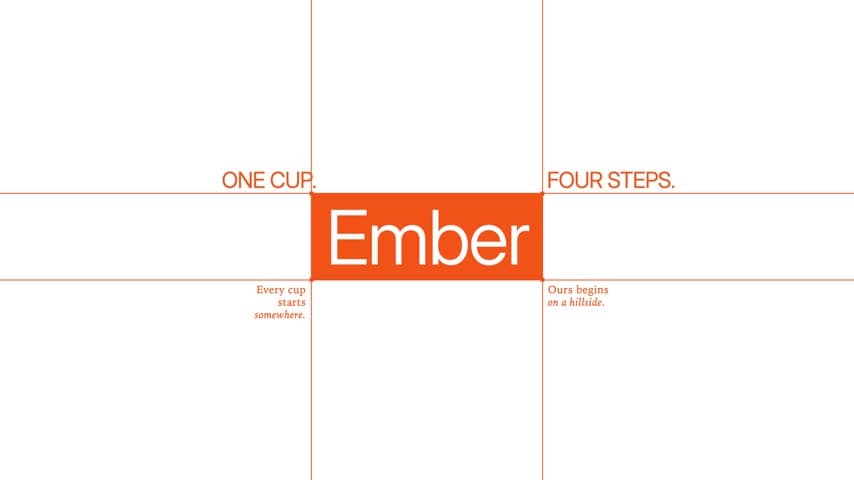
Branding Intro
Long-form · 16:9
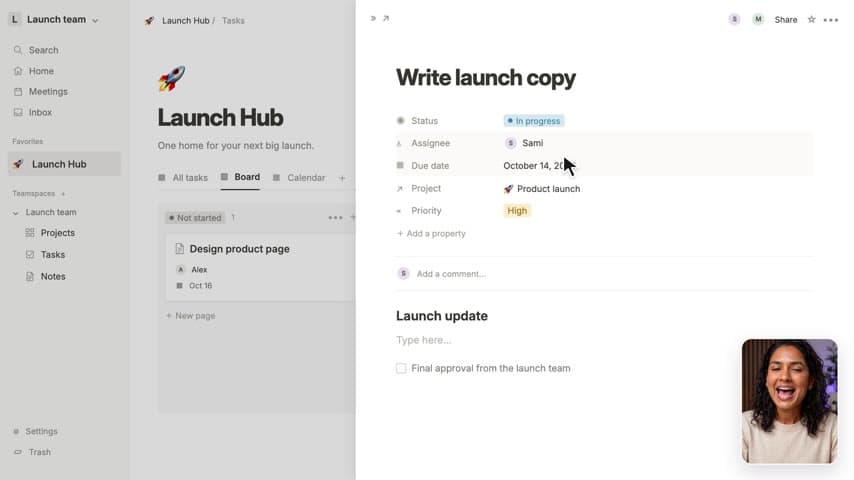
Screen Product Demo
Long-form · 16:9

Feature Explainer
Long-form · 16:9
Mac Screen Walkthrough
Long-form · 16:9
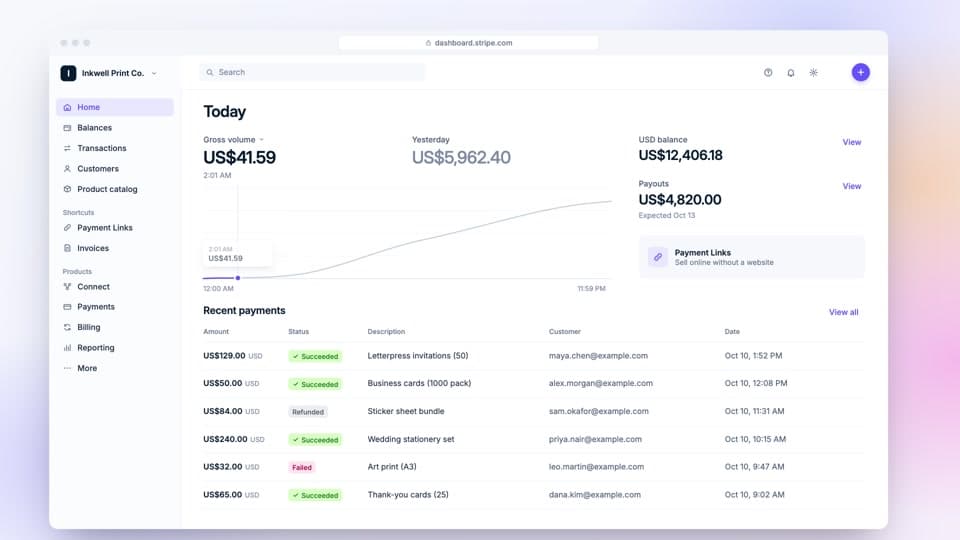
Web App Walkthrough
Short-form · 16:9

Mobile App Walkthrough
Short-form · 9:16
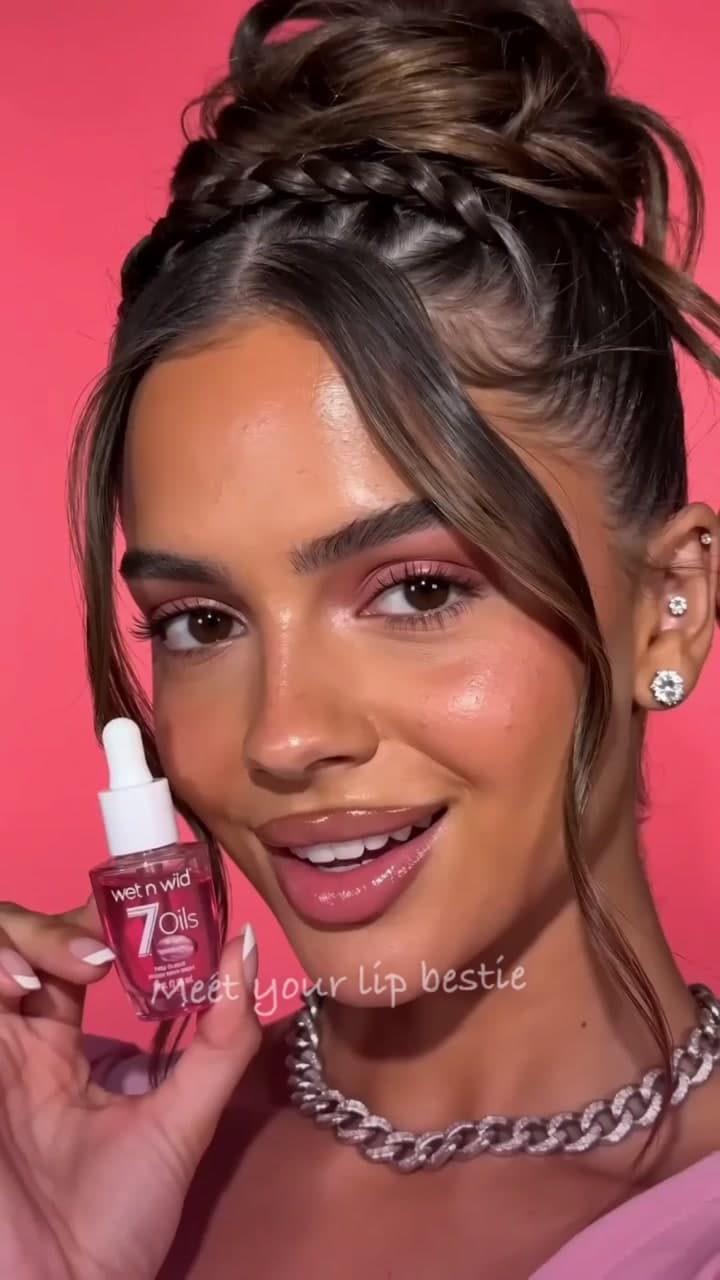
Lip Oil Showcase
Short-form · 9:16
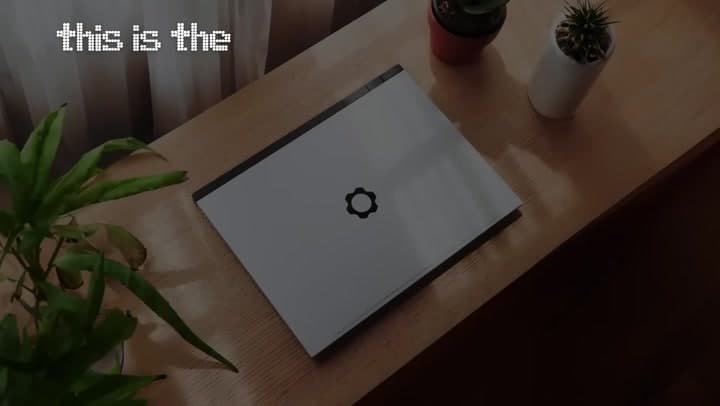
Laptop Revolution
Short-form · 16:9

Podcast Product Review
Short-form · 16:9
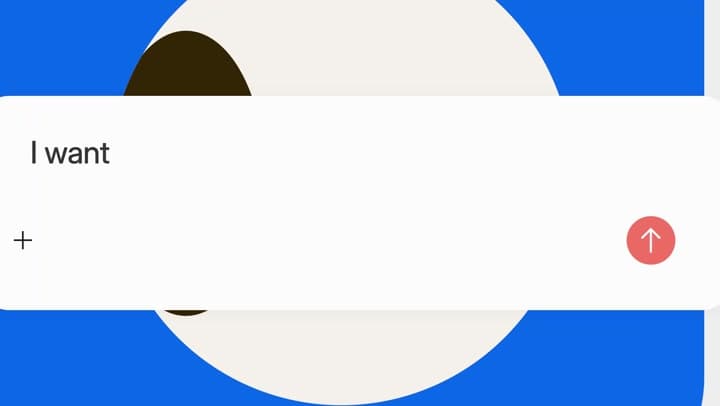
Music Player Reveal
Short-form · 16:9