How to edit a talking head video
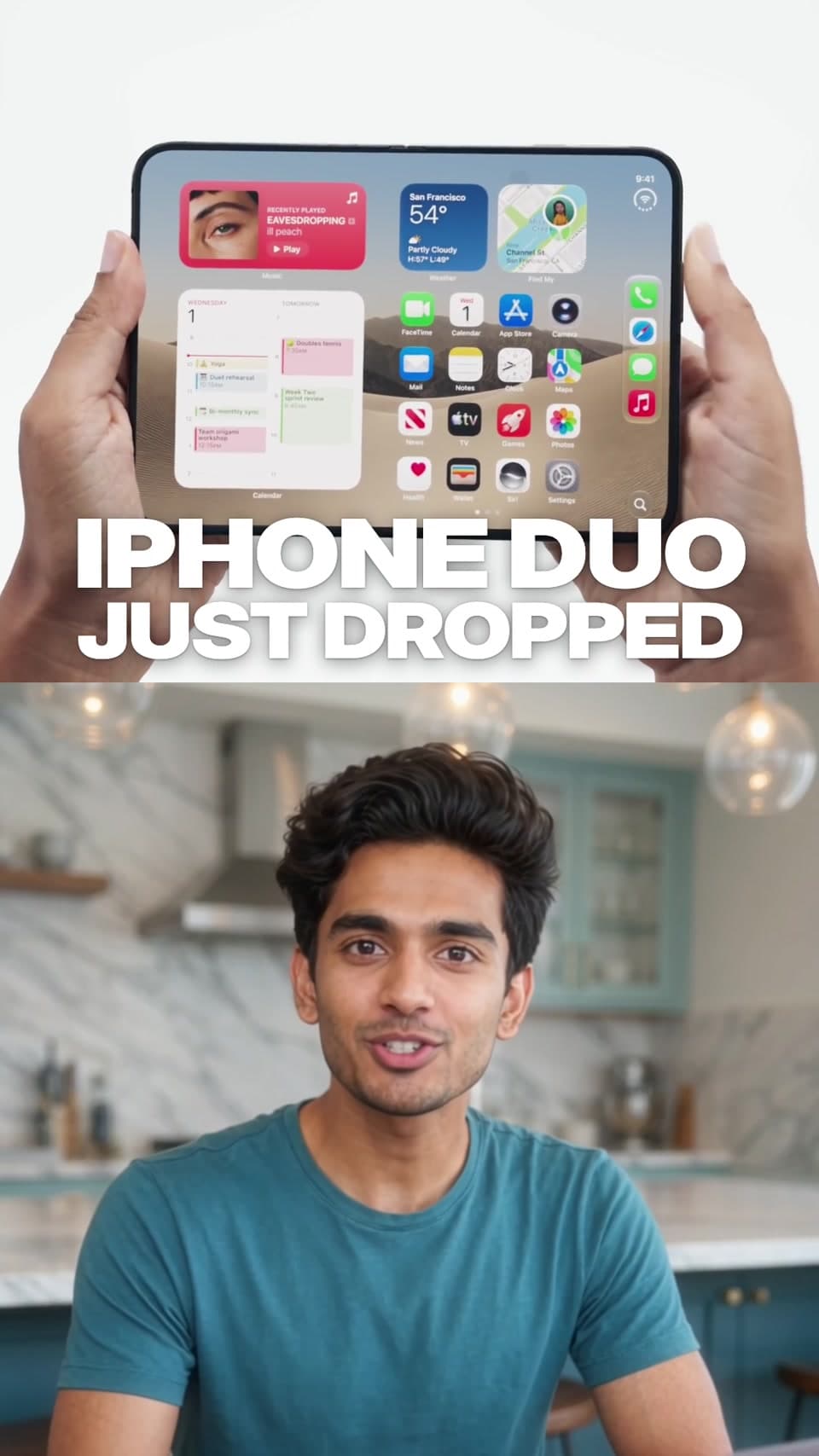
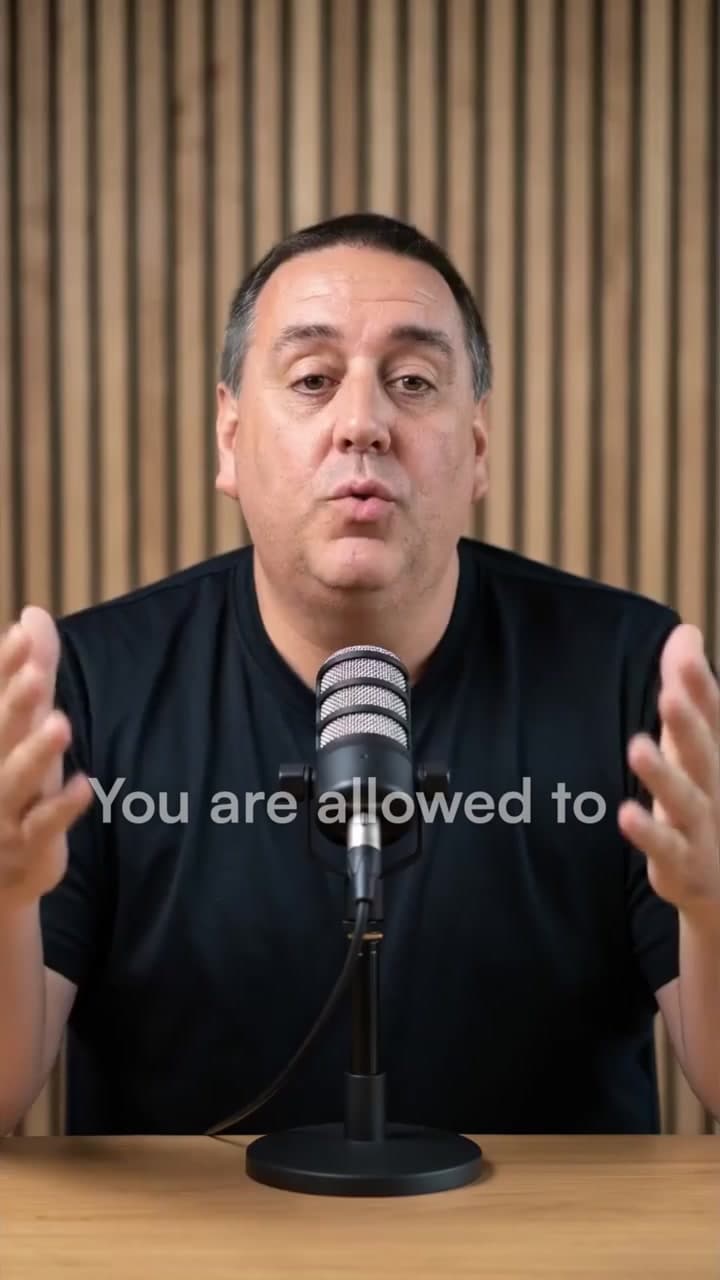
To edit a talking head video, choose one clear message, cut repeated takes and distracting pauses, then add accurate captions and relevant B-roll. Keep the speaker visible when their expression matters. In Cardboard, choose a presenter recipe, add your recording and supporting media, and describe the edit you want before reviewing the timeline.
Step by step
Choose the point before choosing the effects
Listen to the recording and write the one thing the viewer should remember. Open with the line that introduces that idea. For a news reel, confirm the facts; for an ad, choose one benefit and a clear next action.
Prepare your presenter footage and cutaways
Use a recording with clear speech and a visible face. Add screenshots, screen recordings or product footage that illustrate specific sentences. Check the chosen recipe’s input limits; a presenter news reel and a short ad ask for different material.
Tighten the speech without losing its meaning
Ask Cardboard to remove repeated takes and long pauses while preserving useful breaths and emphasis. Review every cut for missing context. A jump cut works between thoughts; a relevant cutaway can cover a cut within an explanation.
Time captions and B-roll to the words
Correct names, numbers and technical terms in the captions. Put the matching example on screen when the speaker mentions it. Leave enough time to read graphics, and keep captions clear of the face and the destination platform’s controls.
Review the result at phone size
Watch once with sound and once muted. Check that the opening makes sense, captions stay readable, music does not mask speech and the final action is clear. Review the framing for your intended platform before exporting.
A prompt to start with
Replace the bracketed details with your own.
Edit this presenter recording into one clear short about [topic]. Open with [hook], remove repeated takes and long pauses, preserve the meaning, correct the spelling of [names], and use my B-roll only where it illustrates the spoken point. Keep captions away from the face. End with [call to action].
Common questions
How do I make a talking head video more engaging?
Start with a specific promise or question, remove repetition, and show examples when they help explain the point. Use changes in framing and B-roll to support the story. Constant cuts and animated words can make an explanation harder to follow.
Which talking head recipe should I use?
Use Tech News Reel for product news, Presenter Tips Explainer for a practical tutorial, and Talking-head Meta Ad for a presenter ad built around one benefit. Watch each example and compare the required footage before starting.
Can I edit a talking head video with AI?
Yes. Cardboard combines natural-language editing with an editable timeline. Supply your footage, choose an available recipe and describe your changes. Review speech cuts, factual claims, caption spelling and framing before publishing.
Recipes differ in input requirements and availability on web and Mac. Check the recipe page before starting. See current plans and credits.