Make your first video
Make your first video in Cardboard: choose a Recipe or prepare your clips, write a prompt, refine the first cut and export the finished video.
Start with a recipe
Making your first video can be overwhelming sometimes, so the easiest way to create on Cardboard is with Recipes: a set of curated templates we've put together to get you to a great video as fast as possible. Simply pick one you like and make it yours.
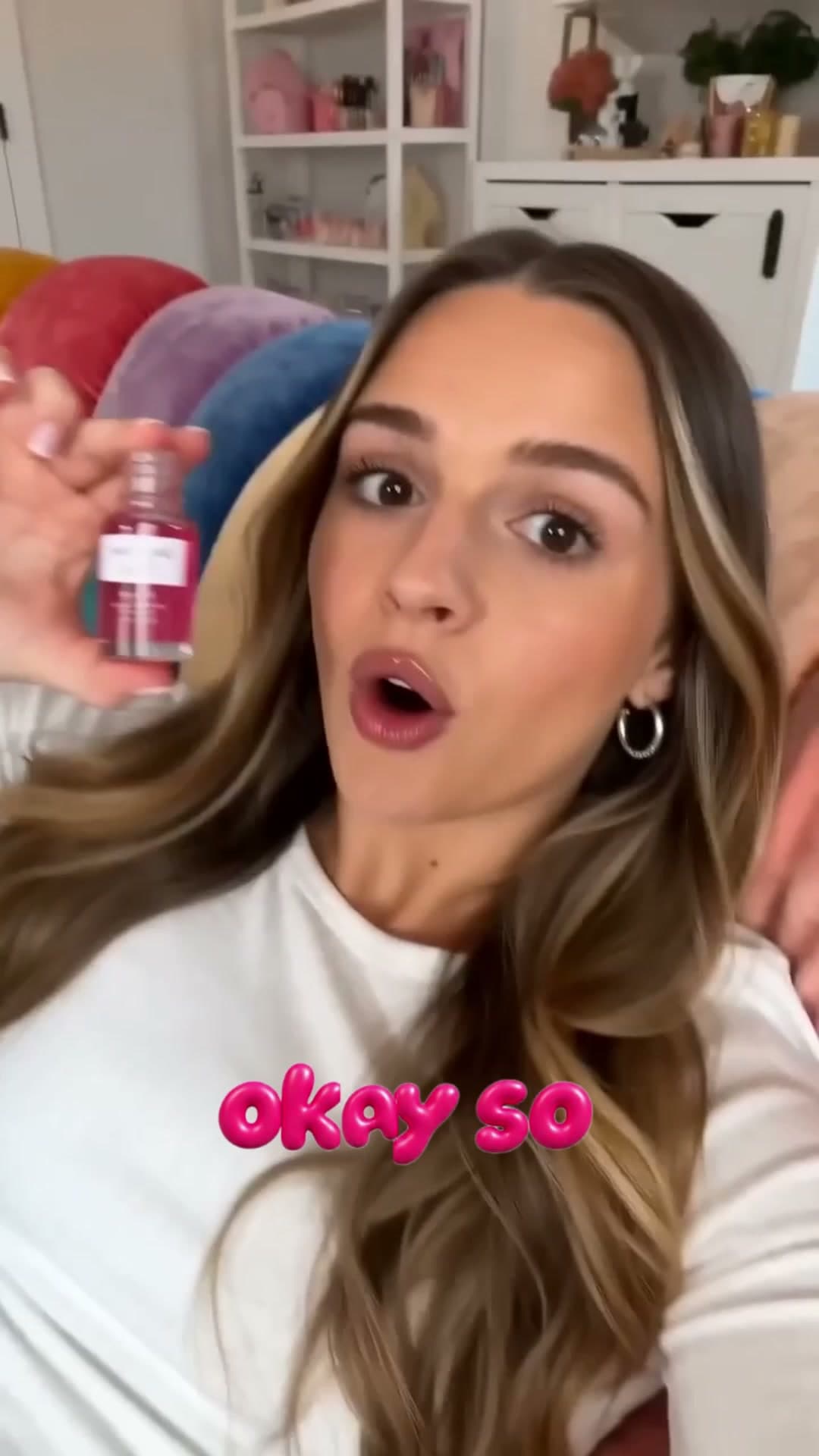 UGCBubble Text UGC
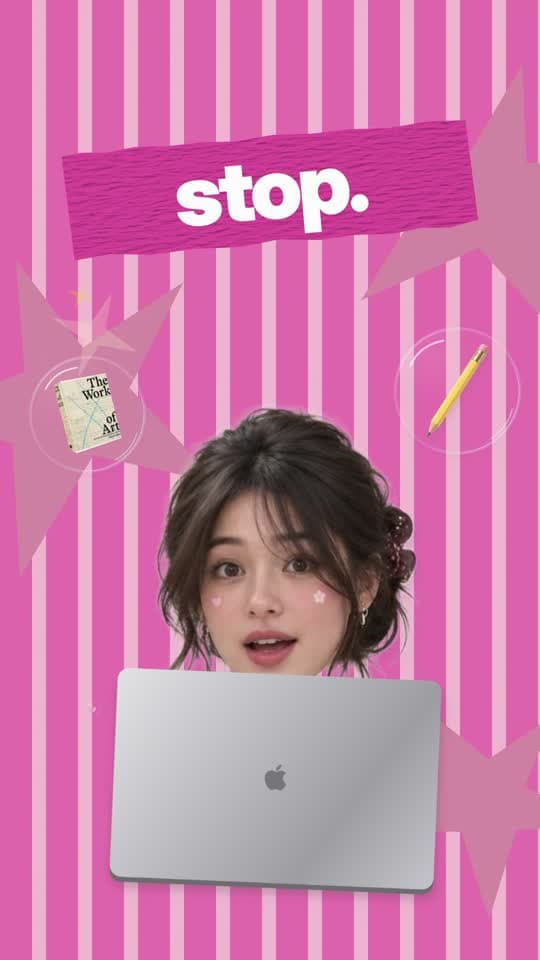 UGCCrafter
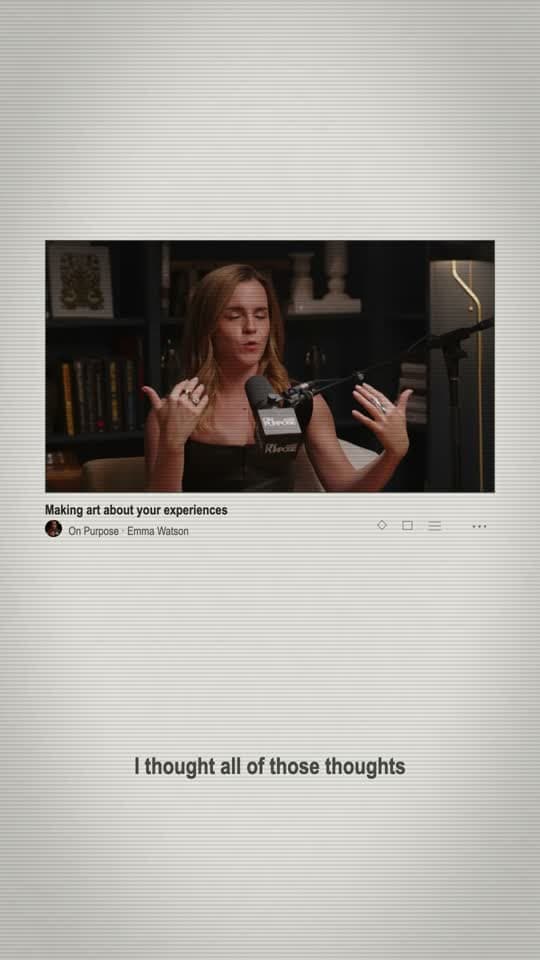 ClippingEditorial Interview
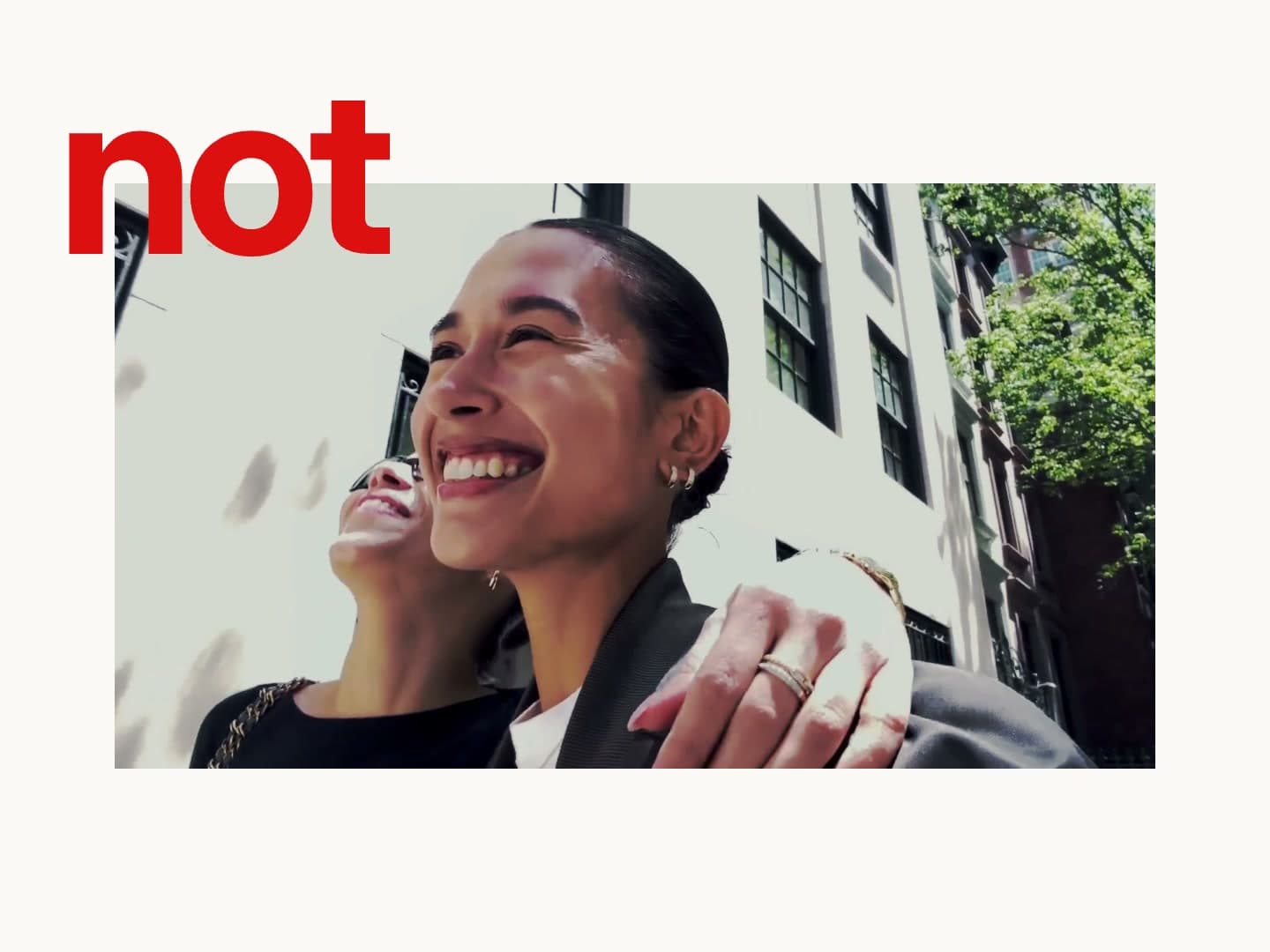 VlogEditorial Vlog
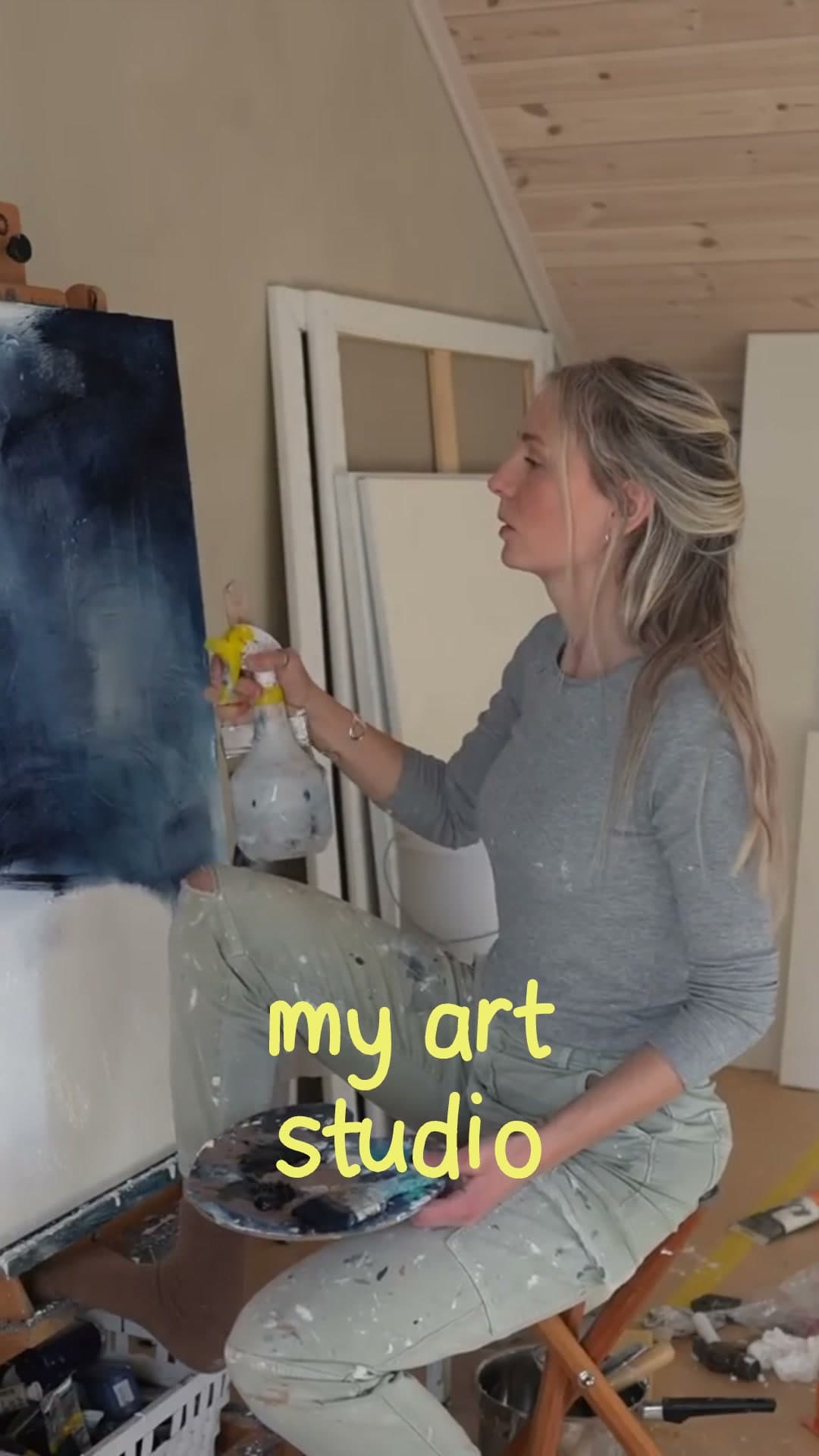 EffectHandwritten Captions
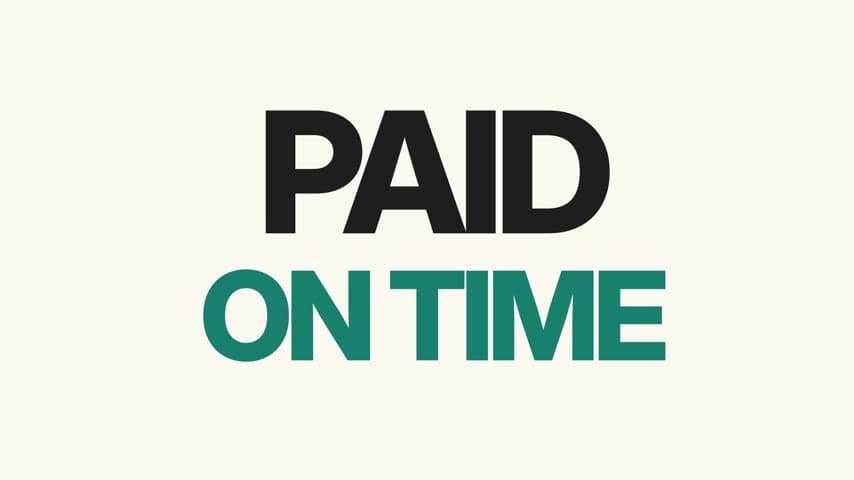 Launch videoBrand Launch Film
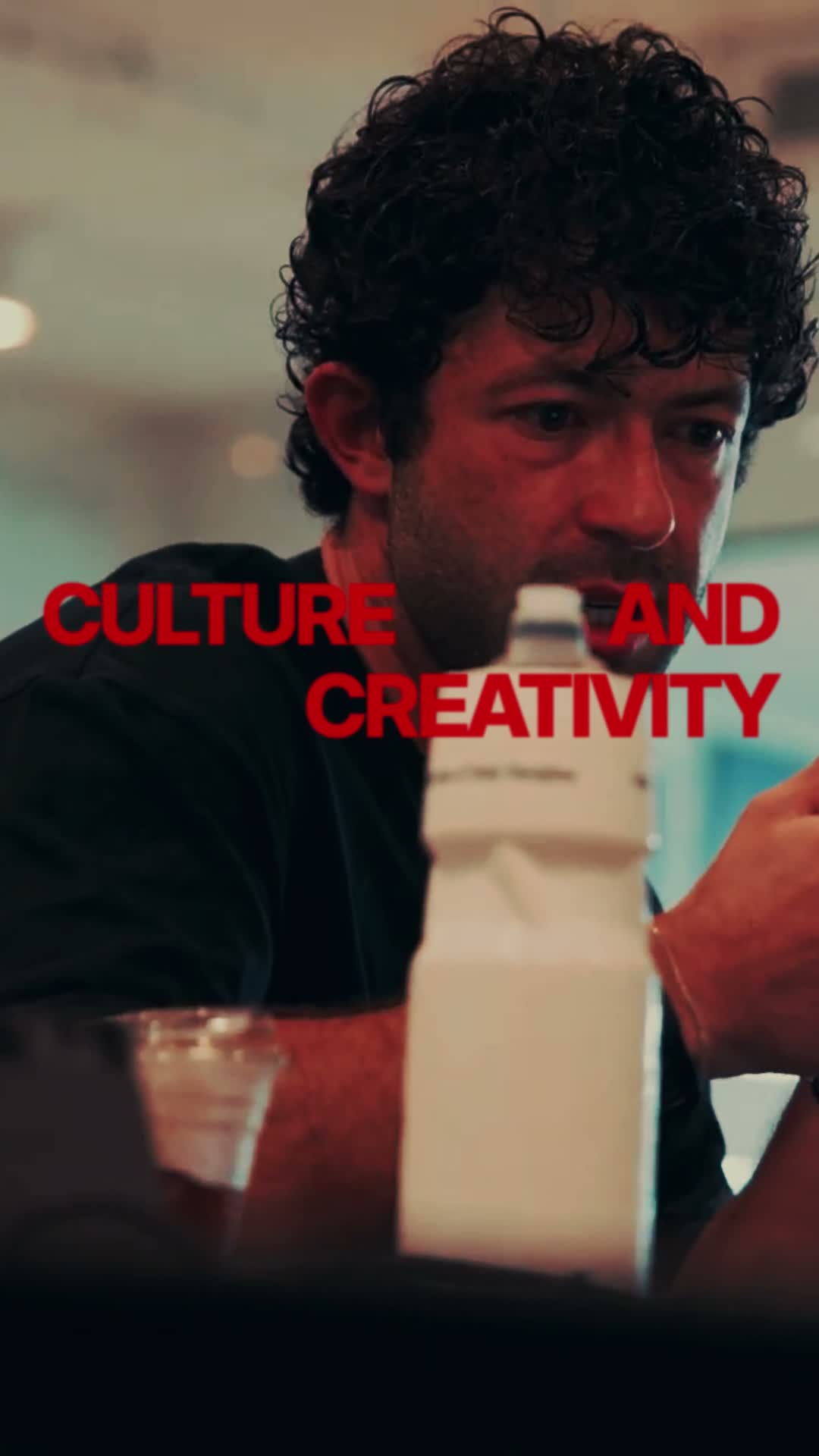 VlogRedline Vlog
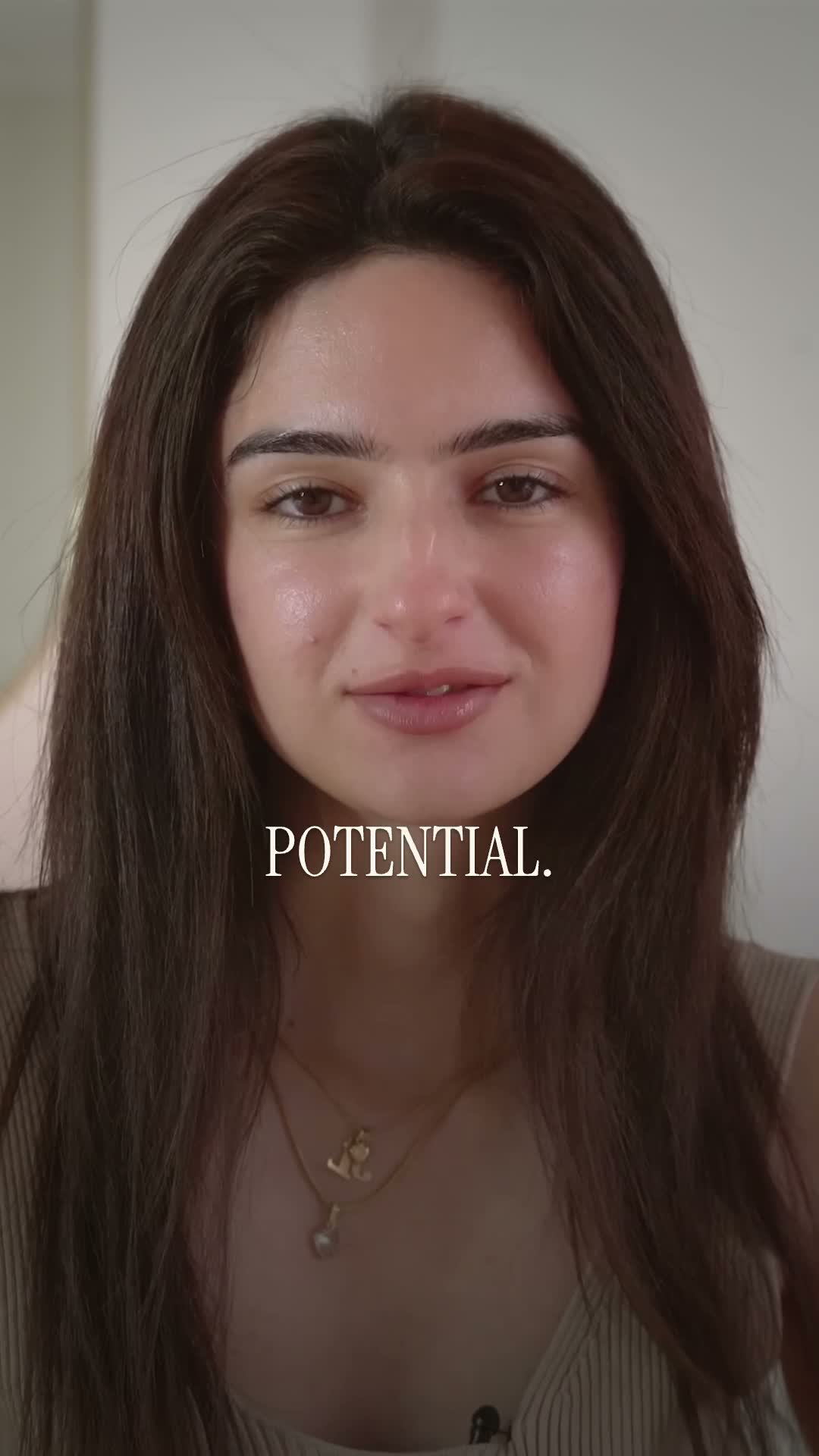 EffectSerif Captions
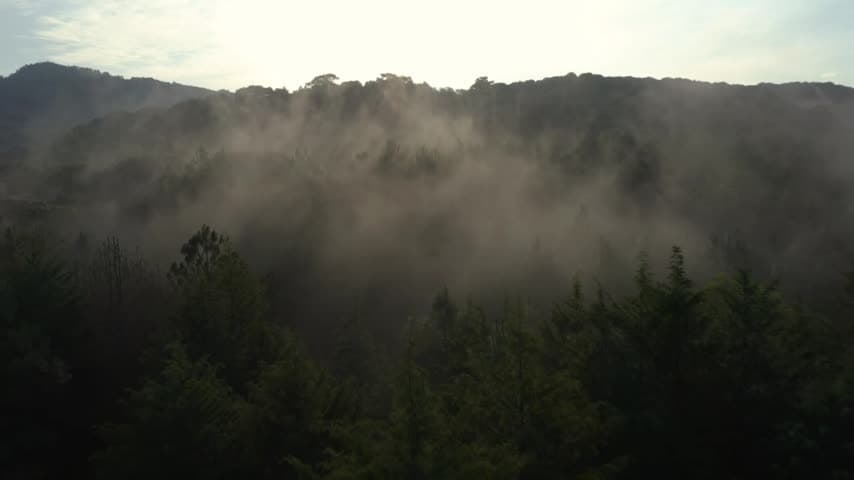 EffectMovie Title Reveal
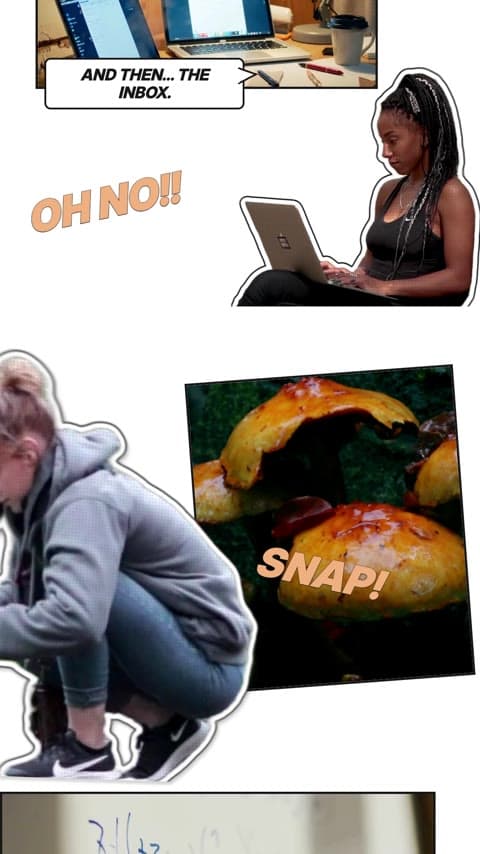 VlogComic Day in My Life
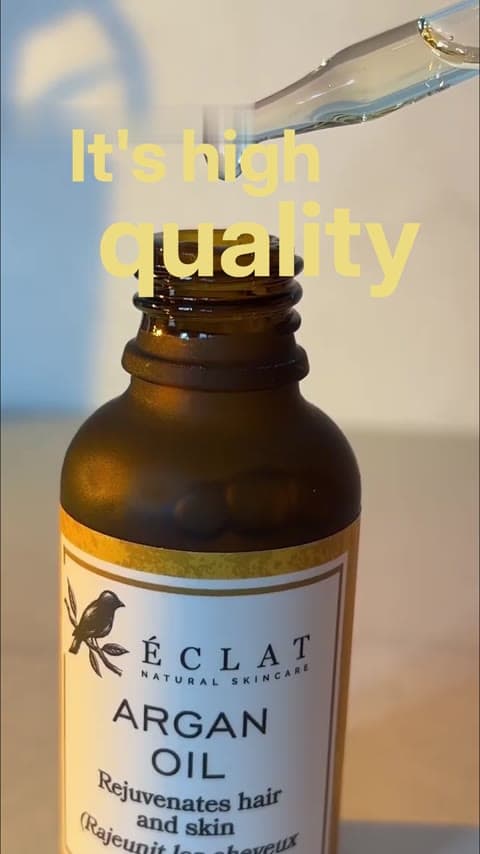 UGCSimple UGC
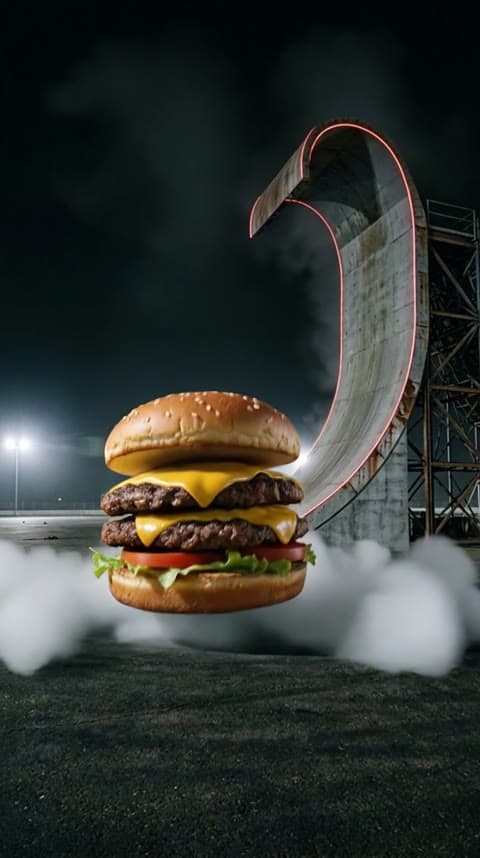 Viral trendsRamp Launch
 Viral trendsHow I Met Your Mother Intro
 Launch videoFounder Launch Film
 Travel montageTravel Collage
 EffectShades
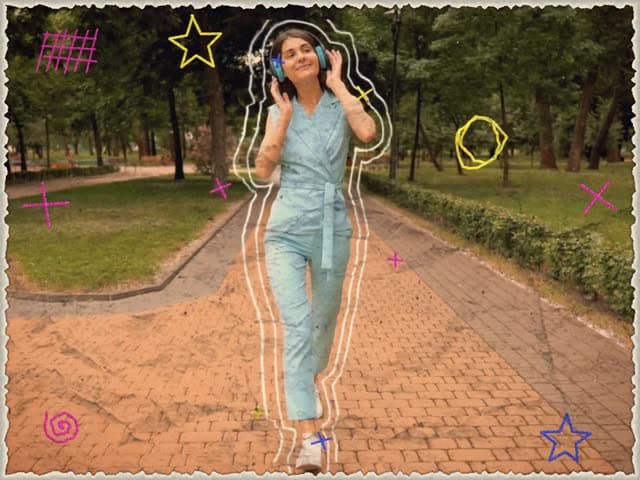 EffectCrayon Scrapbook
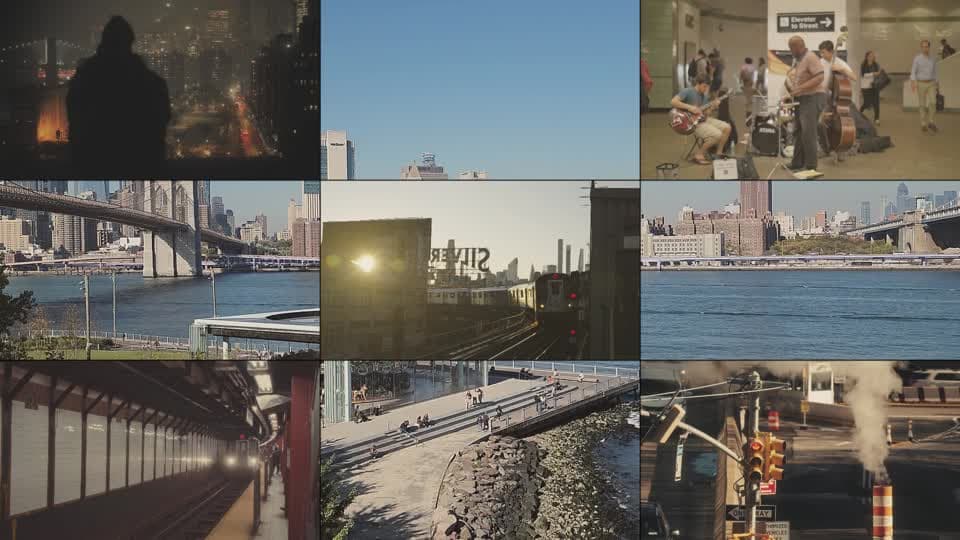 Travel montageTravel Montage
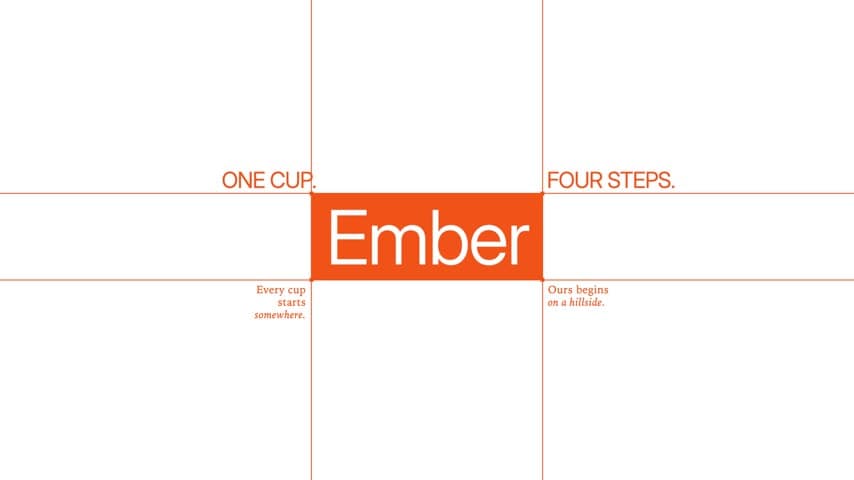 Product showcaseBranding Intro
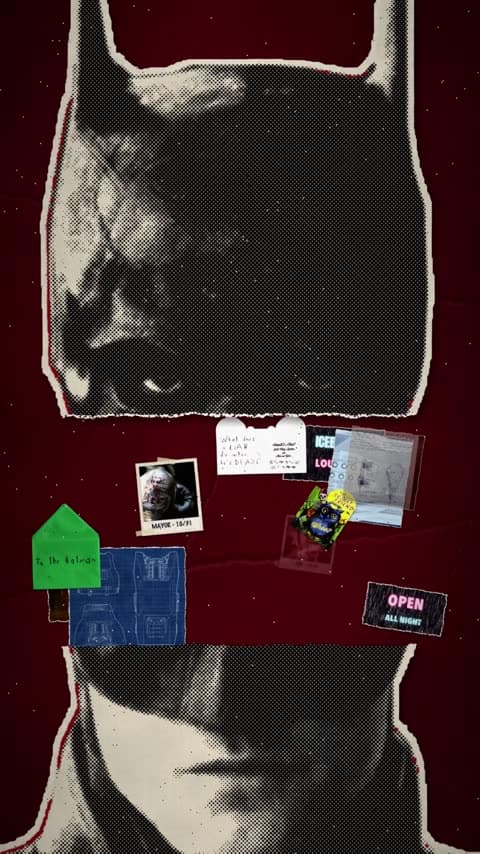 EffectInside My Head
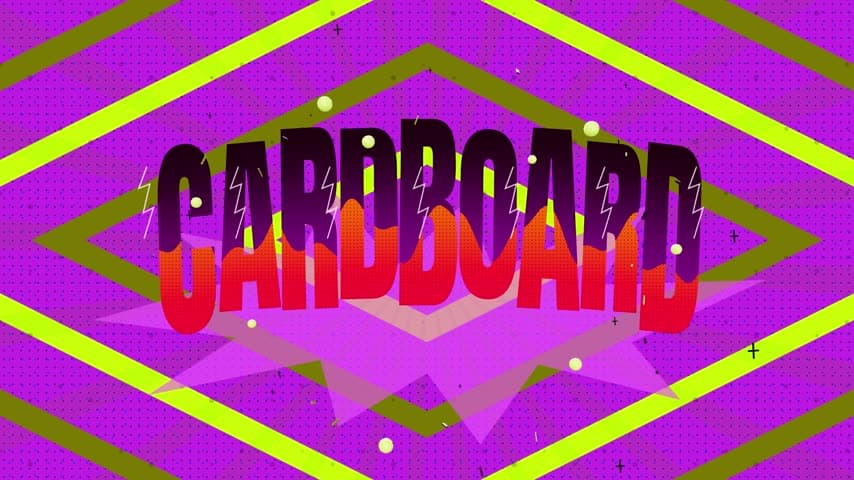 Effect3D Kinetic Title
 EffectSubject Isolation
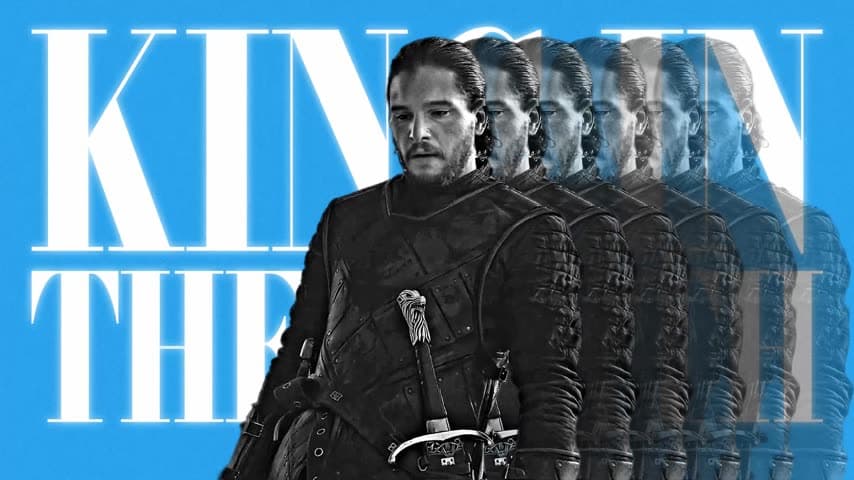 Viral trendsCharacter Edit
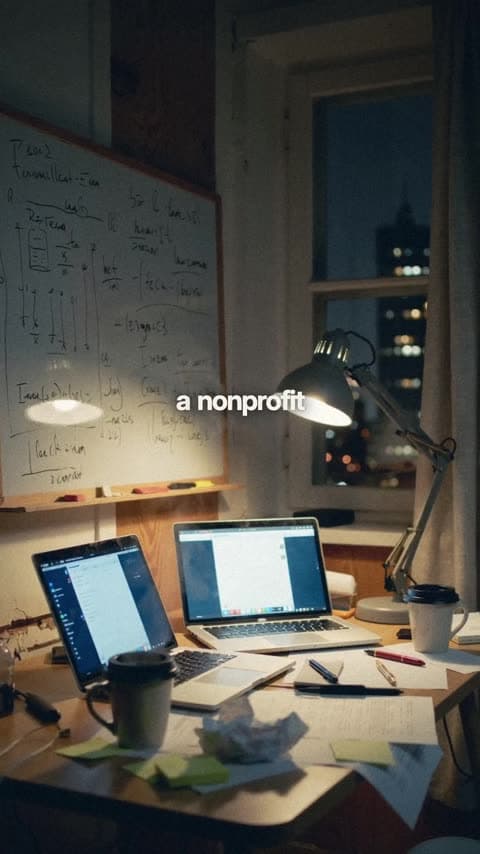 Launch videoFounder Doc Reel
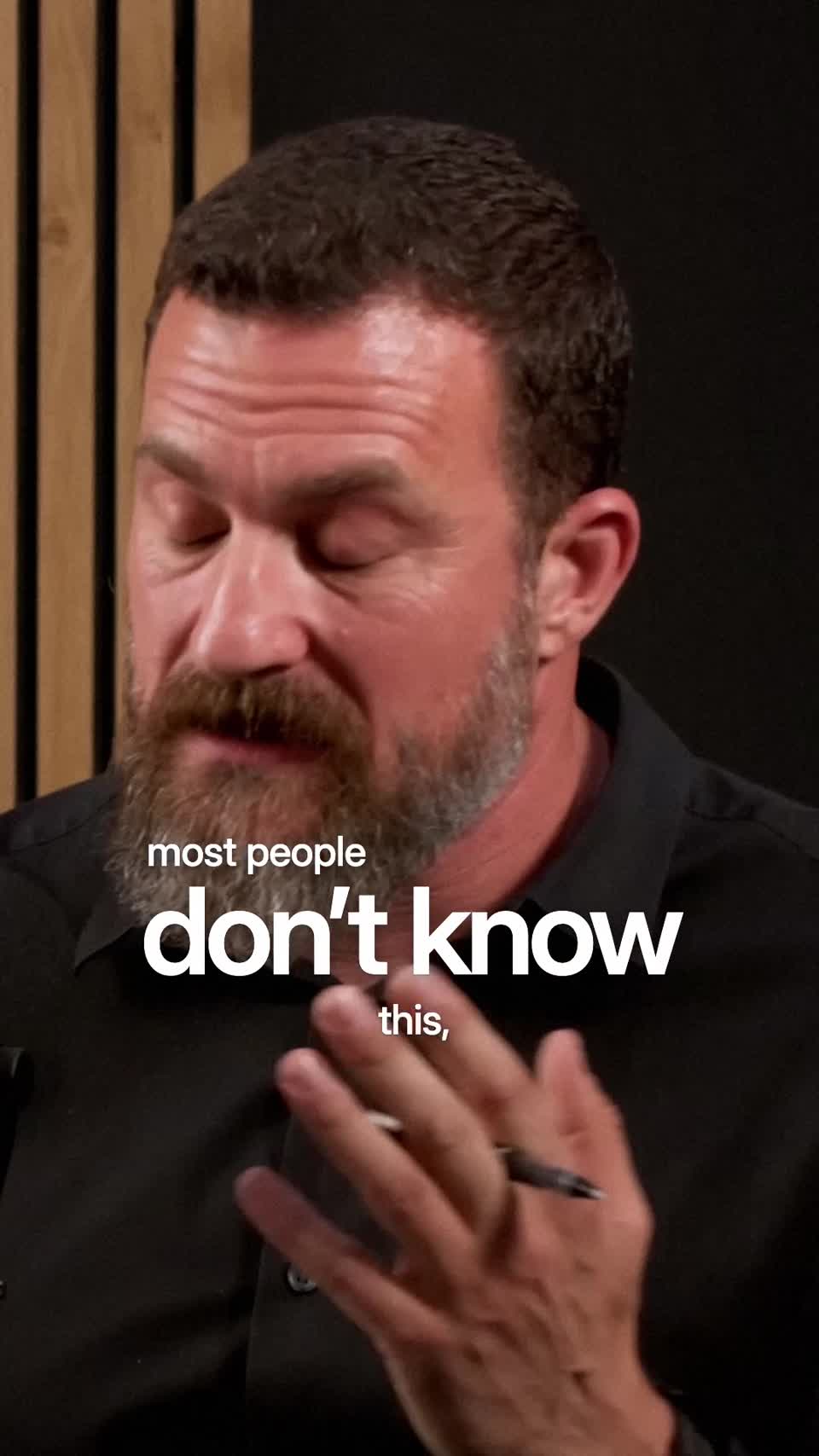 ClippingPodcast Highlight
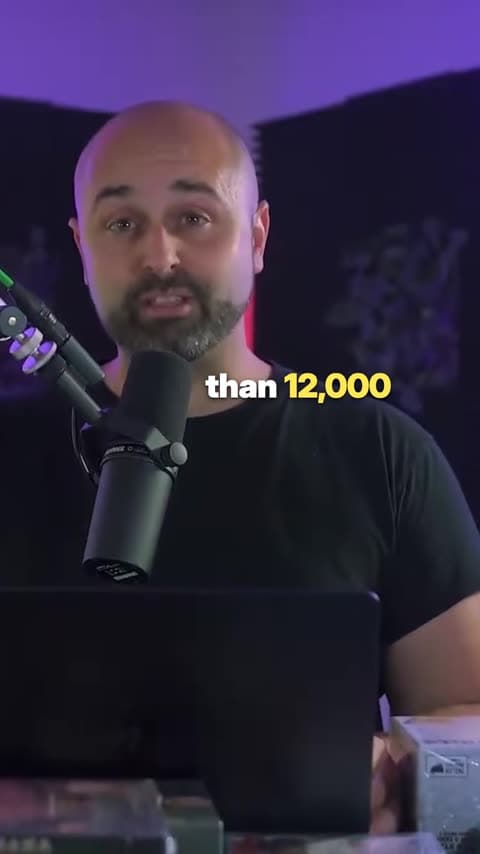 UGCTracked Captions
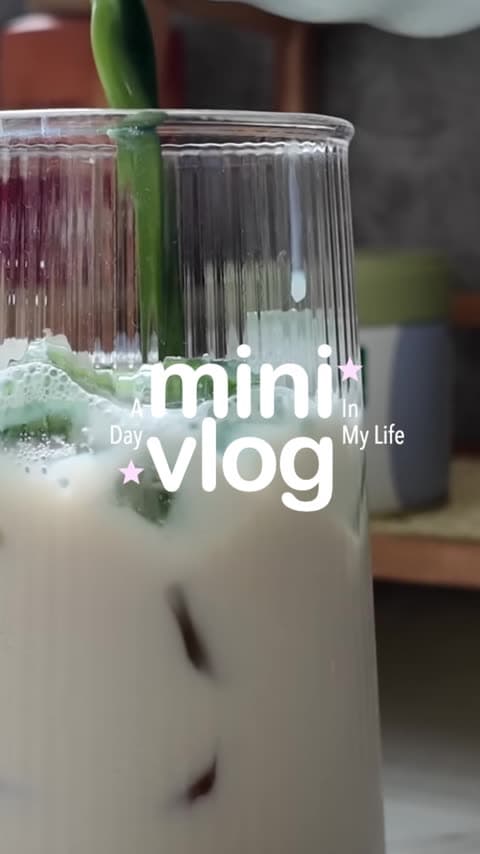 VlogMini Vlog
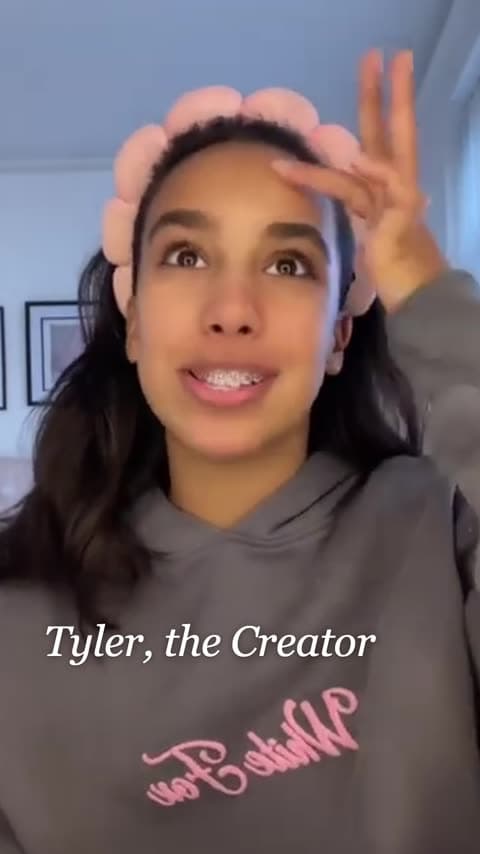 UGCHead-Locked Captions
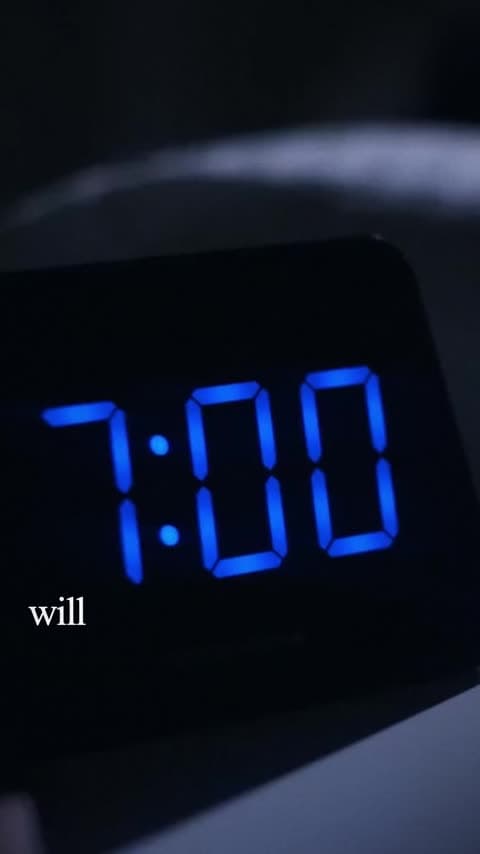 ClippingCut-out Podcast Clip
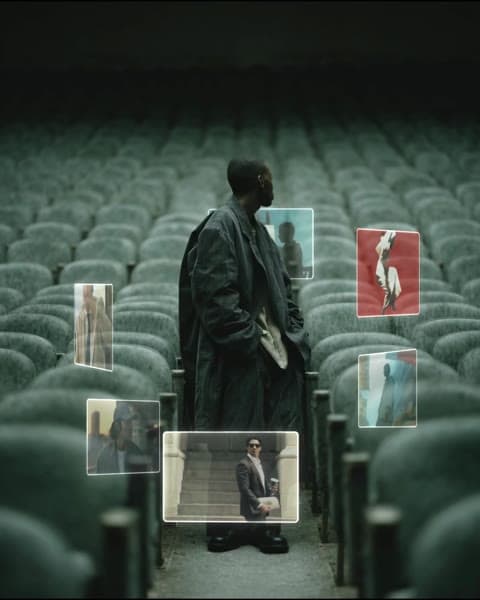 EffectOrbital Screens
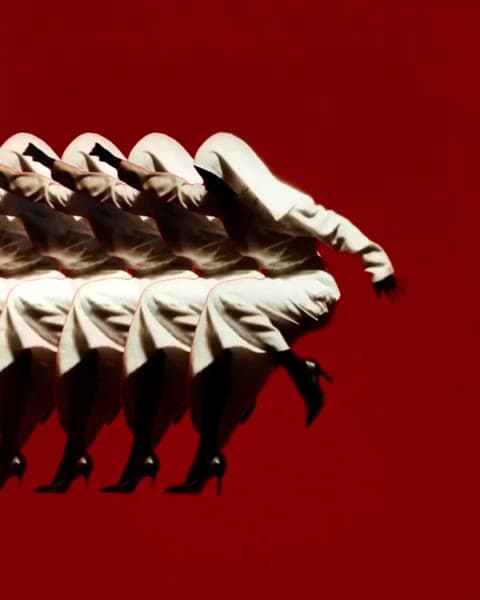 EffectContinuous Mask
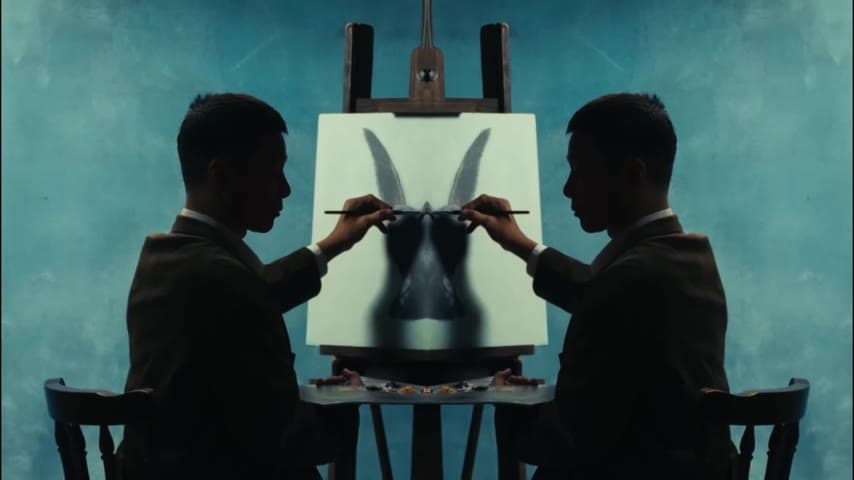 EffectMatch Split
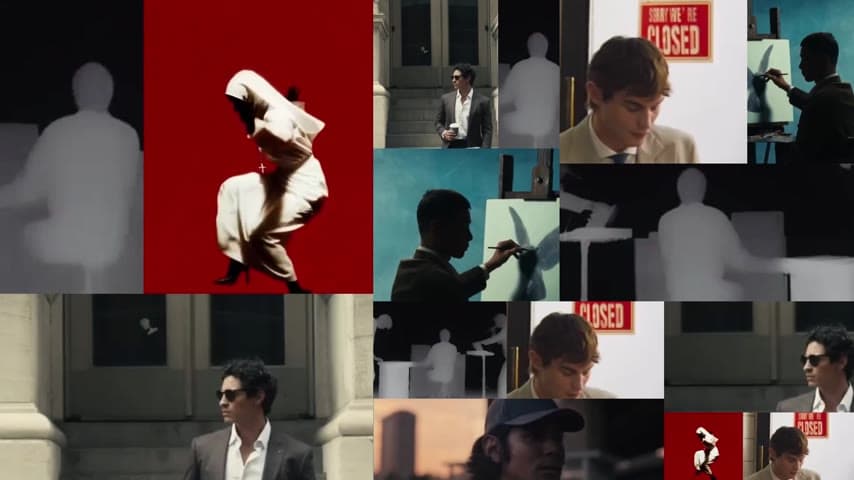 EffectFrame Division
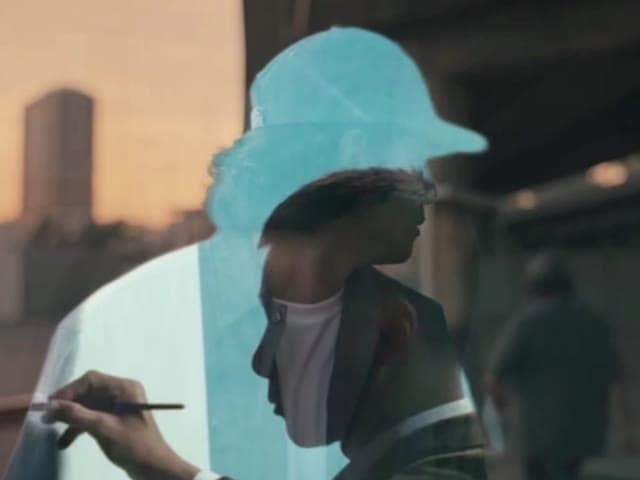 EffectDouble Exposure
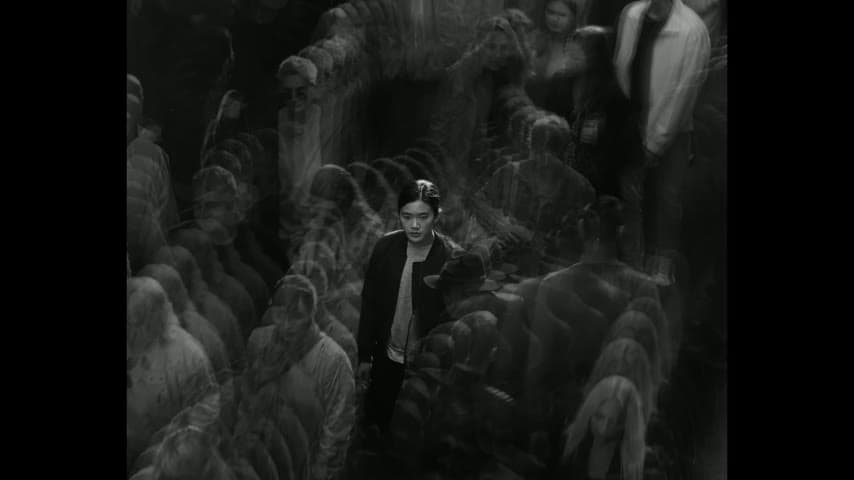 EffectEcho Print
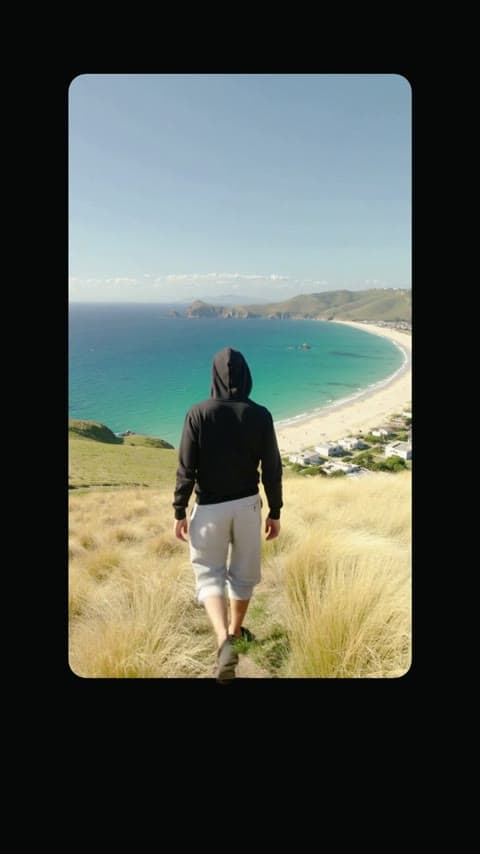 EffectCard Breakout
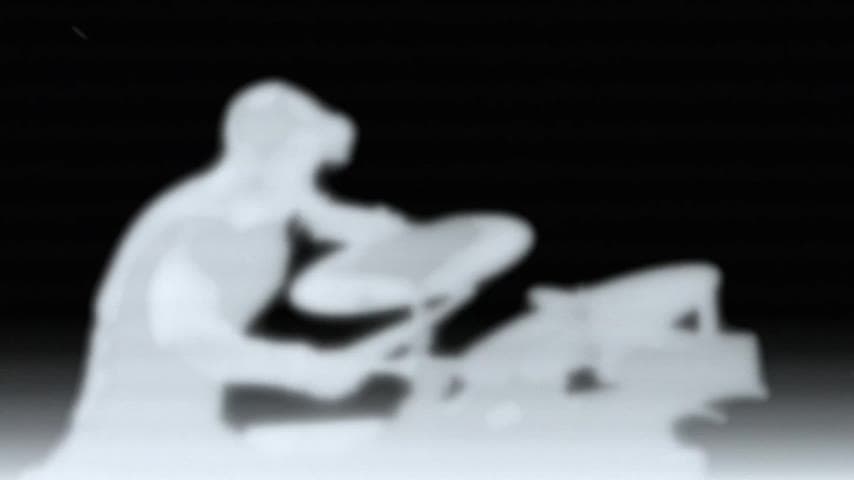 EffectThermal Vision
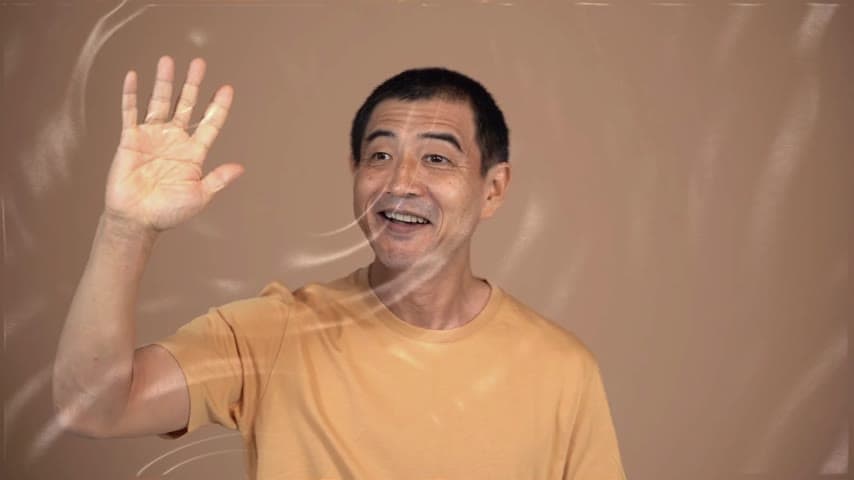 EffectWater Ripple
 Launch videoRetro Browser Launch
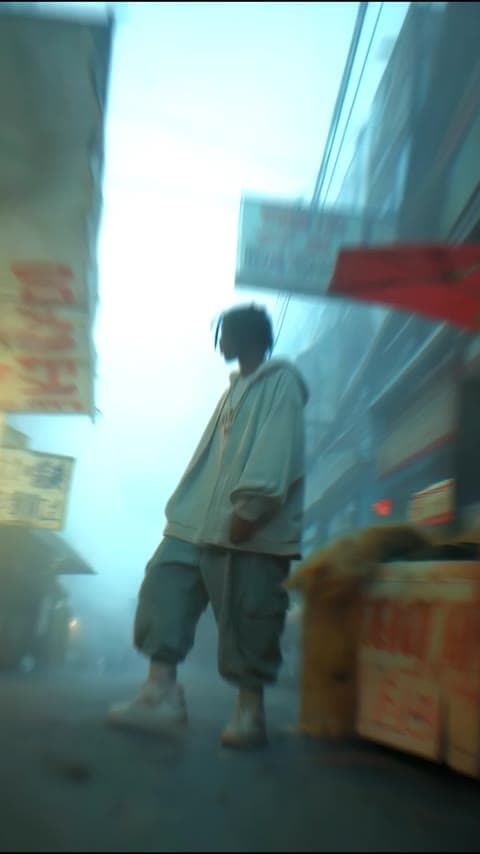 EffectInvisible Man
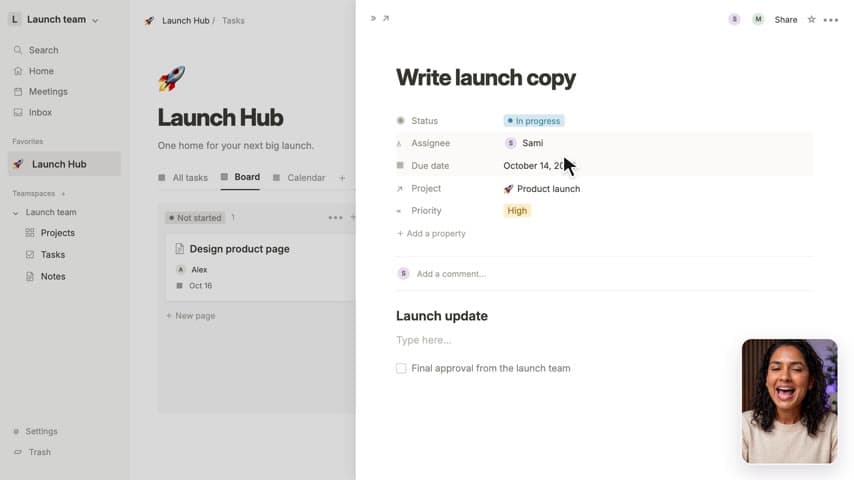 Product showcaseScreen Product Demo
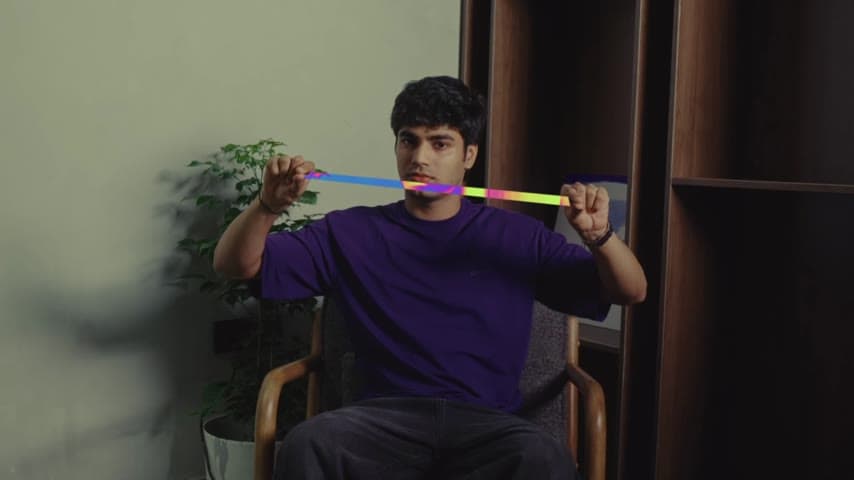 EffectKeyframed Portal
 VlogClock Vlog
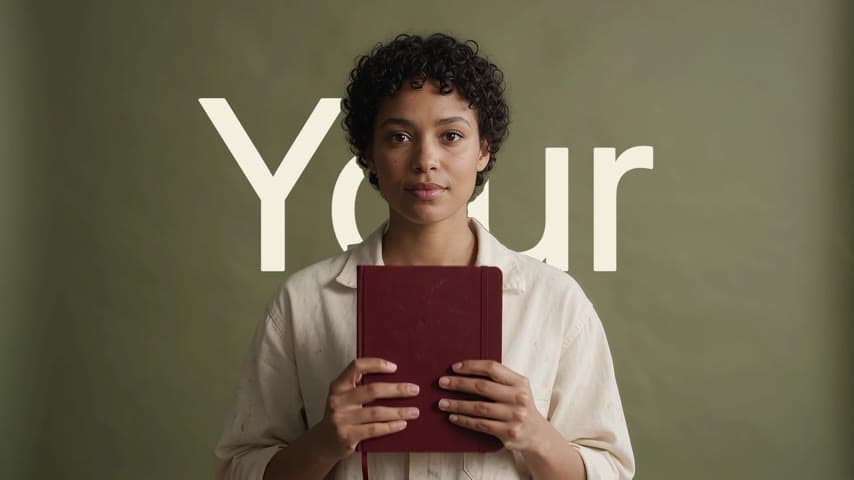 Launch videoArtsy Manifesto
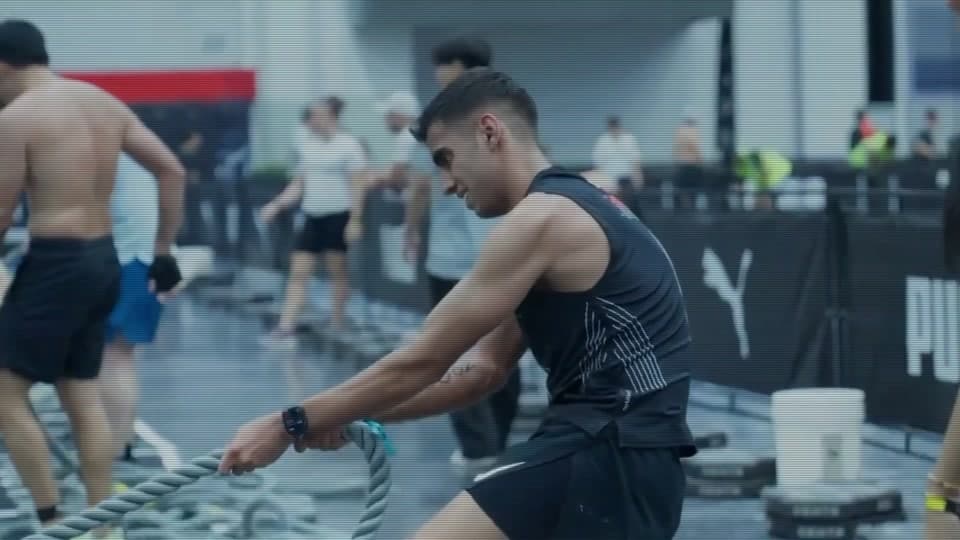 AftermovieEvent Aftermovie
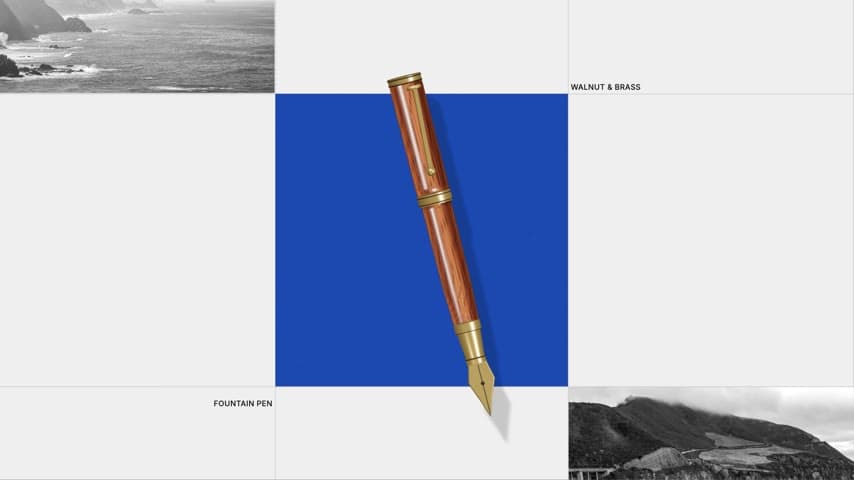 Travel montageEditorial City Title
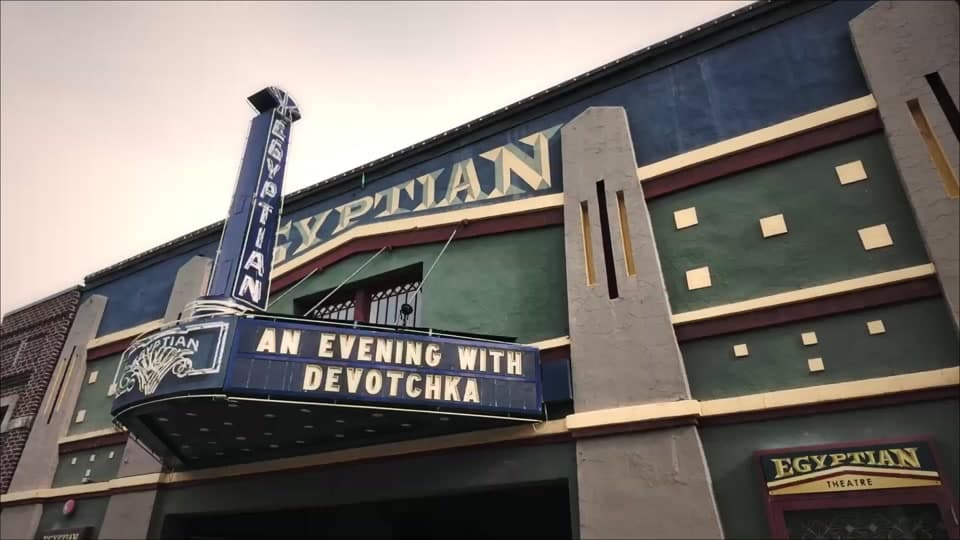 AftermovieSundance Event Recap
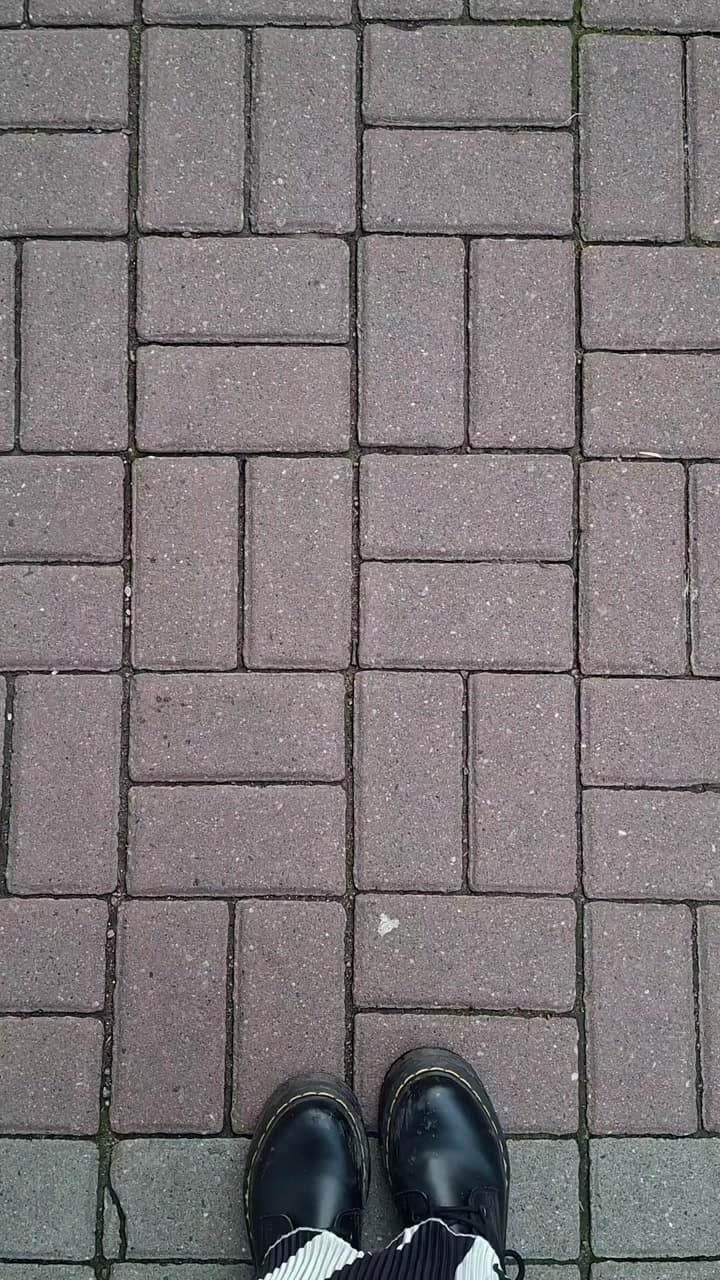 Viral trendsFootpath Gallery
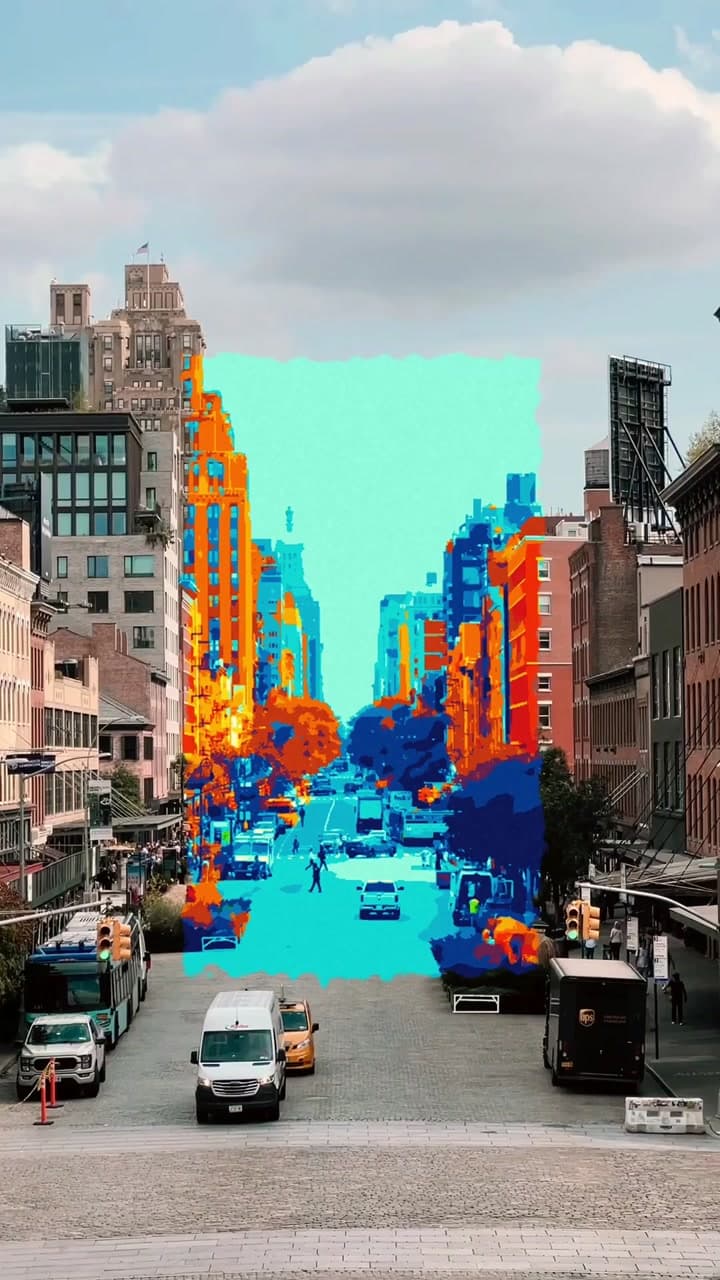 Viral trendsMoving Painting
 Viral trendsPhoto Collage Build
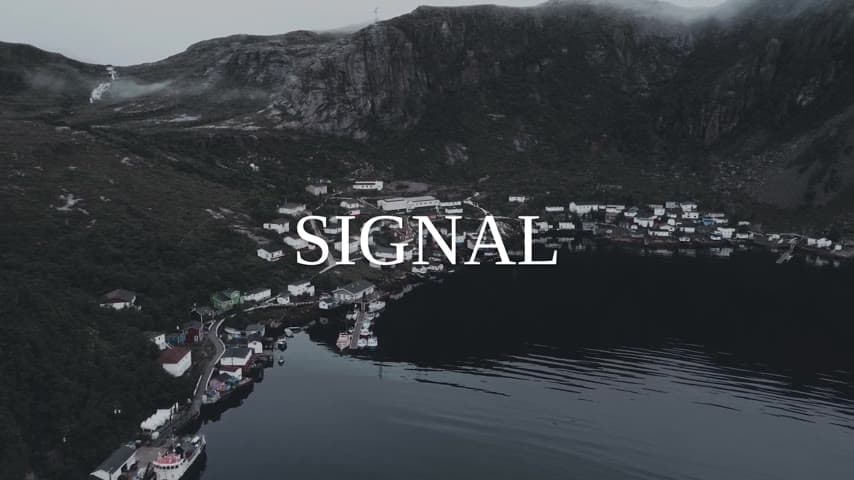 Travel montageTravel Diary
 Travel montageTravel Vlog
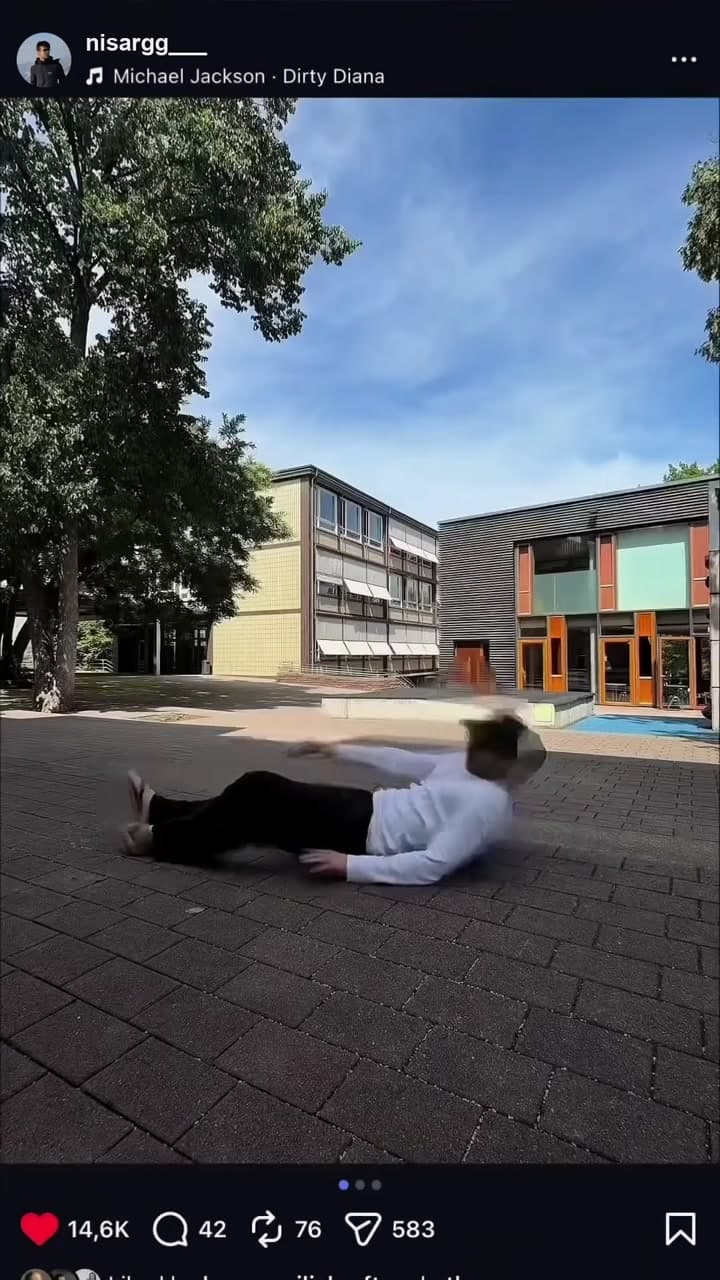 Viral trendsFalling Through the Feed
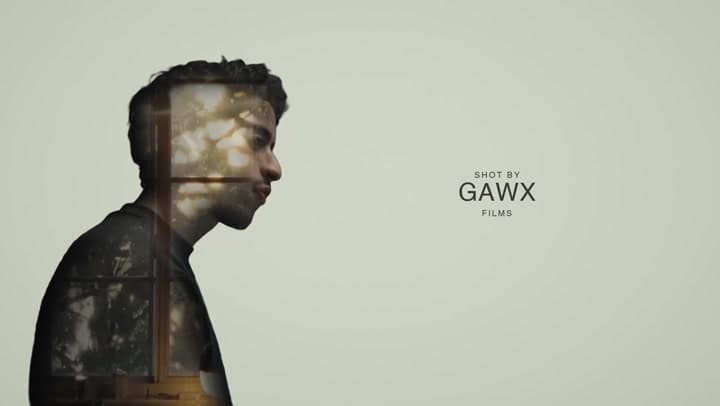 Viral trendsDouble Exposure Credits
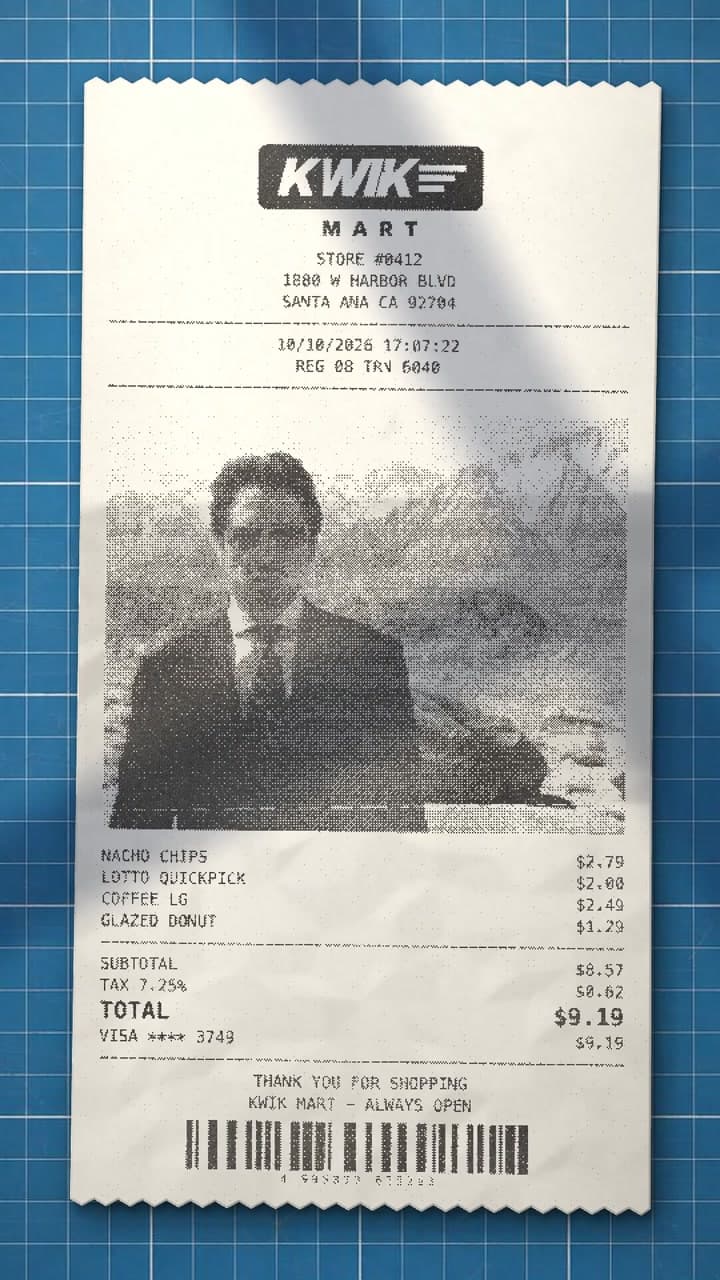 Viral trendsReceipt Stop-Motion
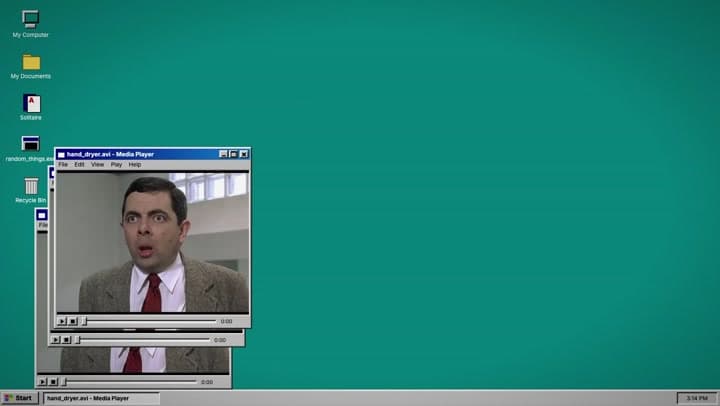 EffectWindow Trail Glitch
 EffectWindow Reveal
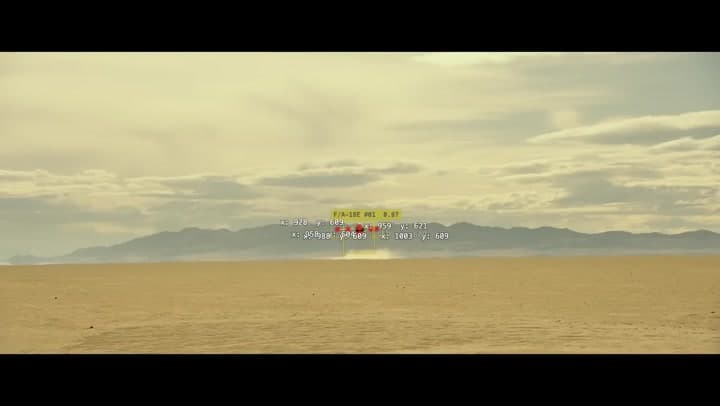 EffectBlob Tracking
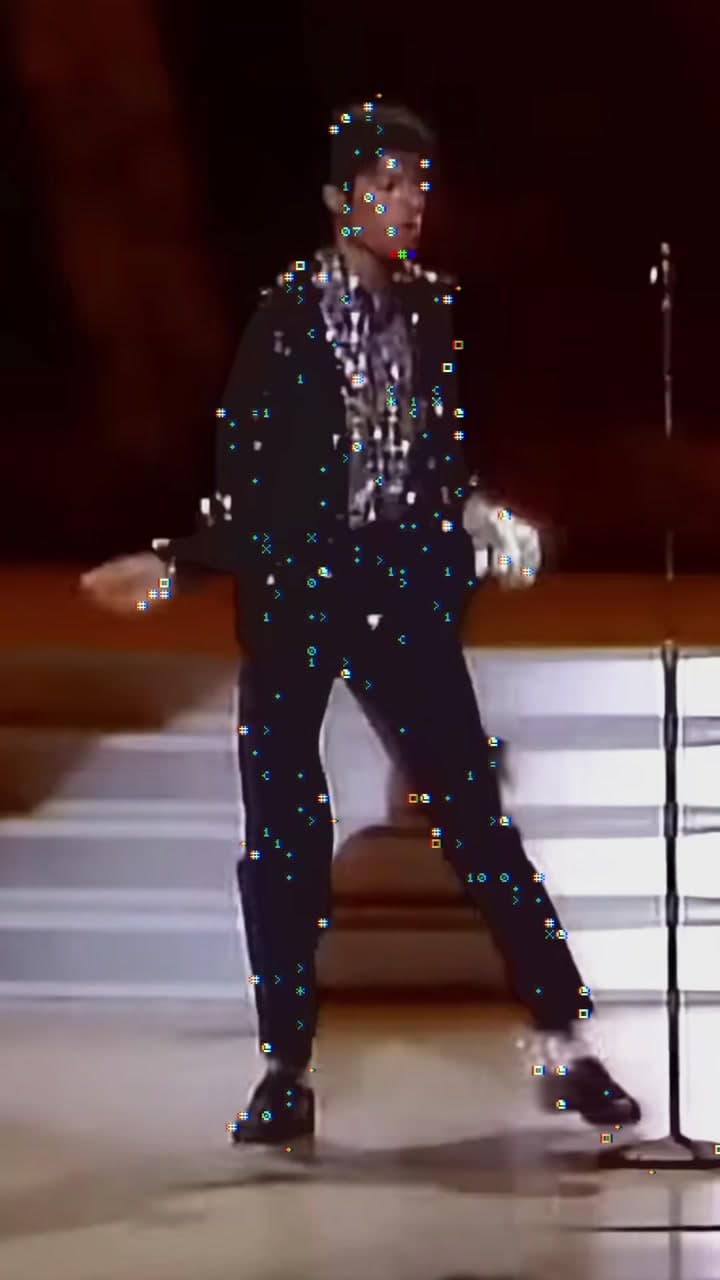 EffectASCII Glow
 EffectSketch Effect
 Viral trendsMatch-Cut SFX Edit
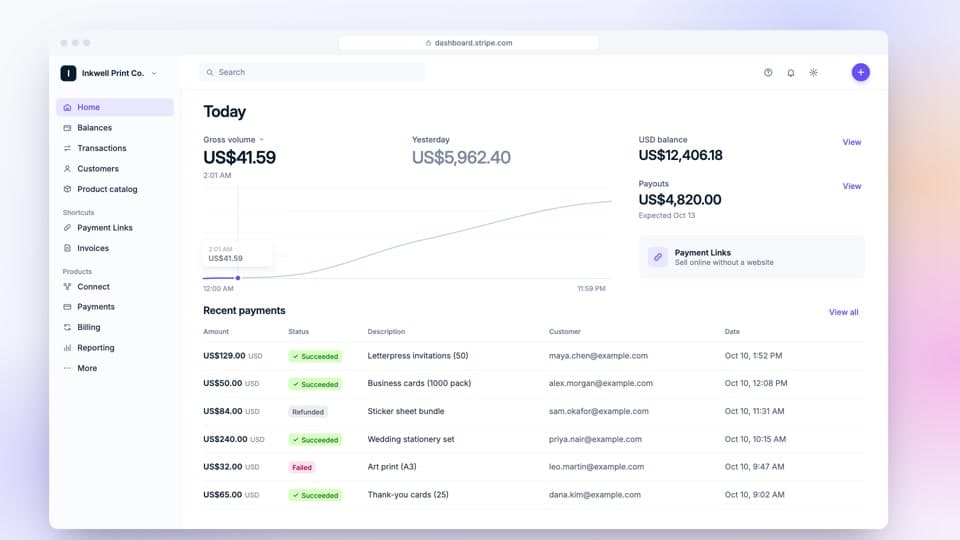 Product showcaseWeb App Walkthrough
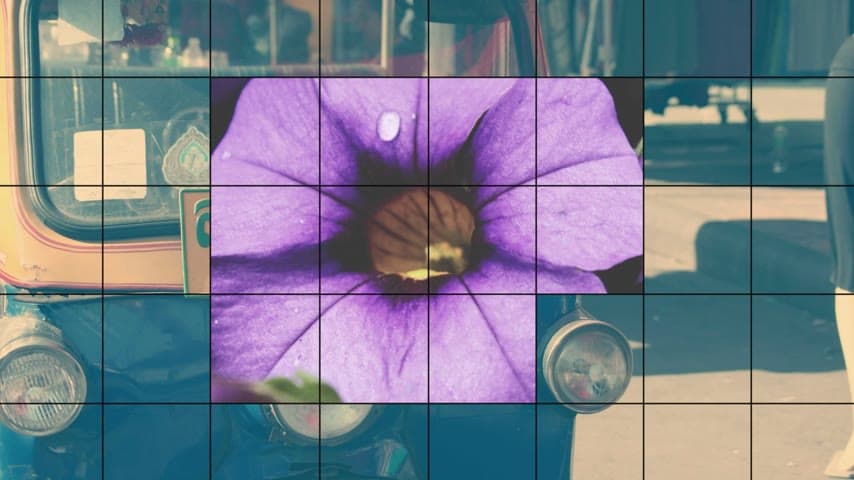 EffectPhoto Grid Reveal
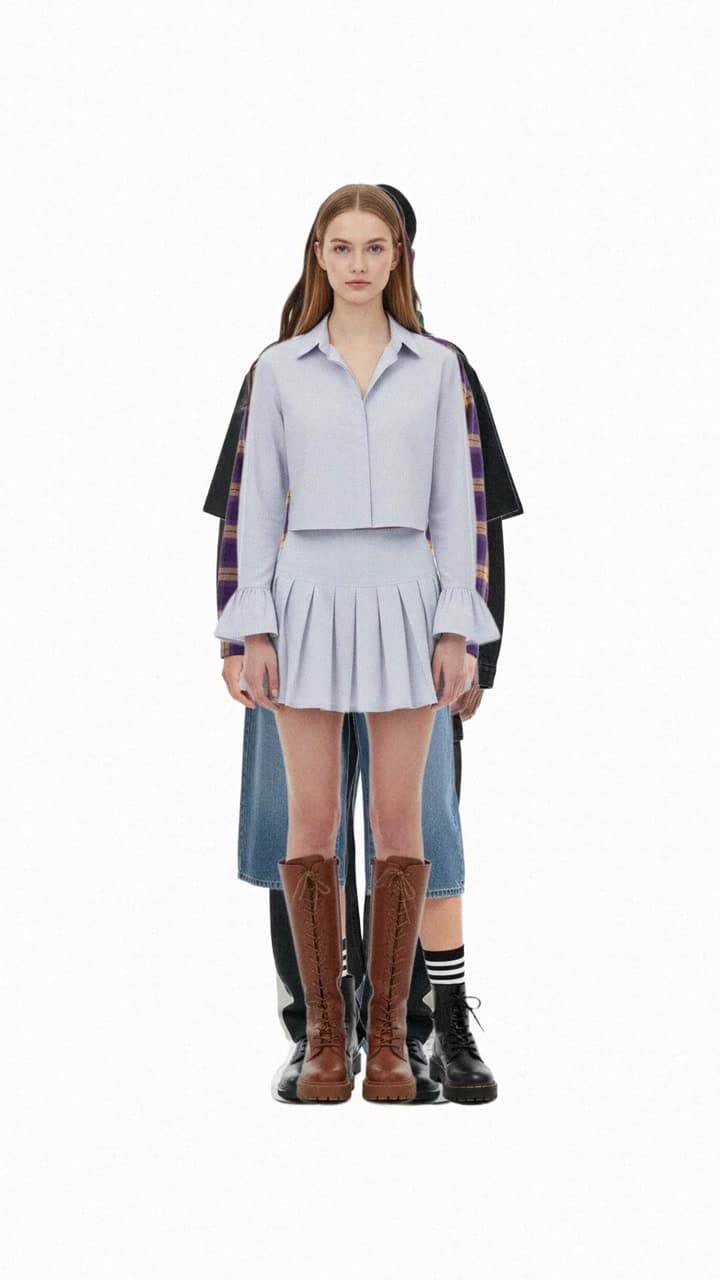 Viral trendsFit Check Shuffle
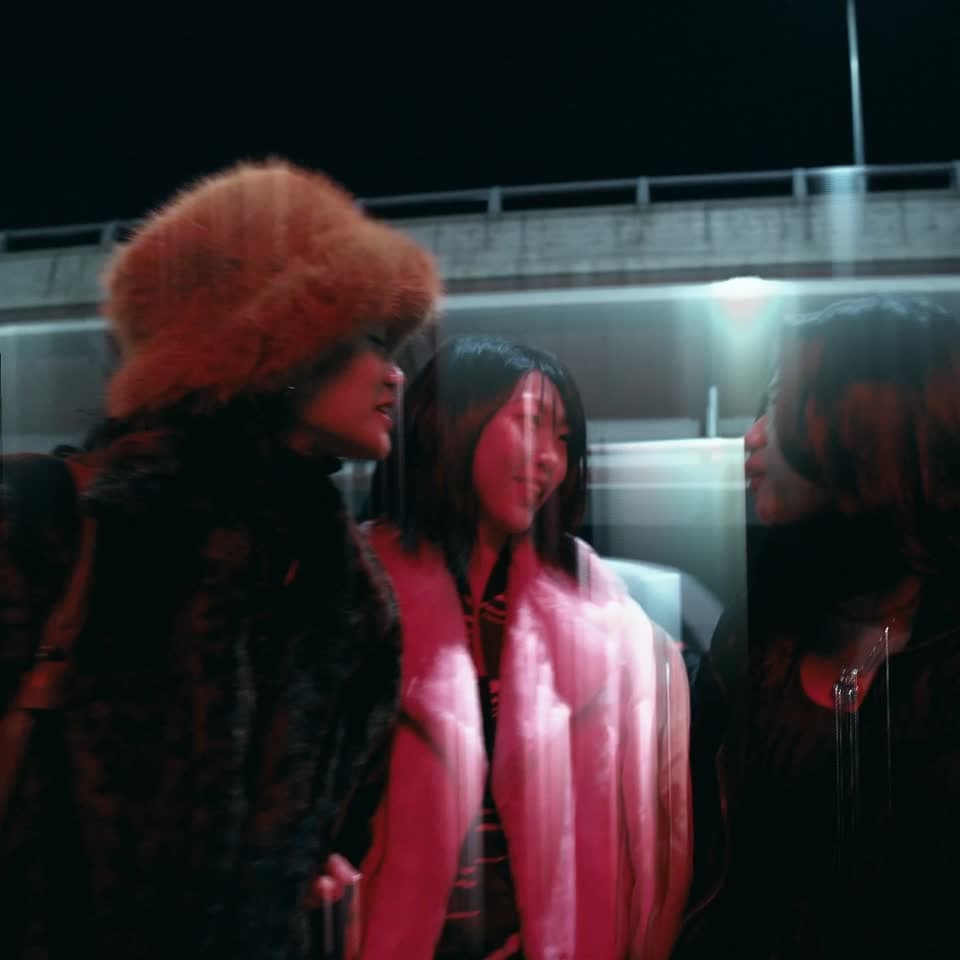 Viral trendsLight Trails
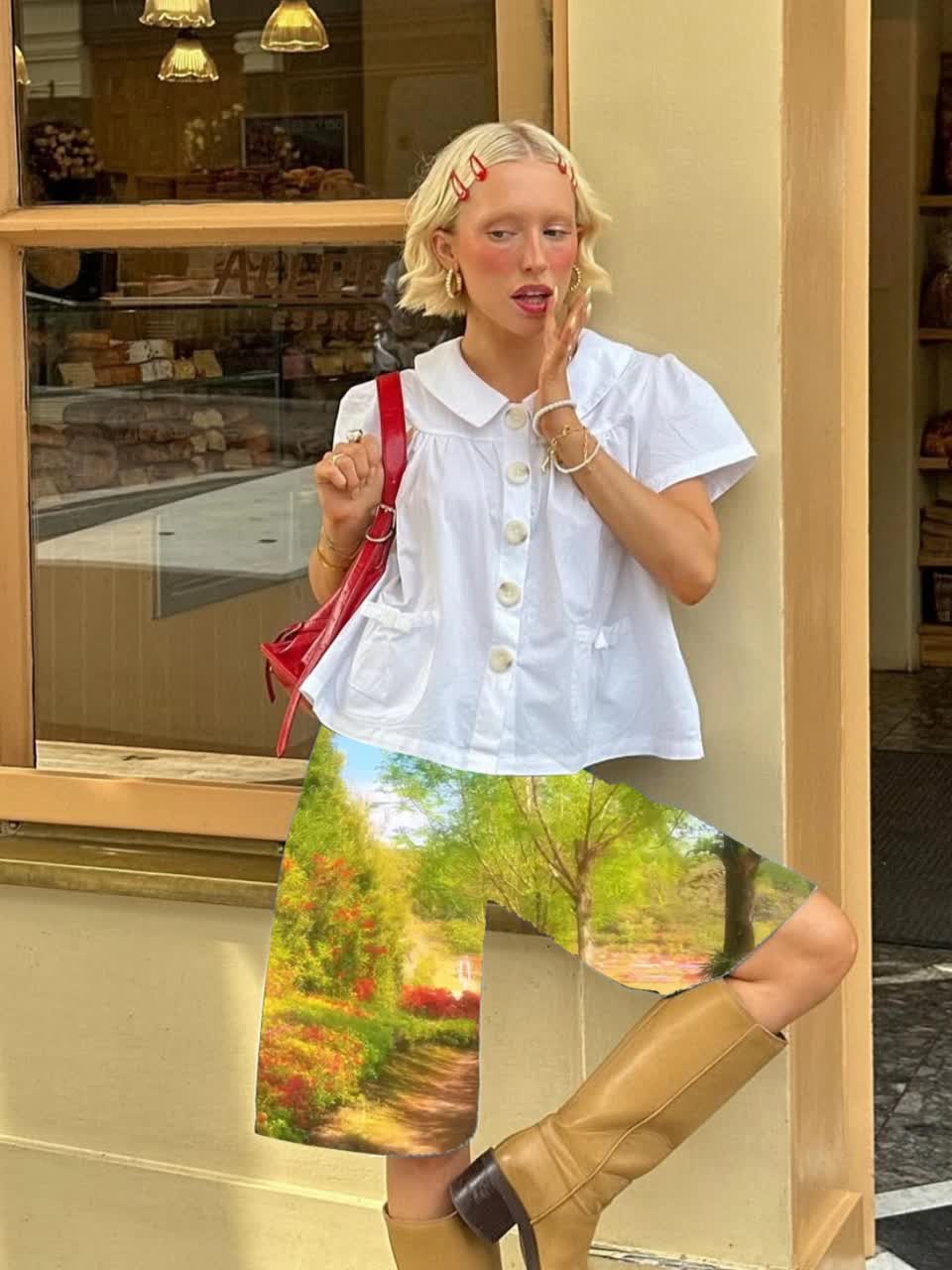 Viral trendsTexture Outfit
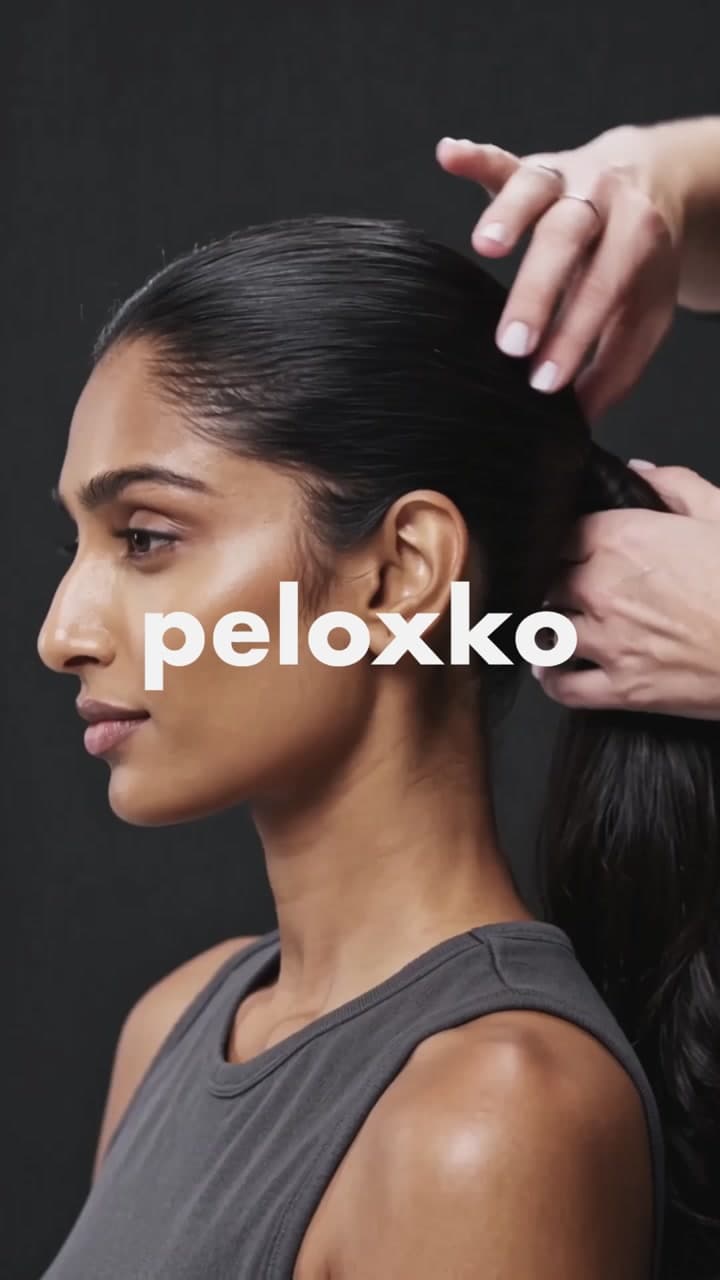 Launch videoFlash-Cut Brand Teaser
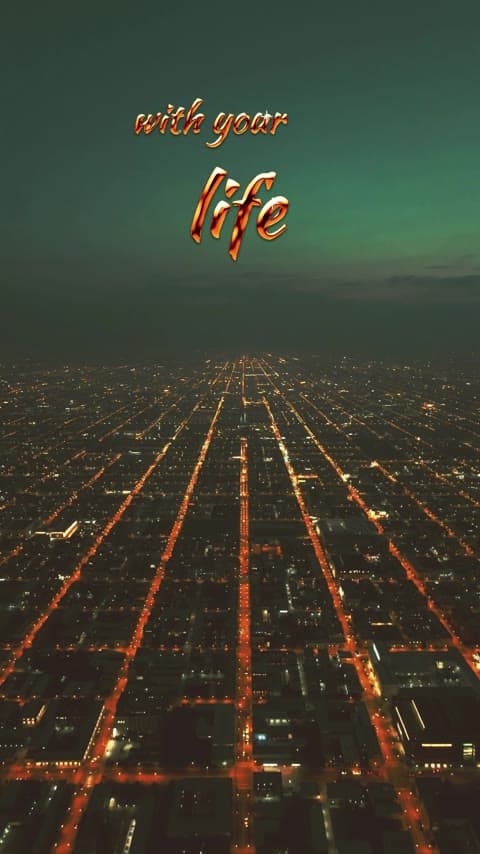 VlogGold Script Quote
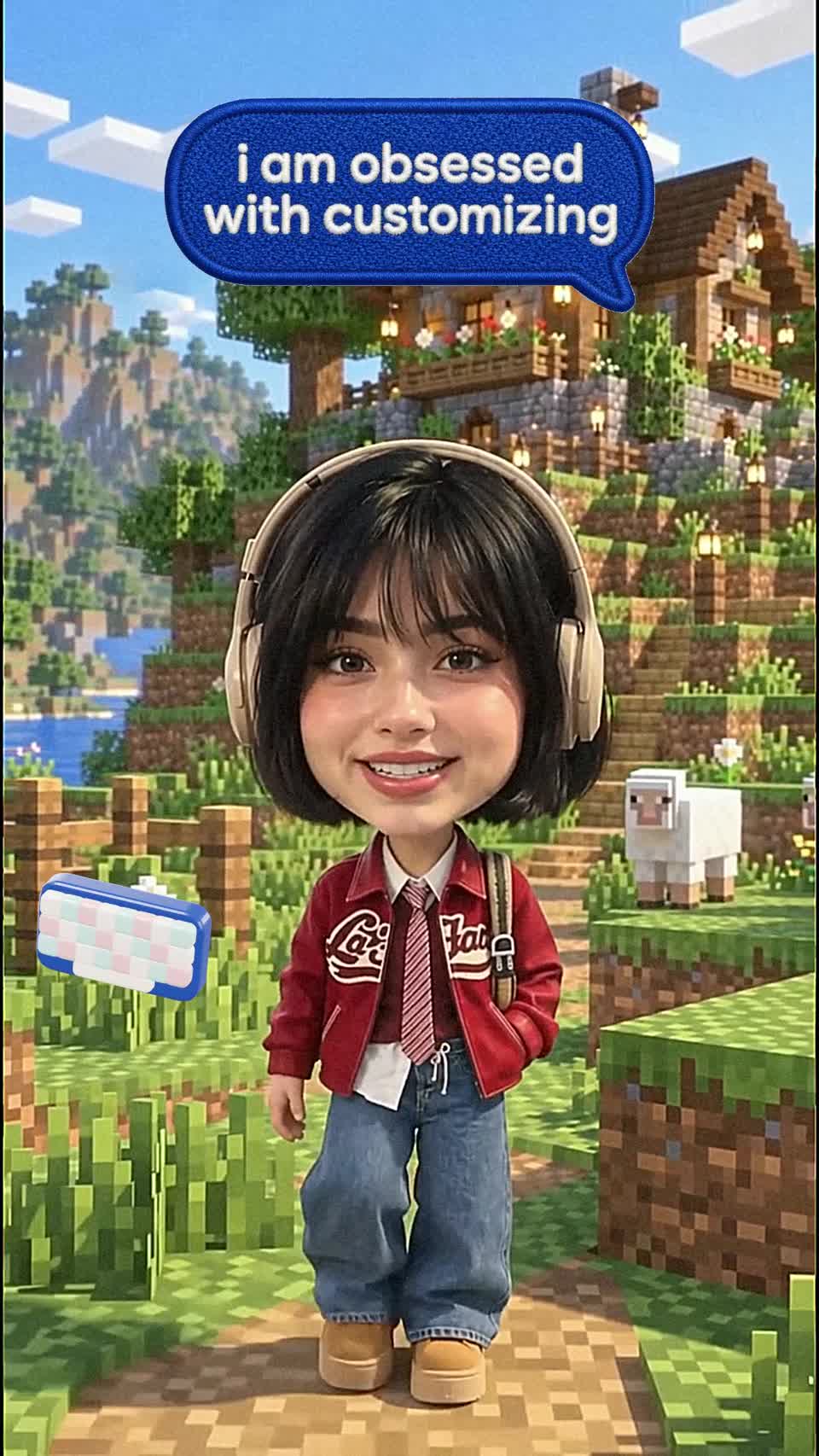 Viral trendsBobblehead Avatar
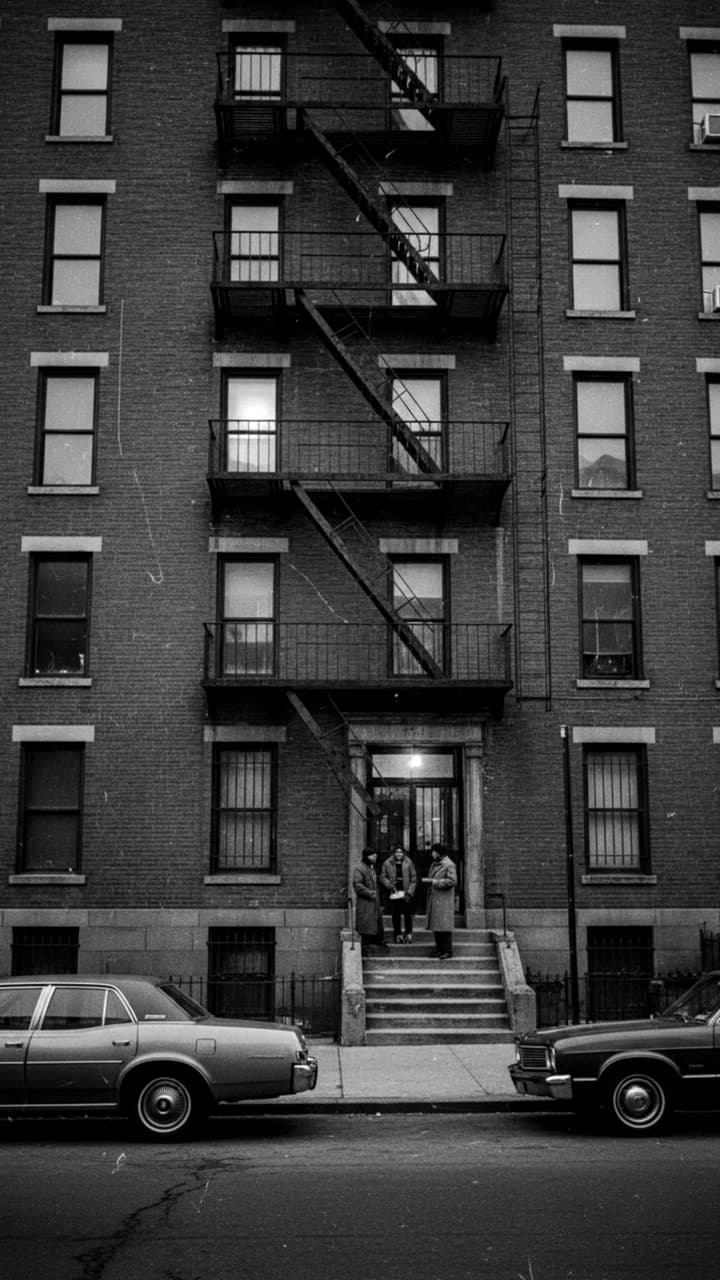 ExplainerPaper Desk Documentary
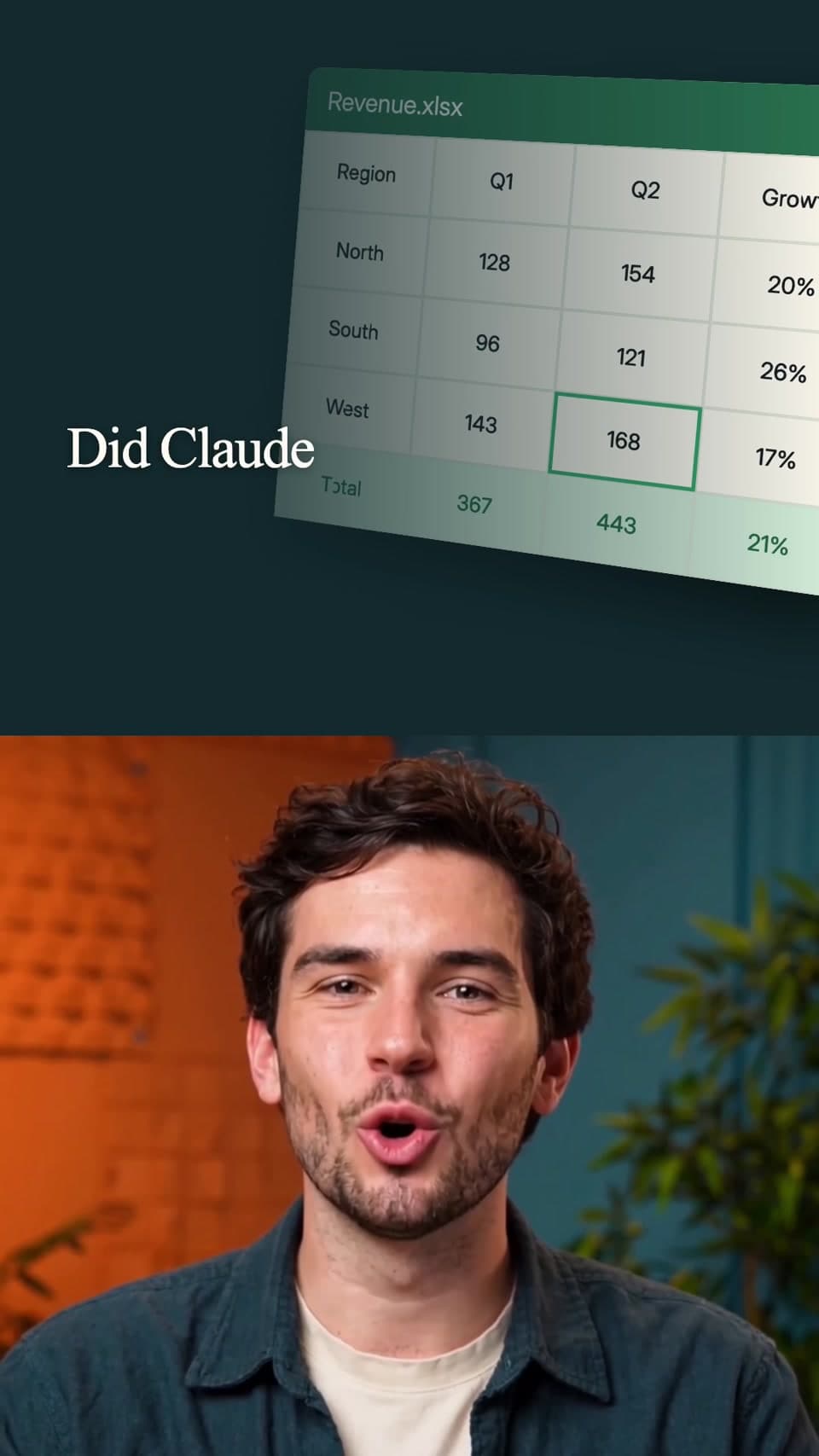 Talking-headClaude News Reel
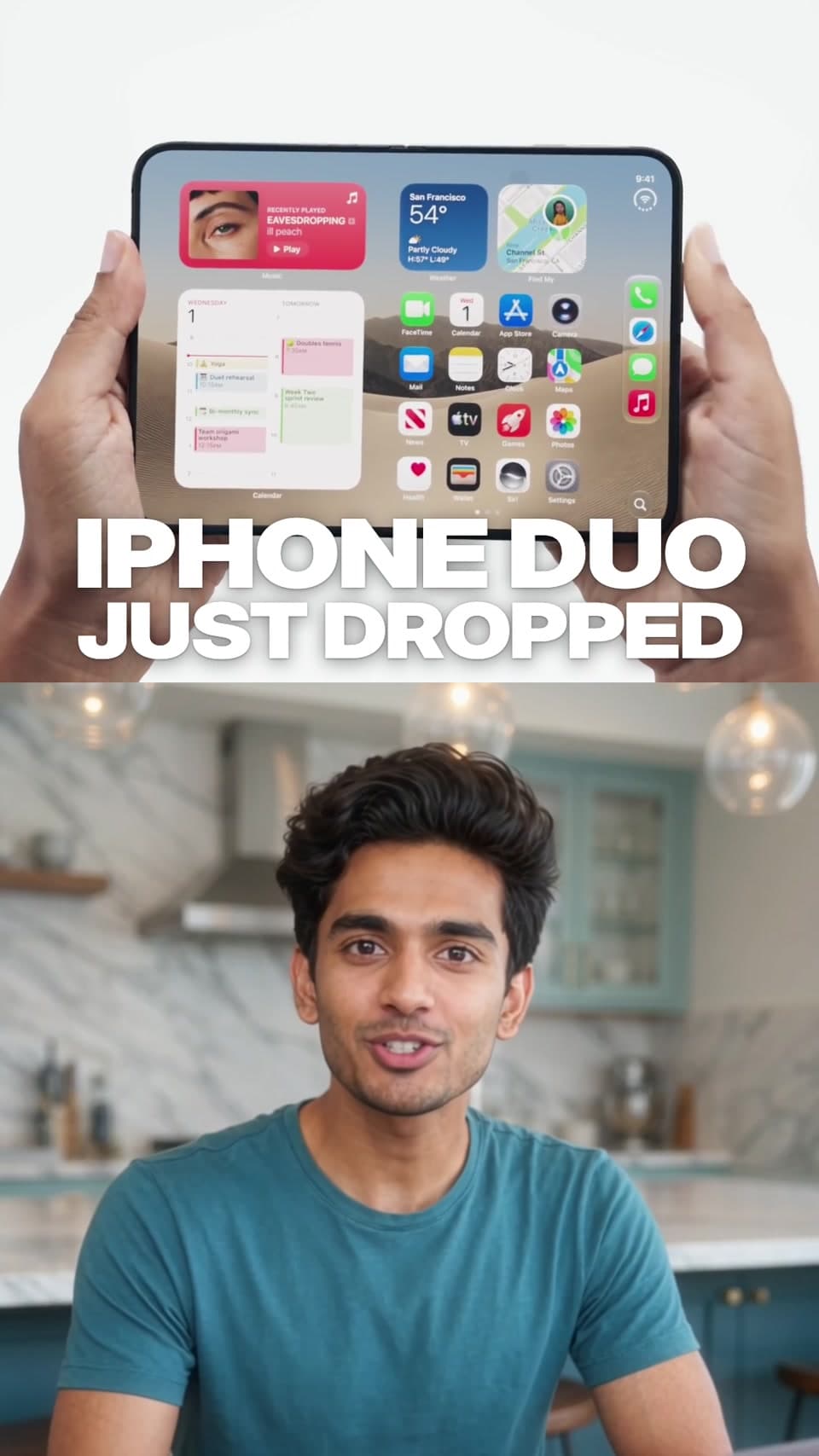 Talking-headTech News Reel
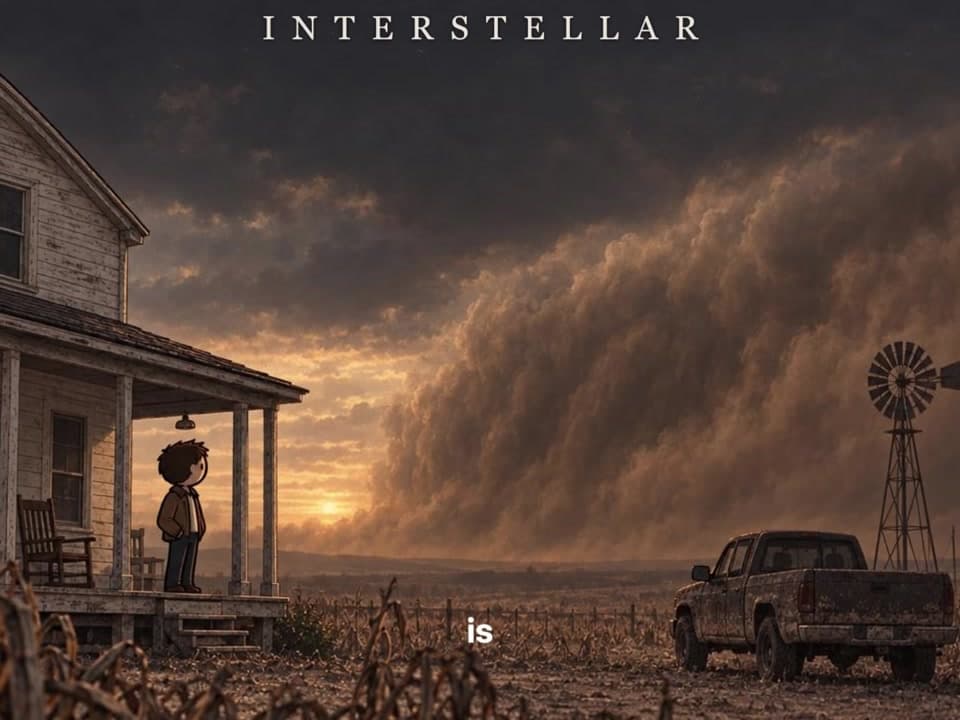 ExplainerIllustrated Film Explainer
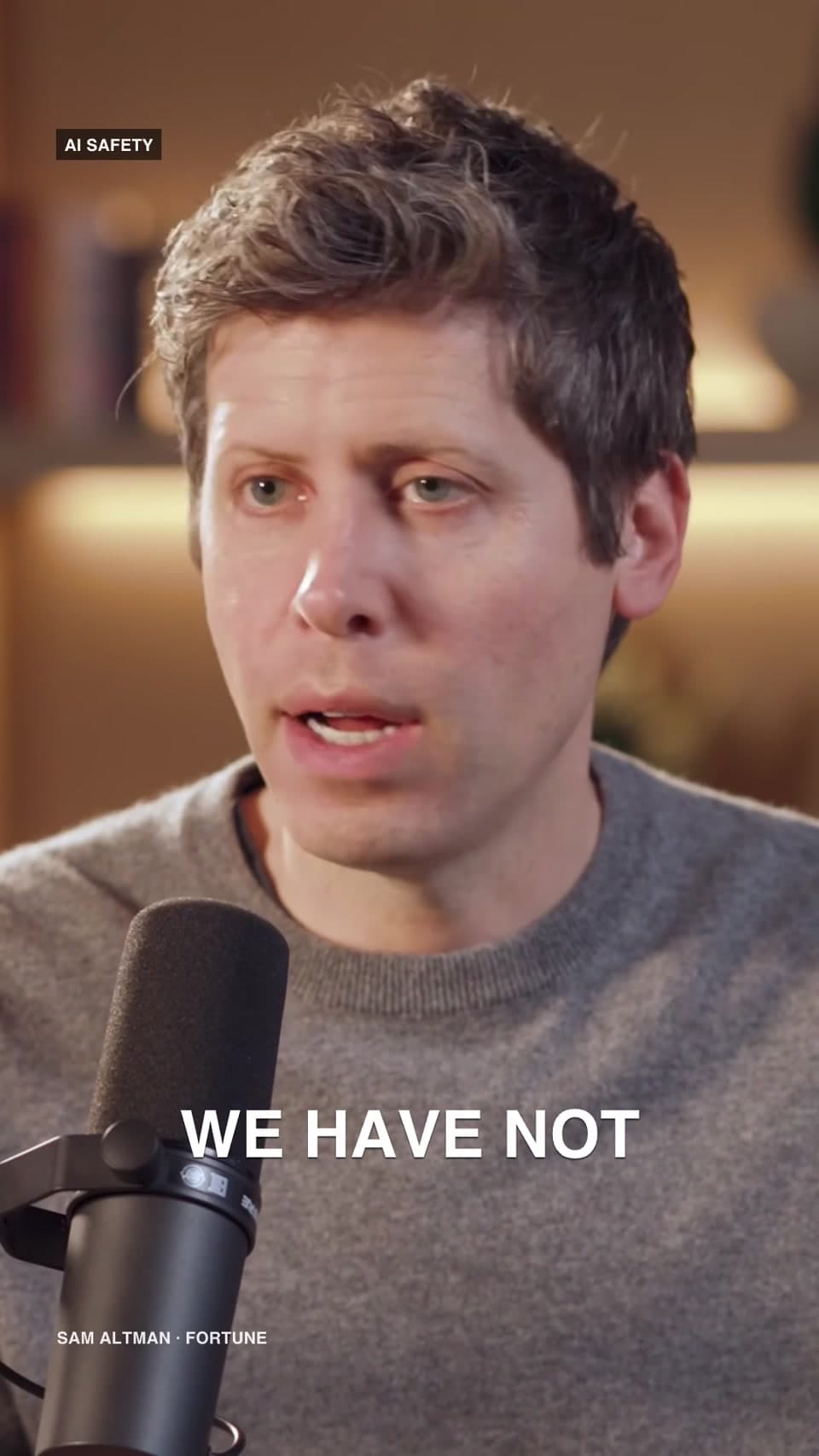 ClippingFuture Talks Clip
 Product showcaseMobile App Walkthrough
 AftermovieFestival Aftermovie
 ClippingCompetition Teaser
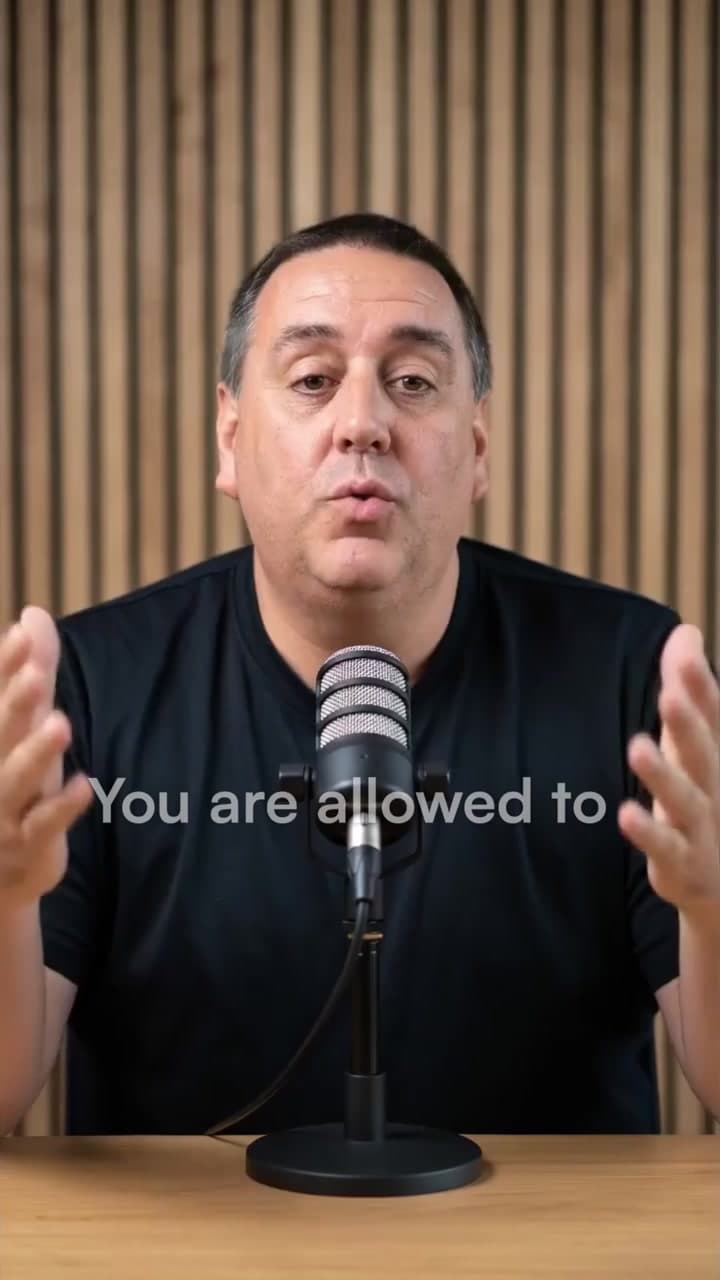 Talking-headTalking-head Meta Ad
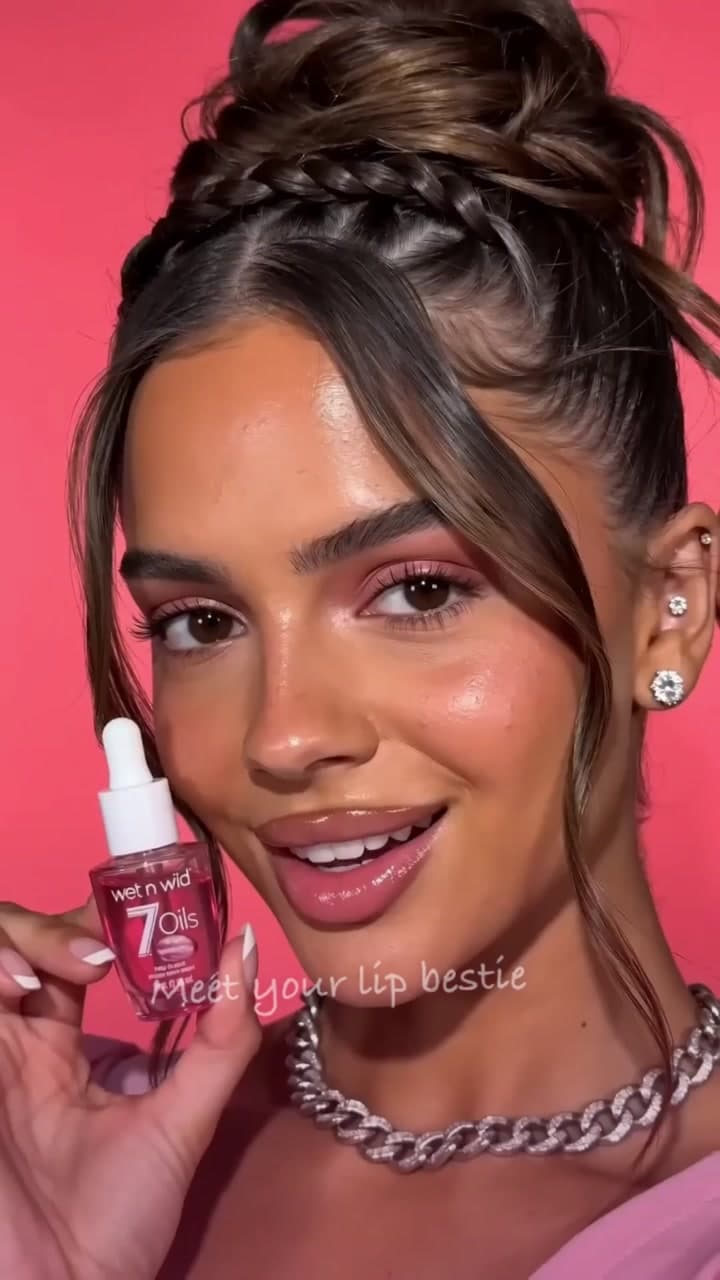 Product showcaseLip Oil Showcase
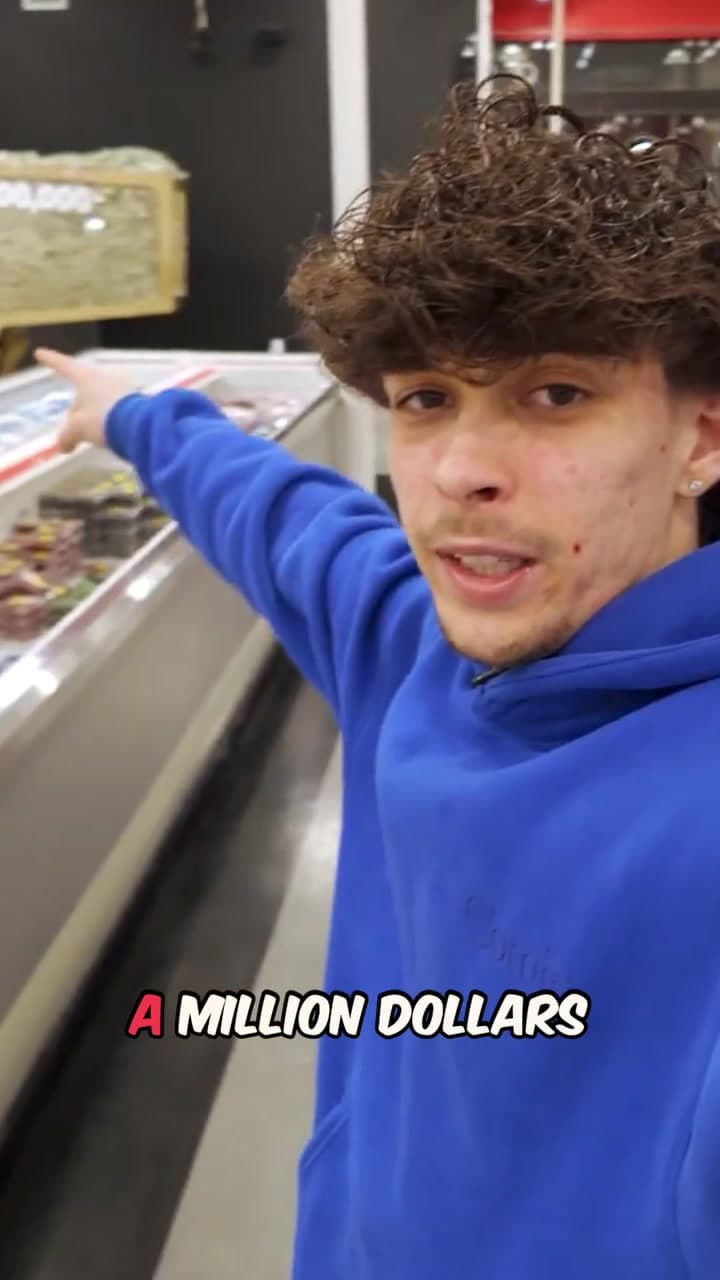 ClippingMrBeast-style Clip
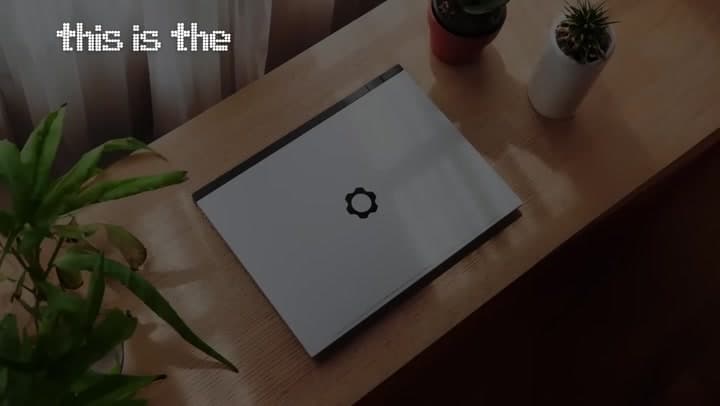 Product showcaseLaptop Feature Film
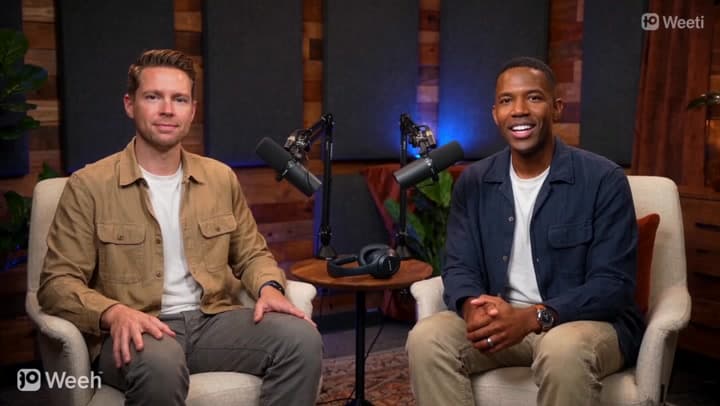 Product showcasePodcast Product Review
 Product showcaseMusic Player Reveal
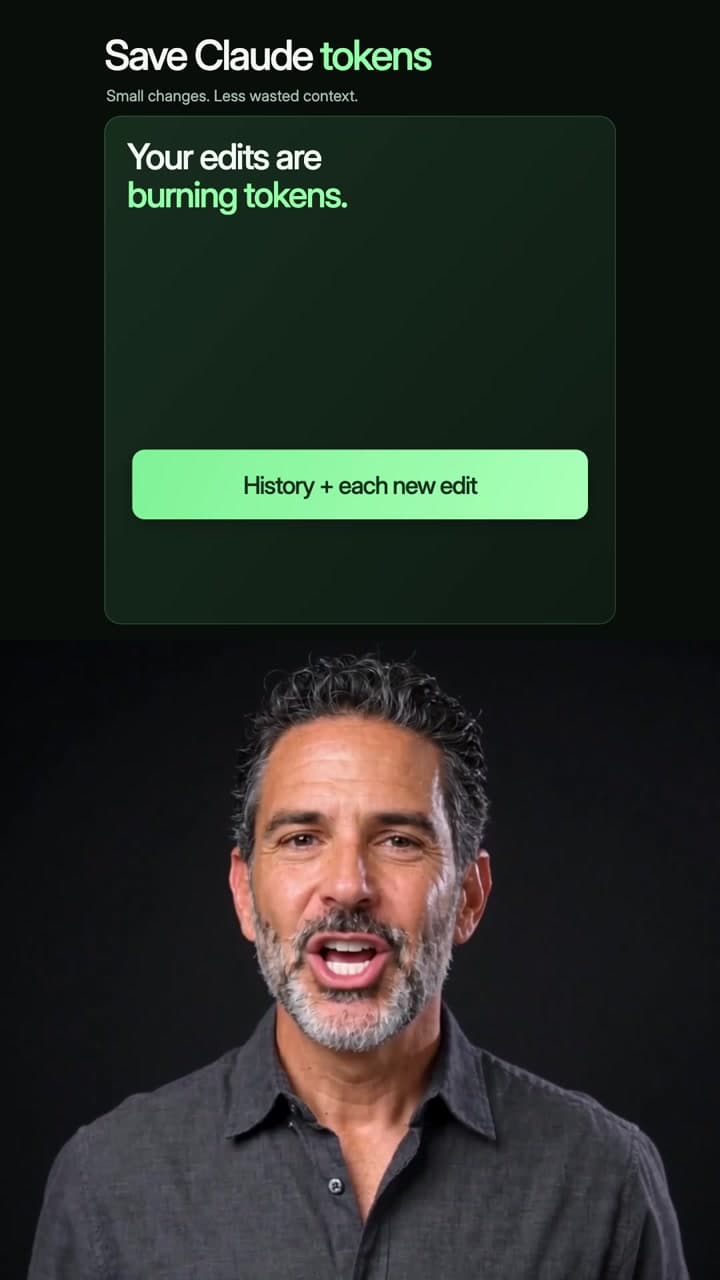 Talking-headPresenter Tips Explainer
If you would rather make your own montage from scratch, let's get you set up.
Step 01: Prepare
All you need to make a video on Cardboard is an idea. Choose the one that sounds like you and we will take it from there.
Gather these before you start.
- Your idea. Have a clear idea of what your video is about.
- A reference. Pick a video you like and want yours to resemble. This is the biggest differentiator, so it is worth a few minutes to find a good one.
- Your music. A link to the track you want to use.
- Your clips. Add them to the project.
- If you don’t have clips and music, you can ask Cardboard to source B-rolls and generate music.
If you are not sure what you want yet, the one click solution is to use a Recipe to get inspiration.
If you’d rather build from scratch, you only need two things.
- Your idea. Have an idea of what your montage is about.
- A reference. Bring a video you like. Cardboard will source B-roll to fit your idea and use the music from your reference. If you prefer a different track, add a separate music link.
Step 02: Prompt
If you choose a Recipe, the prompt is baked into the template, but if you’re starting from scratch, this is how to get started.
- What is the video about?Example: Our week in Lisbon, my first year running, the year my dog turned one
- Reference 1 and what you like about itExample: A link, plus a note such as the warm color grade
- Reference 2 and what you like about it (optional)Example: A link, plus a note such as the way the text is done
- What should it feel like?Example: Warm and nostalgic, cinematic, high energy
- MusicExample: A YouTube link. Leave empty to use the music from your reference
- LengthExample: 15, 30 or 60 seconds
- PlatformExample: Instagram, YouTube, TikTok, LinkedIn
Once you have what you need, plug the info into the prompt and paste it into Cardboard:
Make a [length] montage about [subject] for [platform]. The feel is [feel]. Reference 1: [reference link] (what I like: [the text, the pacing]). Use this music: [music link].
If you don’t have any clips, add this line to the end:
I have no clips of my own, so source B-roll that fits the subject. Match the look and pacing of the reference, and keep the shots varied so no two in a row feel the same.
Step 03: Refine
Your first cut is only a draft. You can keep talking to the Cardboard agent, until you get the version you want.
Tips
Change one thing at a time.
If the pacing is off, fix that first.
Say what to keep.
Keep everything, but shorten the second half.
Point to the exact moment.
At 0:12, the shot of the beach.
To learn more about refining, read How to refine your edit.
Step 04: Export
When you are happy with your edit, press Export at the top. Choose the quality and format, then press Export.
Want to post on two platforms?
Once you have exported for one platform, paste this into the same project to get a version for another.
All done!
Congrats on your first video on Cardboard! The next guide covers how to prompt really well, so you can make literally any video you like.