Start from a Recipe
The fastest way to make a video in Cardboard is to start with a recipe. Recipes are curated templates of a finished video you can customize with your own content.
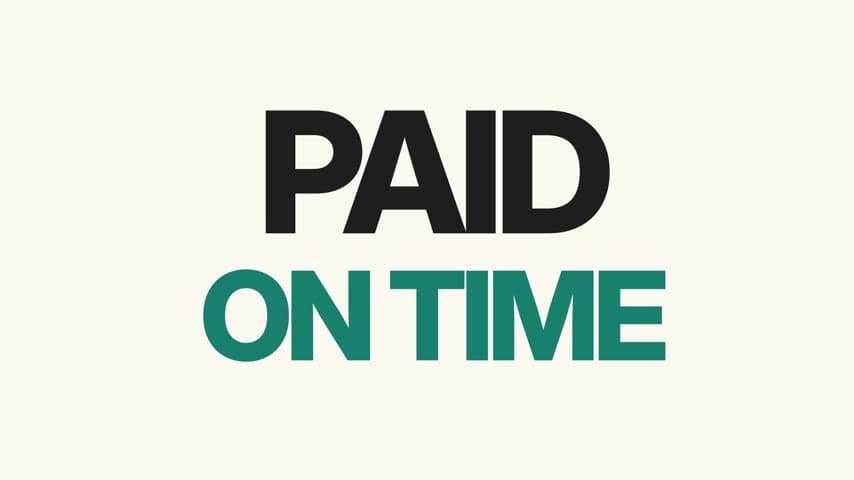
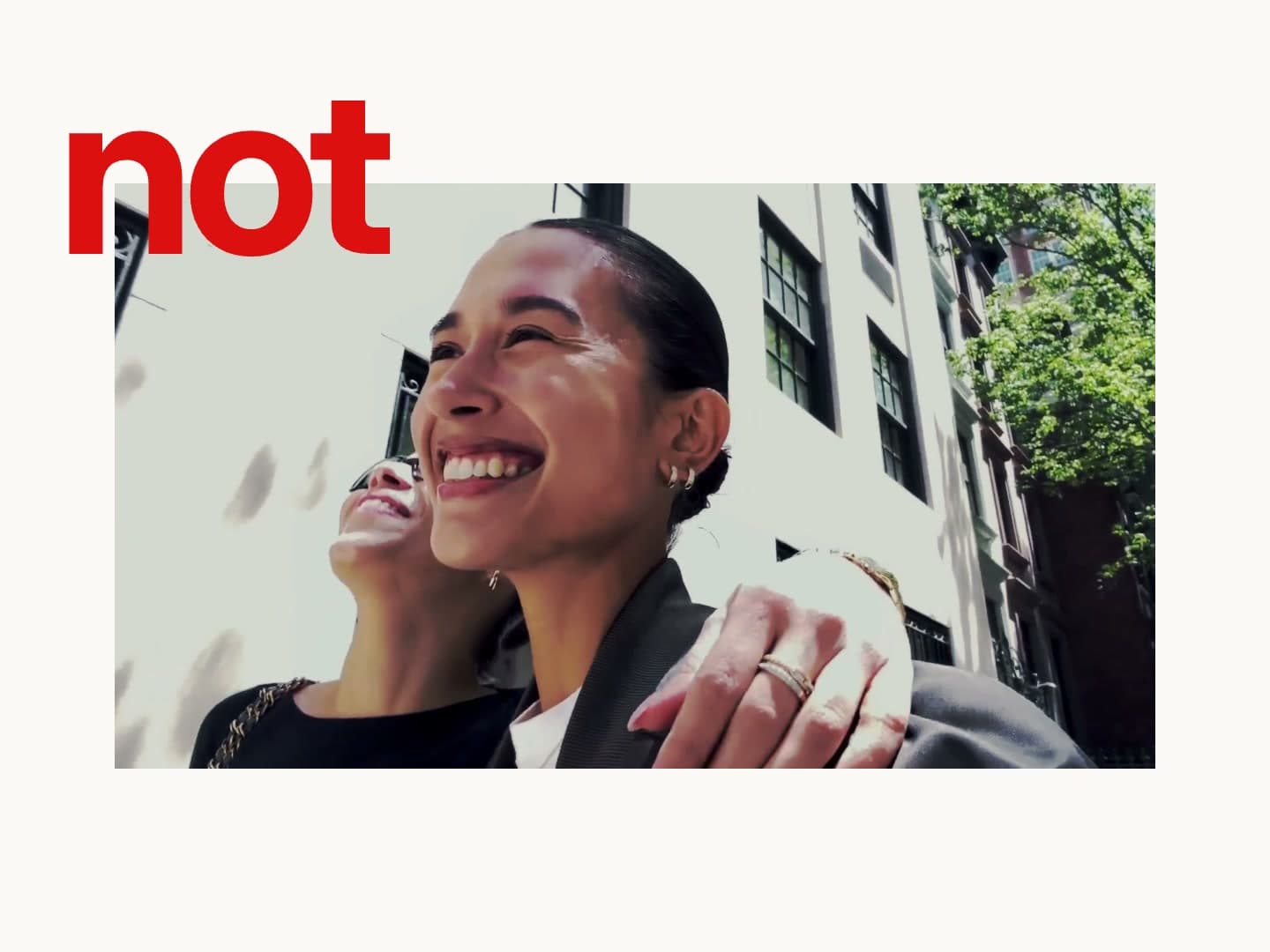
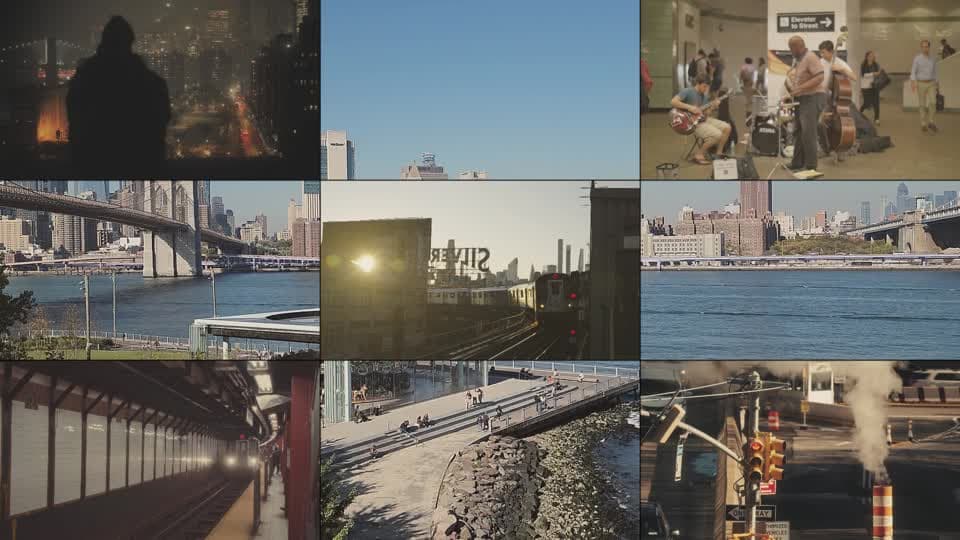
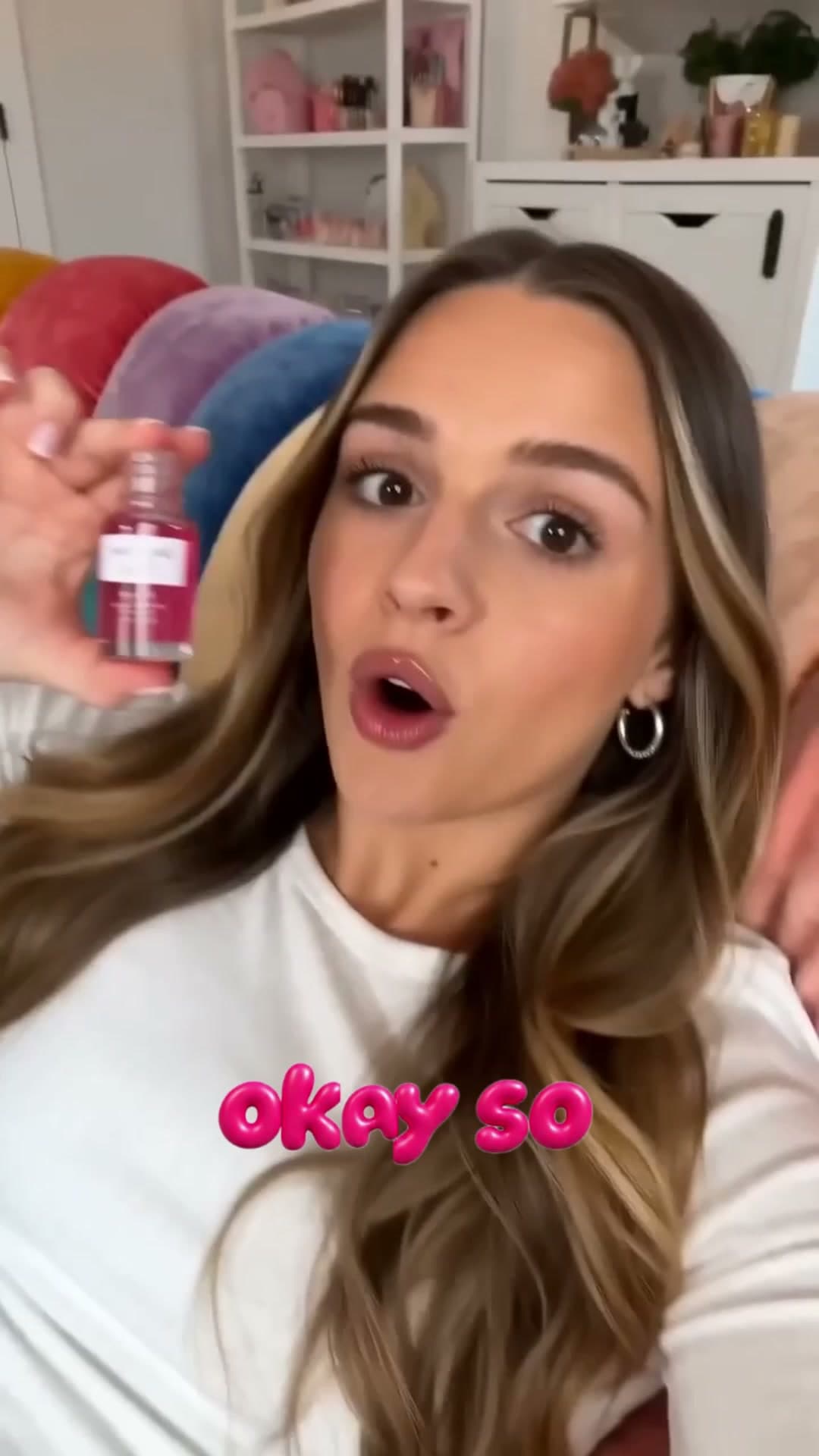
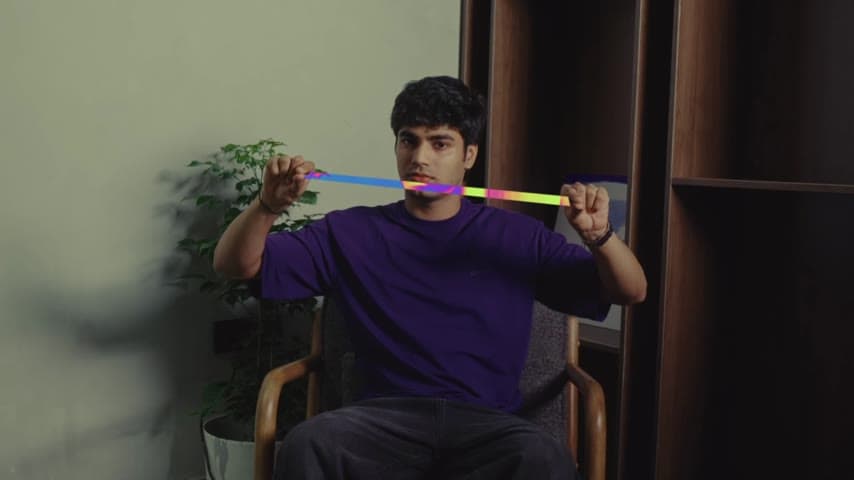


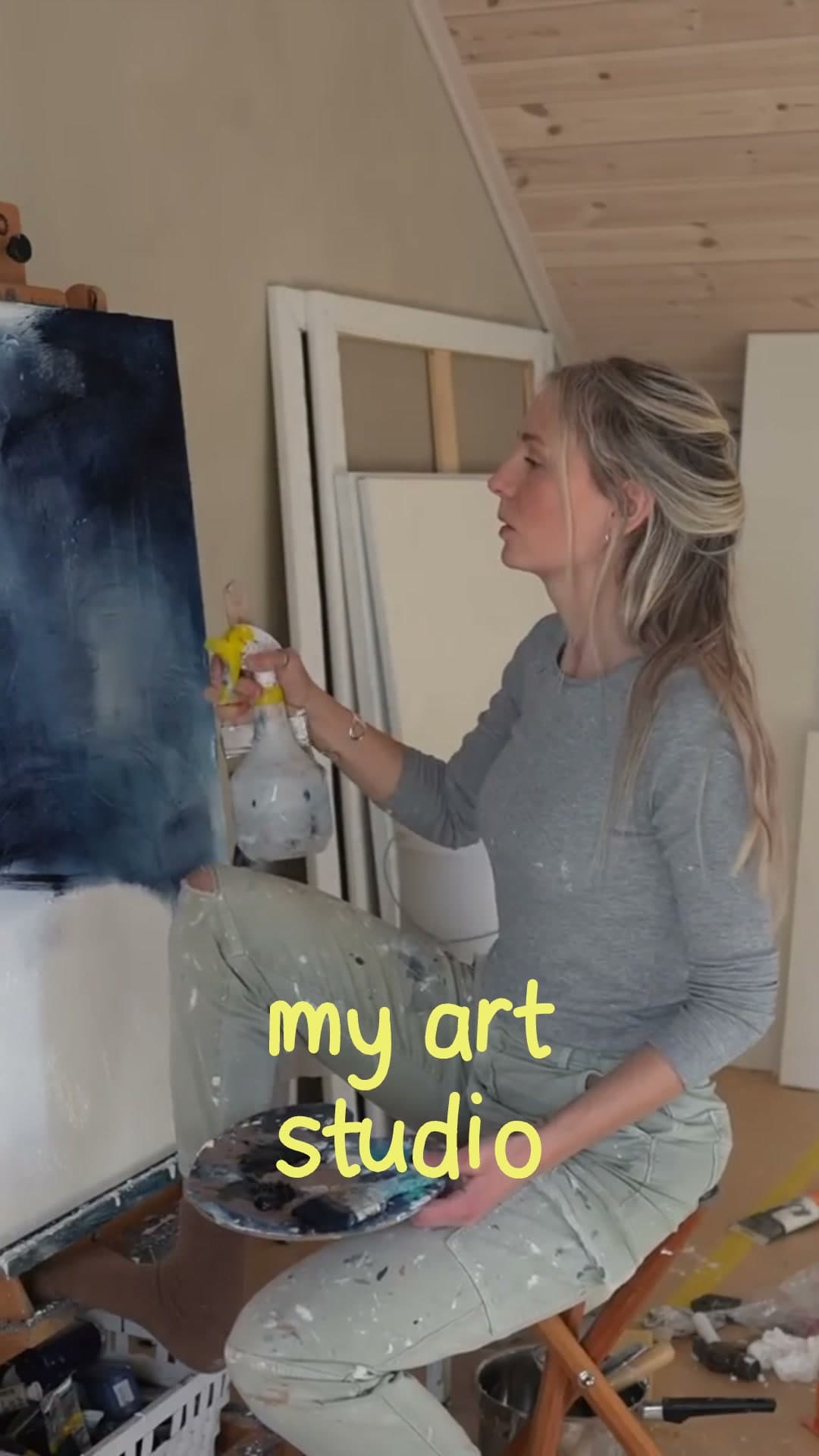
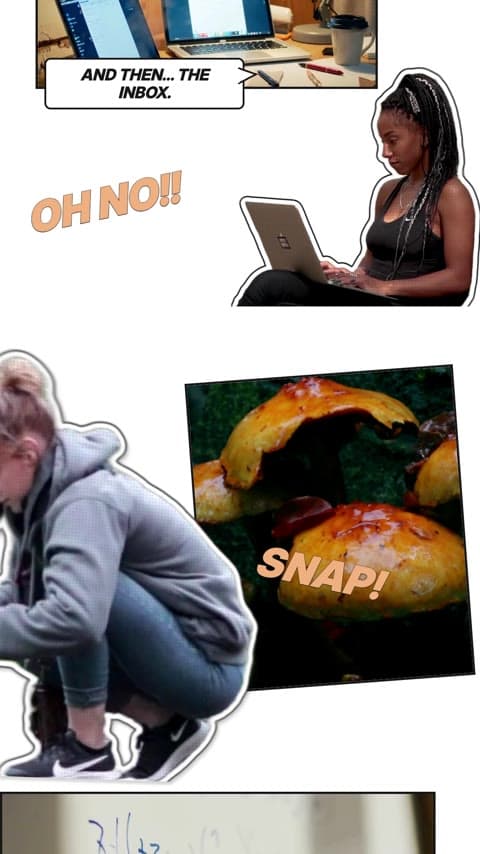
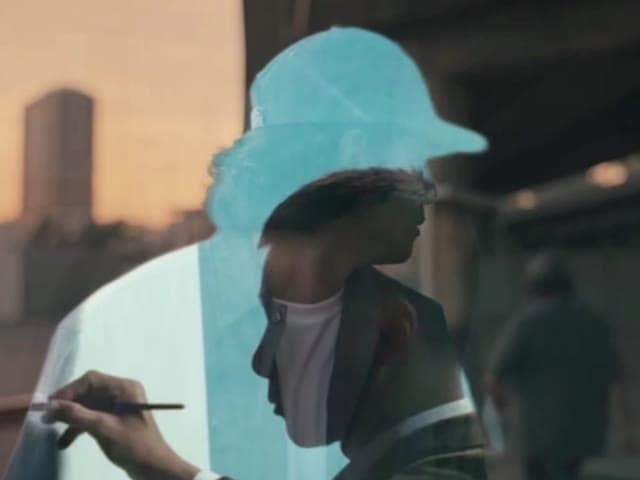
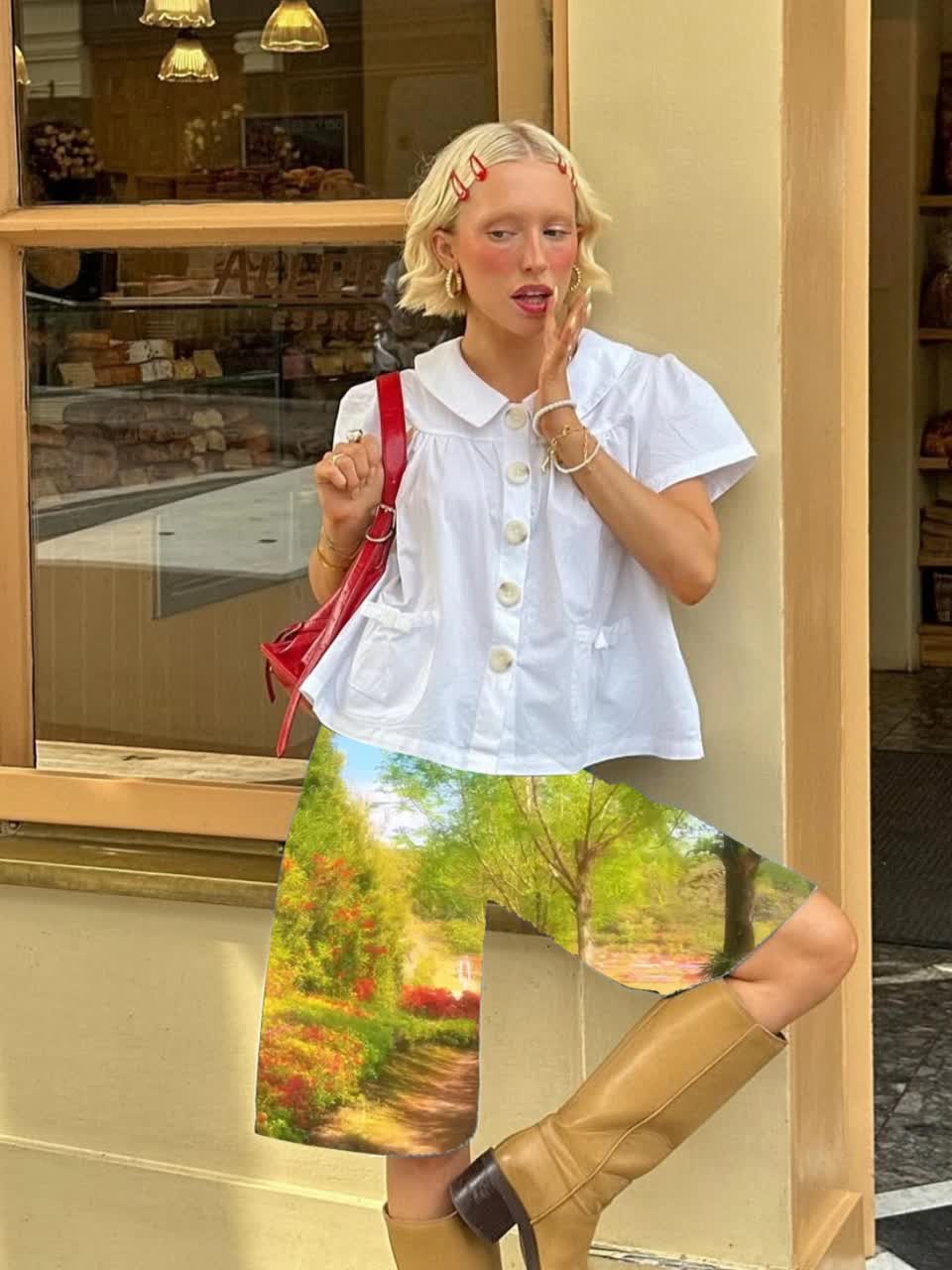

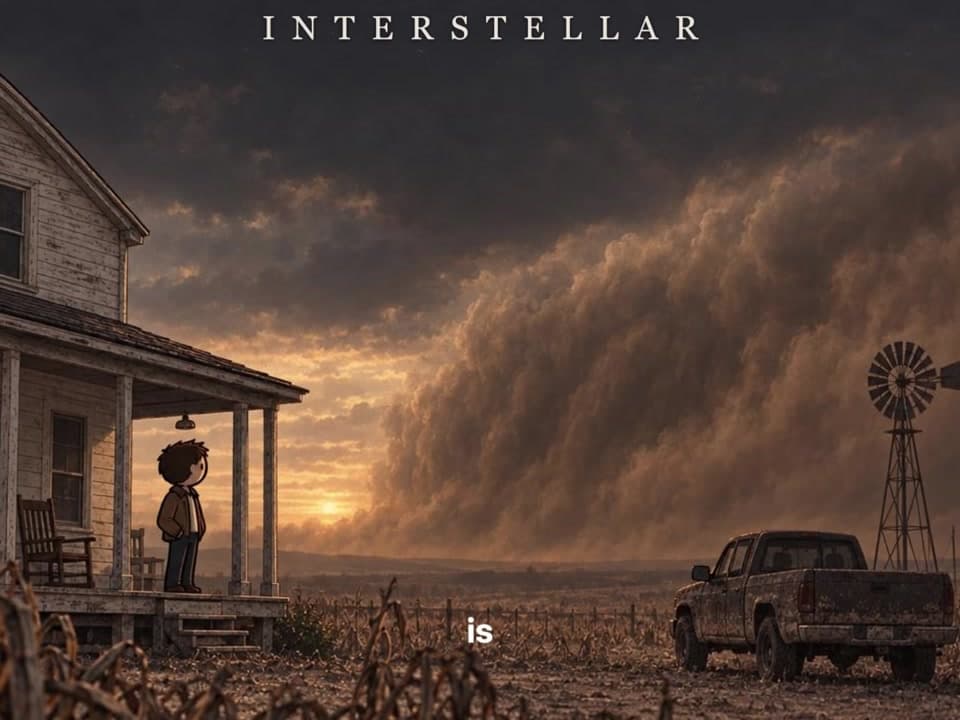
Step 01: Find a recipe you like
Recipes sit on the Cardboard home page, right below the text box. Scroll through the categories to find one that matches what you want to make, or search for it by what you want to do.
Tip
Pick the recipe whose video feels the way you want yours to feel. The subject can be anything, because you can change everything about it.
Step 02: Open it
Click on a recipe to open it. You will see the finished video on the left and your fields on the right.
Step 03: Make it yours
Use the fields on the right to add your own videos, clips and anything else you might want to change.
Remember, everything in the recipe can be customized.
Once you are done, press Remix.
Step 04: Refine
Your recipe video is a first cut, just like any other. Talk to Cardboard to change anything you want. To learn more, read Refine your Edit.
Can't find the recipe you want?
Write your own prompt and Cardboard will build it from scratch. Start with Make your first video, then read How to prompt in Cardboard.