Your video editor,
Attach your clips and say what you want. Cardboard edits it.
Works on every Cardboard plan · No API key






Ready when you are.
How to connect
- Step 1
Plugins
 Search pluginsCardboardEdit video inside ChatGPT
Find Cardboard in Plugins
Open the Plugin directory in ChatGPT and search for Cardboard.
- Step 2Install plugin

 CardboardEdit video inside ChatGPT
Install and connect
Select Install plugin, then Connect and sign in with your Cardboard account.
- Step 3Ask ChatGPT


Mention it in any chat
Type @Cardboard and ask for your video. ChatGPT plans the edit, Cardboard cuts it, and it plays in the chat.
What Cardboard can do in the chat
Pick an example and try it in your chat.
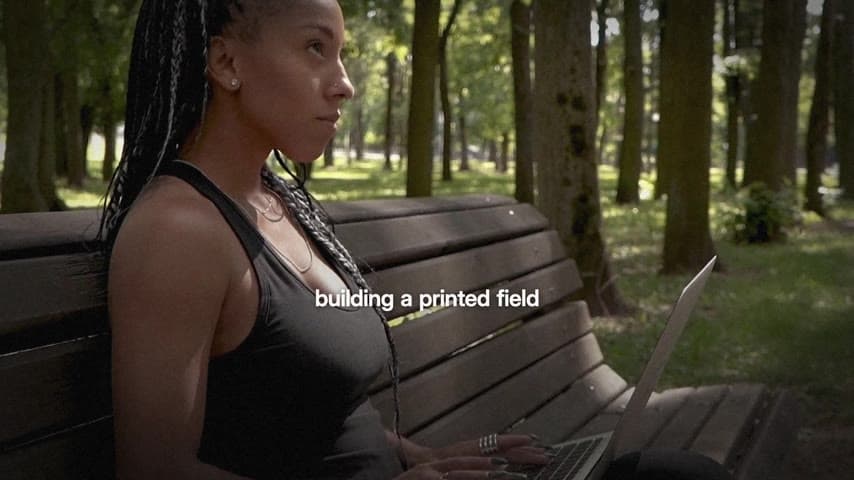
Founder Launch Film

Artsy Manifesto

Crafter
 Try in Claude
Brand Launch Film
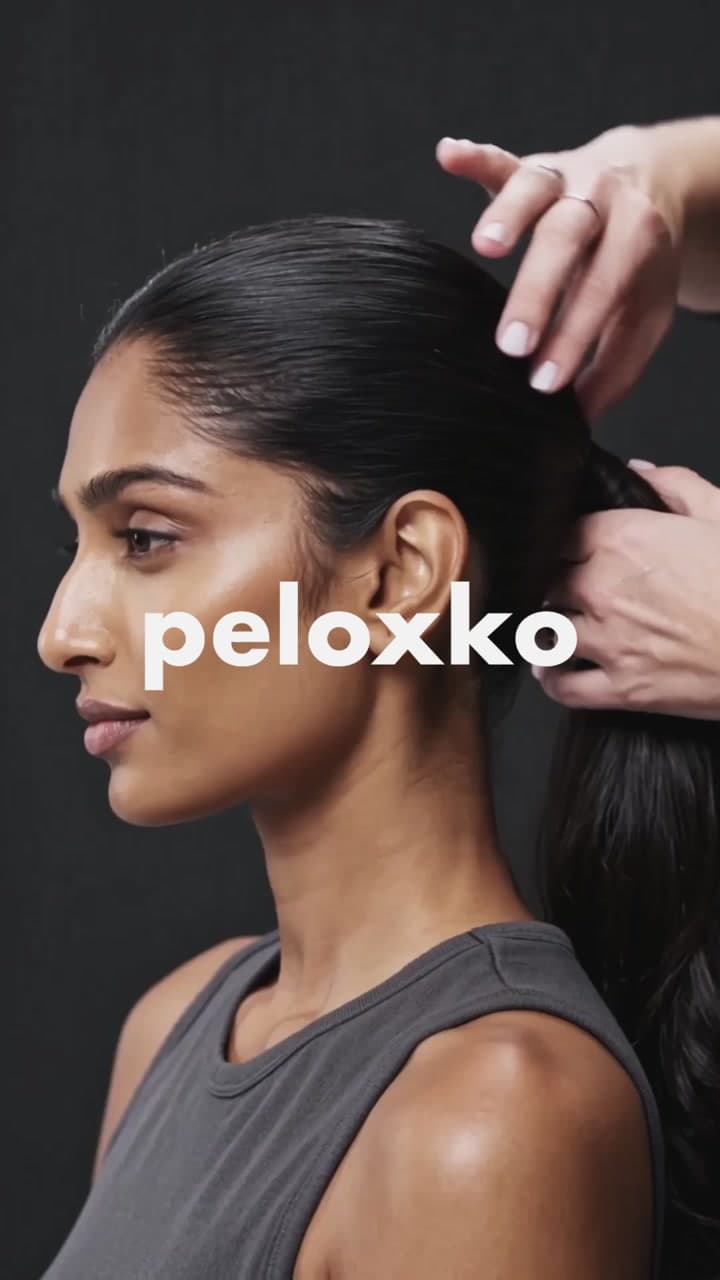
Flash-Cut Brand Teaser
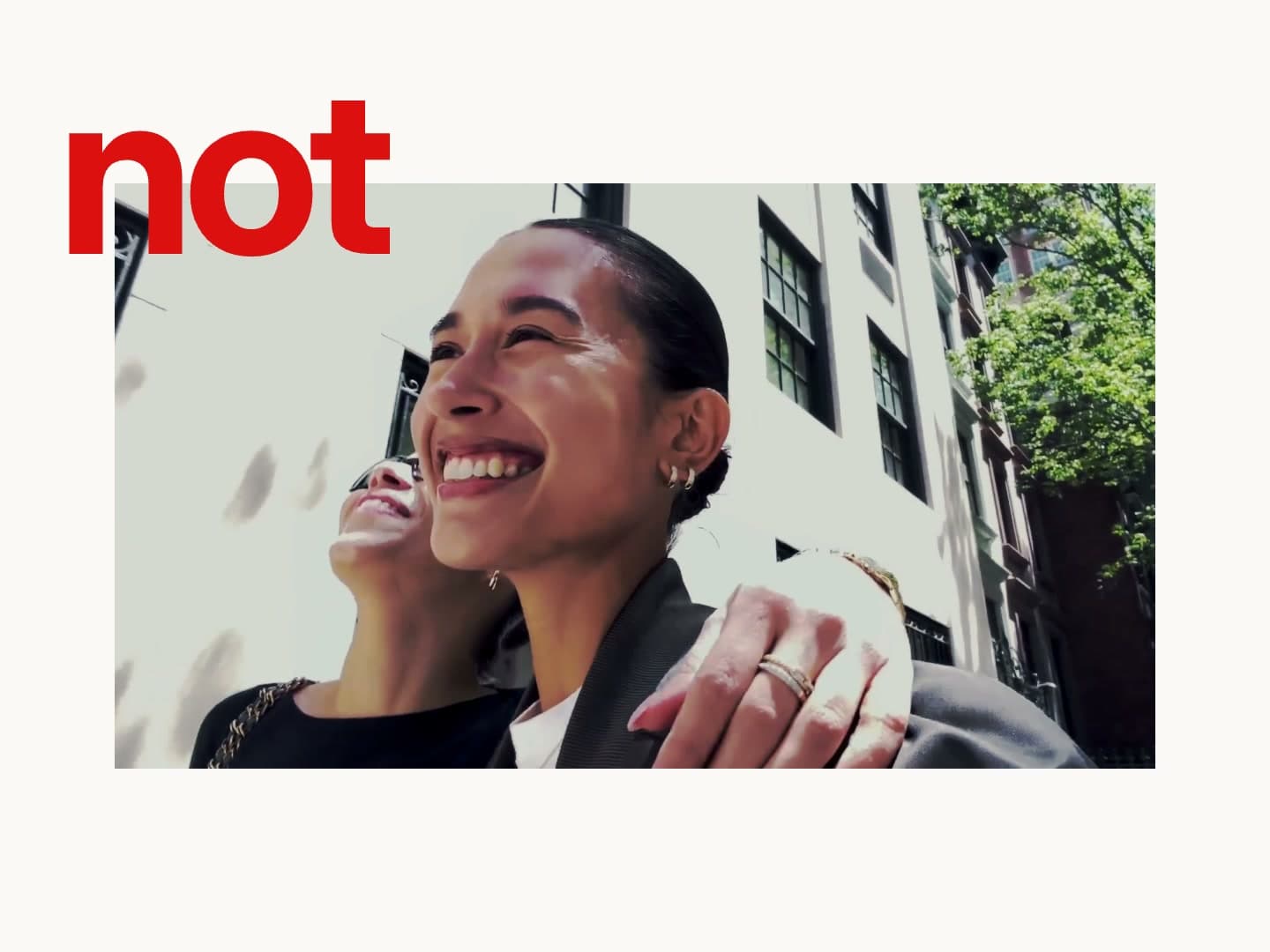
Editorial Vlog

Founder Doc Reel
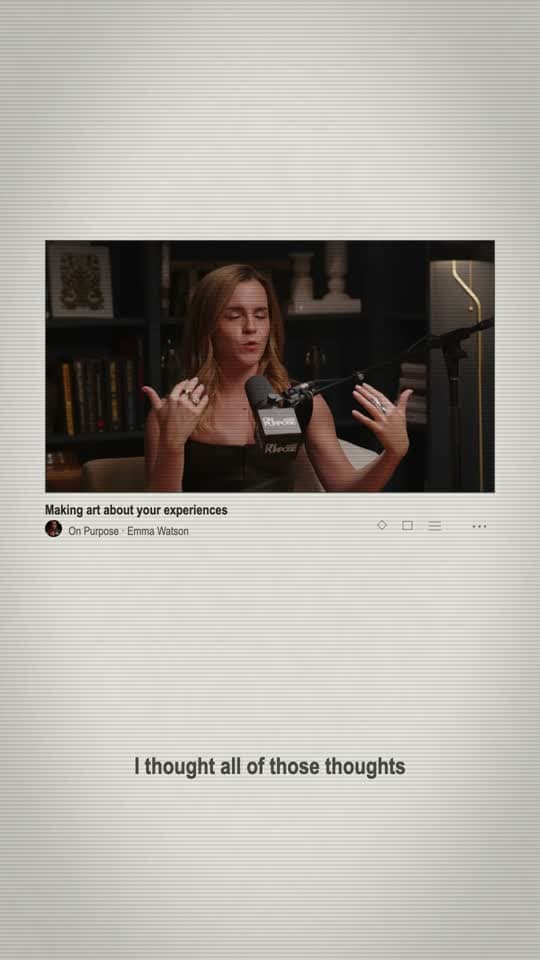
Editorial Interview

Retro Browser Launch
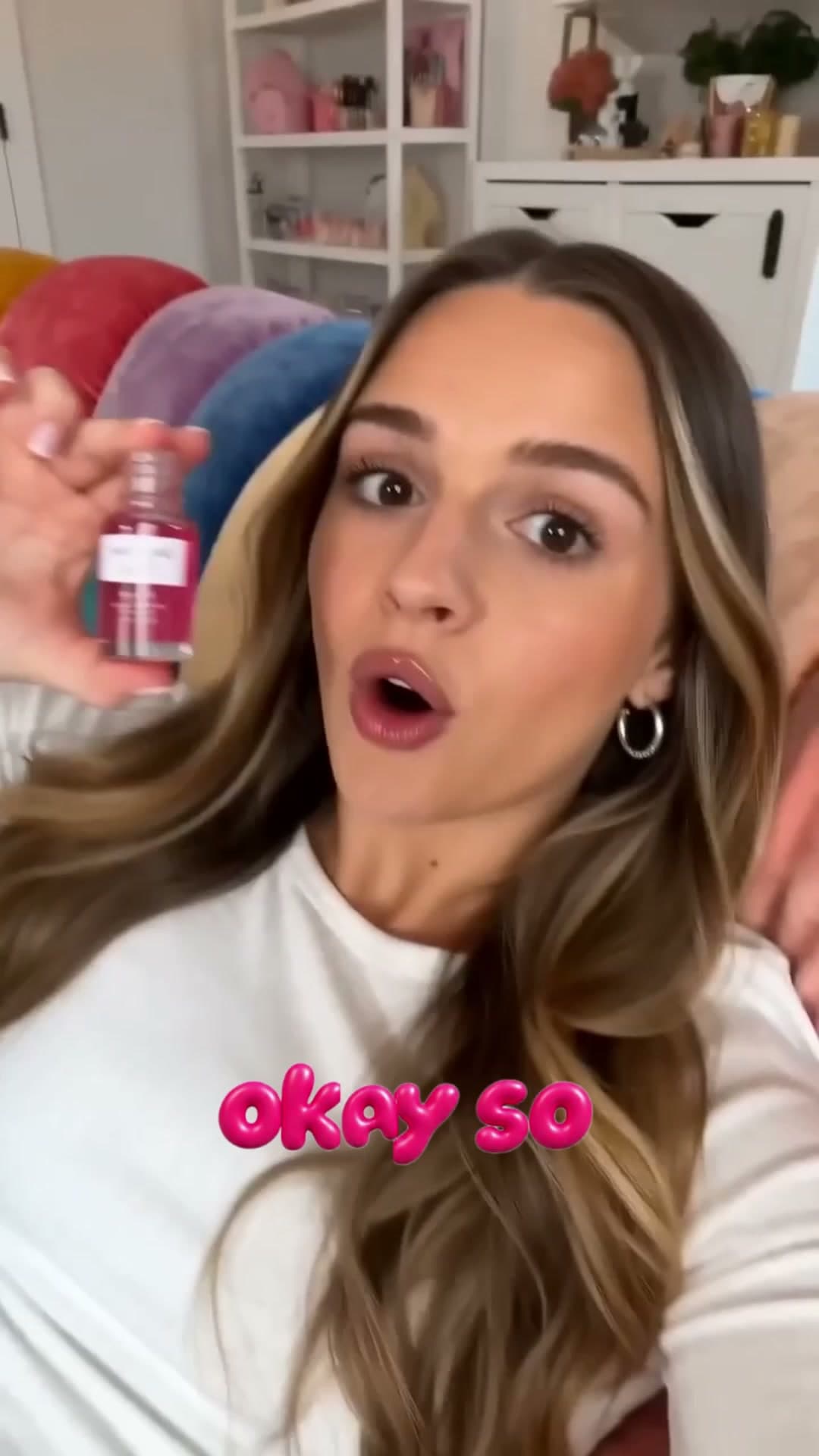
Bubble Text UGC
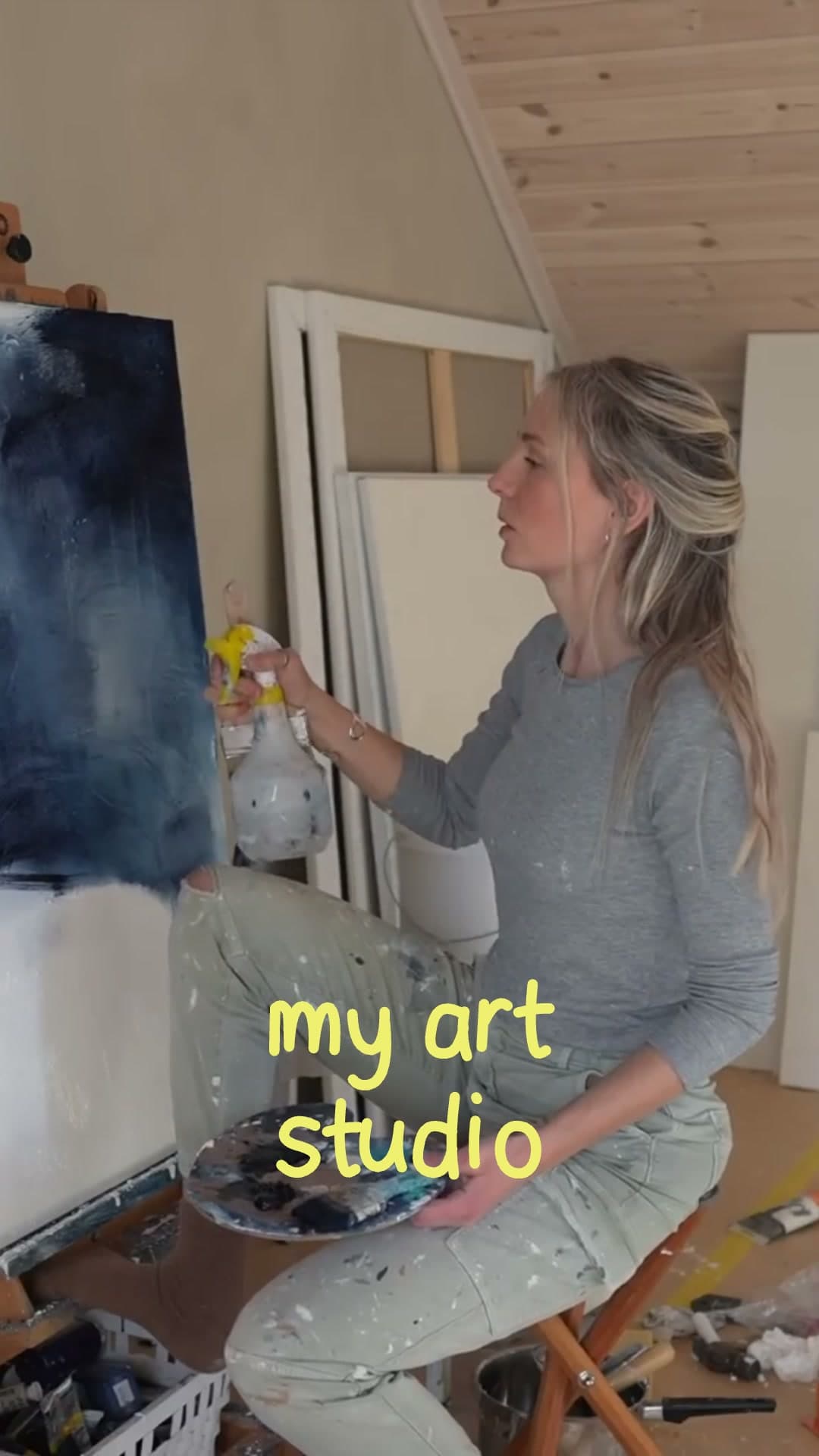
Handwritten Captions
Edit from your browser, desktop or phone.
Cardboard works wherever ChatGPT and Claude do, so you can edit on the go.
Desktop
Tablet
Mobile





What users are asking
- @Cardboard reframe it to vertical
- @Cardboard add music
- @Cardboard pull the clips from my Google Drive folder
- @Cardboard I run a SaaS and need help growing
- @Cardboard add captions
- @Cardboard make a trendy edit
- @Cardboard post the edit to my YouTube channel
- @Cardboard turn this into a launch strategy and a video
- @Cardboard make it match this reference
- @Cardboard add effects
- @Cardboard generate anime




Get started with one prompt.
Works on every Cardboard plan · No API key
Frequently asked questions
It brings Cardboard into ChatGPT and Claude. Attach your clips and say what you want; Cardboard edits the video and it plays right in the conversation, where you can ask for changes and export it.