Your video editor,
Attach your clips and say what you want. Cardboard edits it.
Works on every Cardboard plan · No API key







How can I help you today?

How to connect
- Step 1Reply to Claude…Upload or add filesSkillsConnectorsAdd connectorManage connectorsBrowse connectorsAdd custom connector
Add a custom connector
In a chat, choose +, then Connectors › Add connector › Add custom connector.
- Step 2
Add custom connector
NameMCP server URLCancelContinueEnter Cardboard’s address
Name it Cardboard, paste this as the MCP server URL, and choose Continue. Then sign in to Cardboard.
- Step 3Reply to Claude…


Ask in any chat
Ask Claude to use Cardboard for your video. Claude plans the edit, Cardboard cuts it, and it plays in the chat.
 Install in Claude
What Cardboard can do in the chat
Pick an example and try it in your chat.
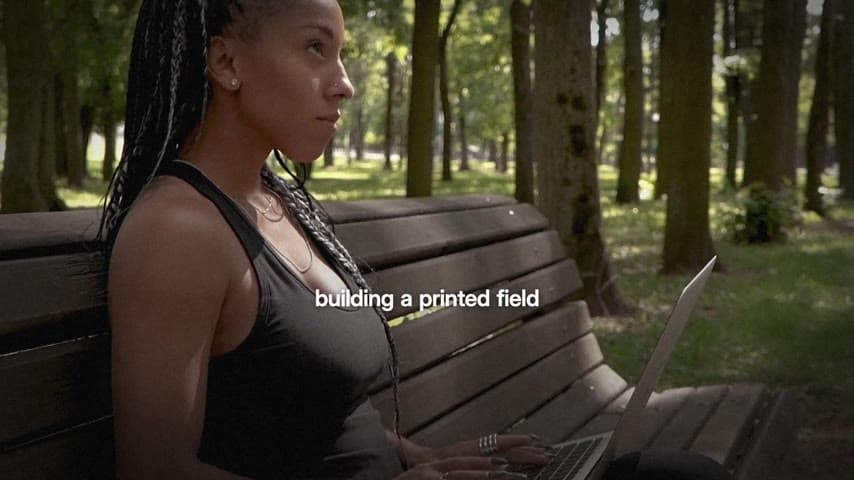
Founder Launch Film
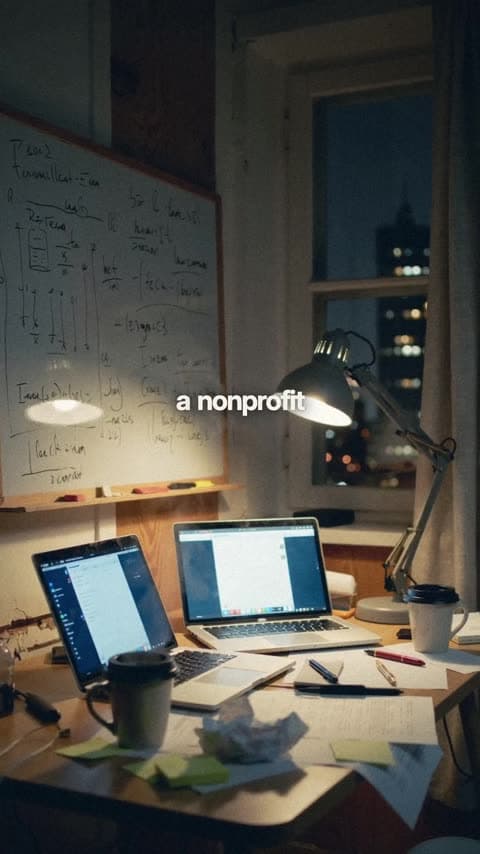
Founder Doc Reel
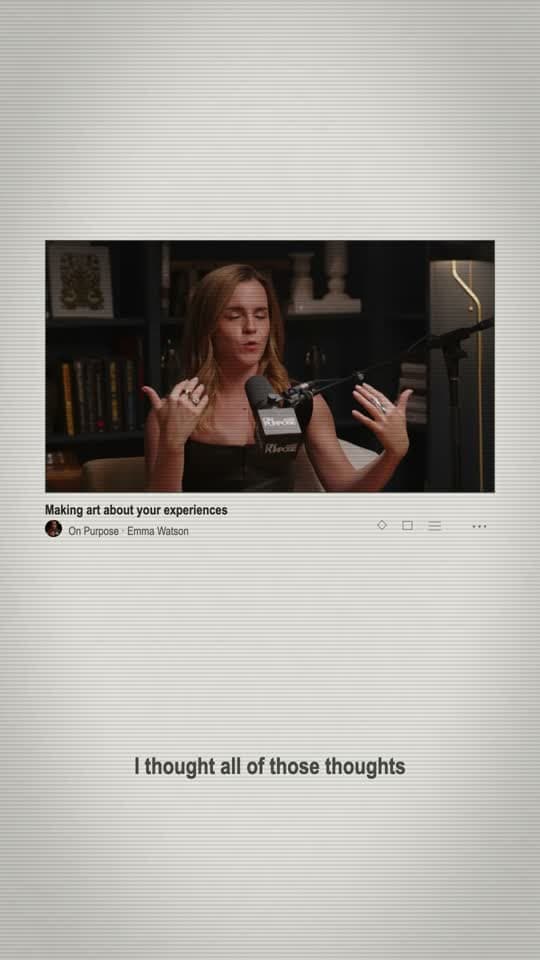
Editorial Interview
App Launch Teaser

Retro Browser Launch
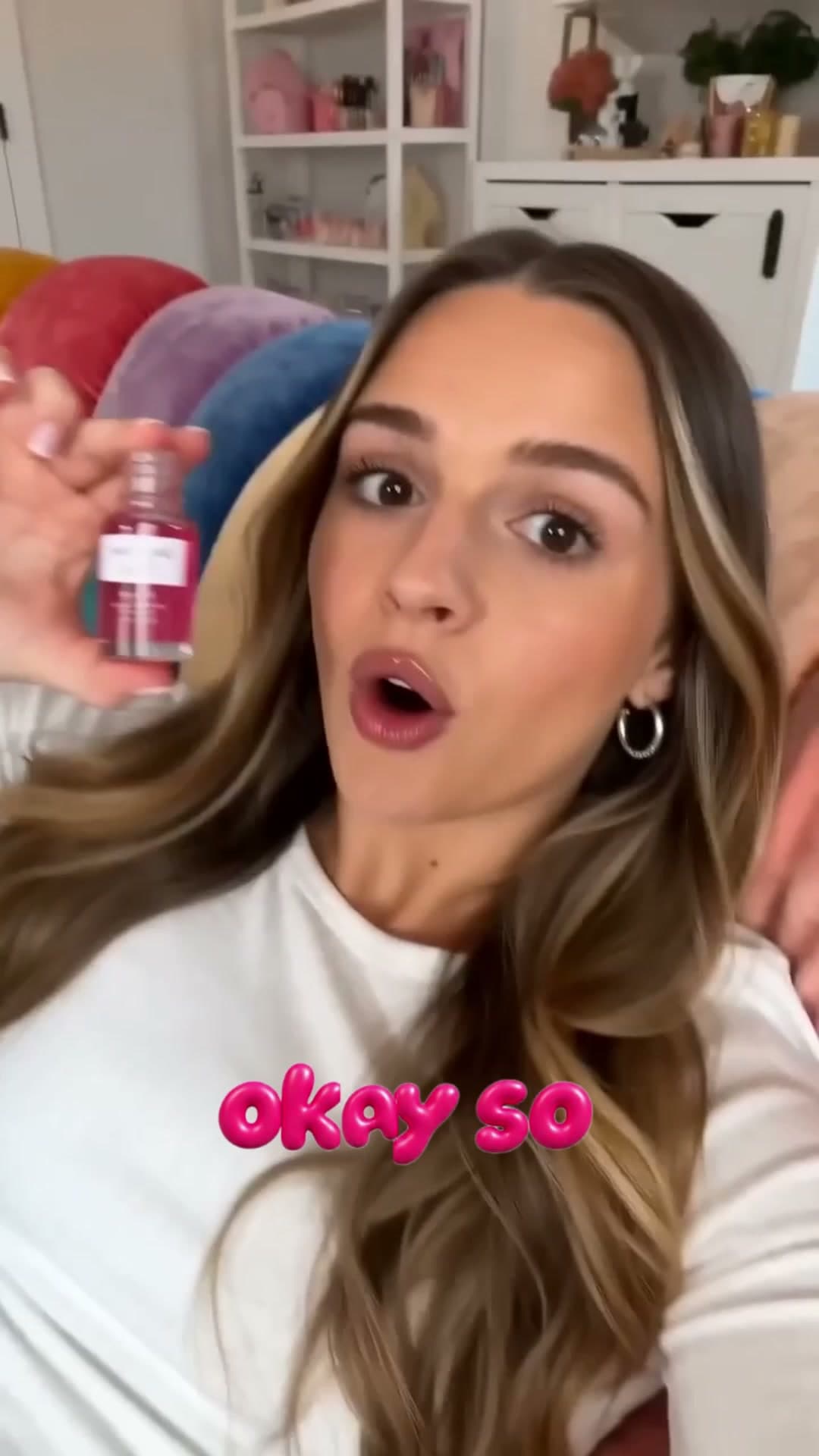
Bubble Text UGC
Brand Launch Film

Artsy Manifesto

Crafter
Personal Intro
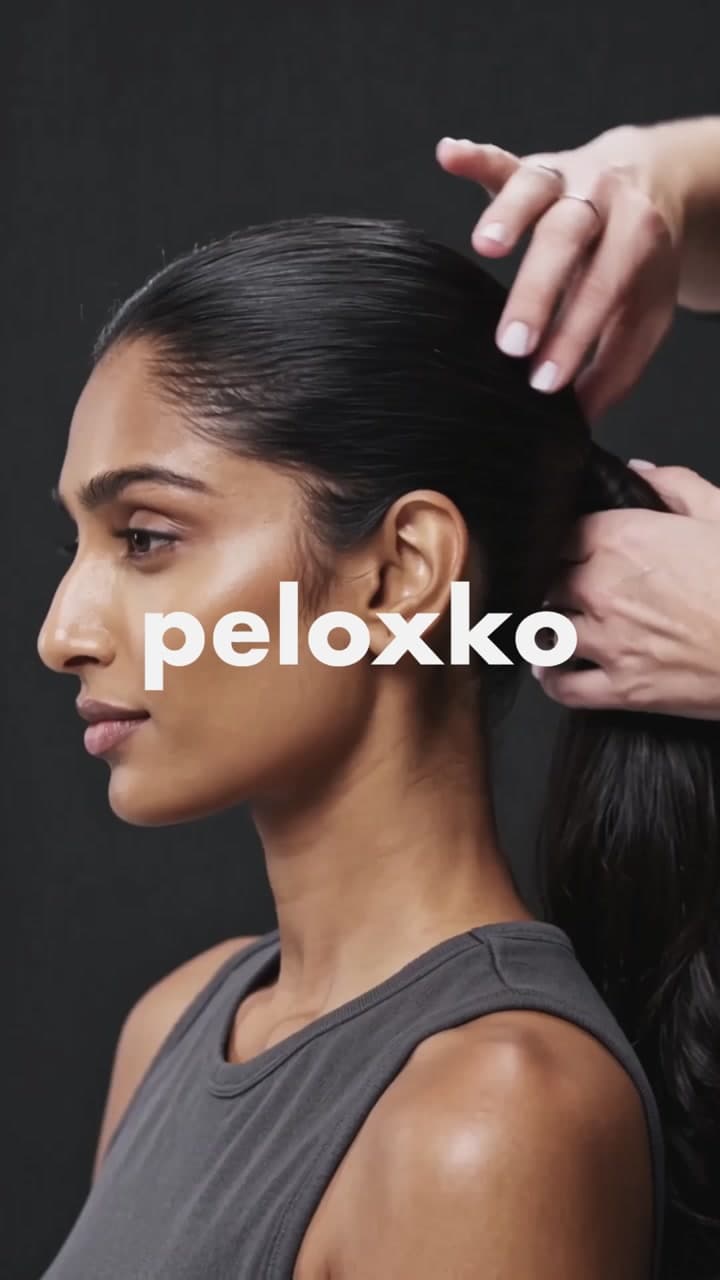
Flash-Cut Brand Teaser
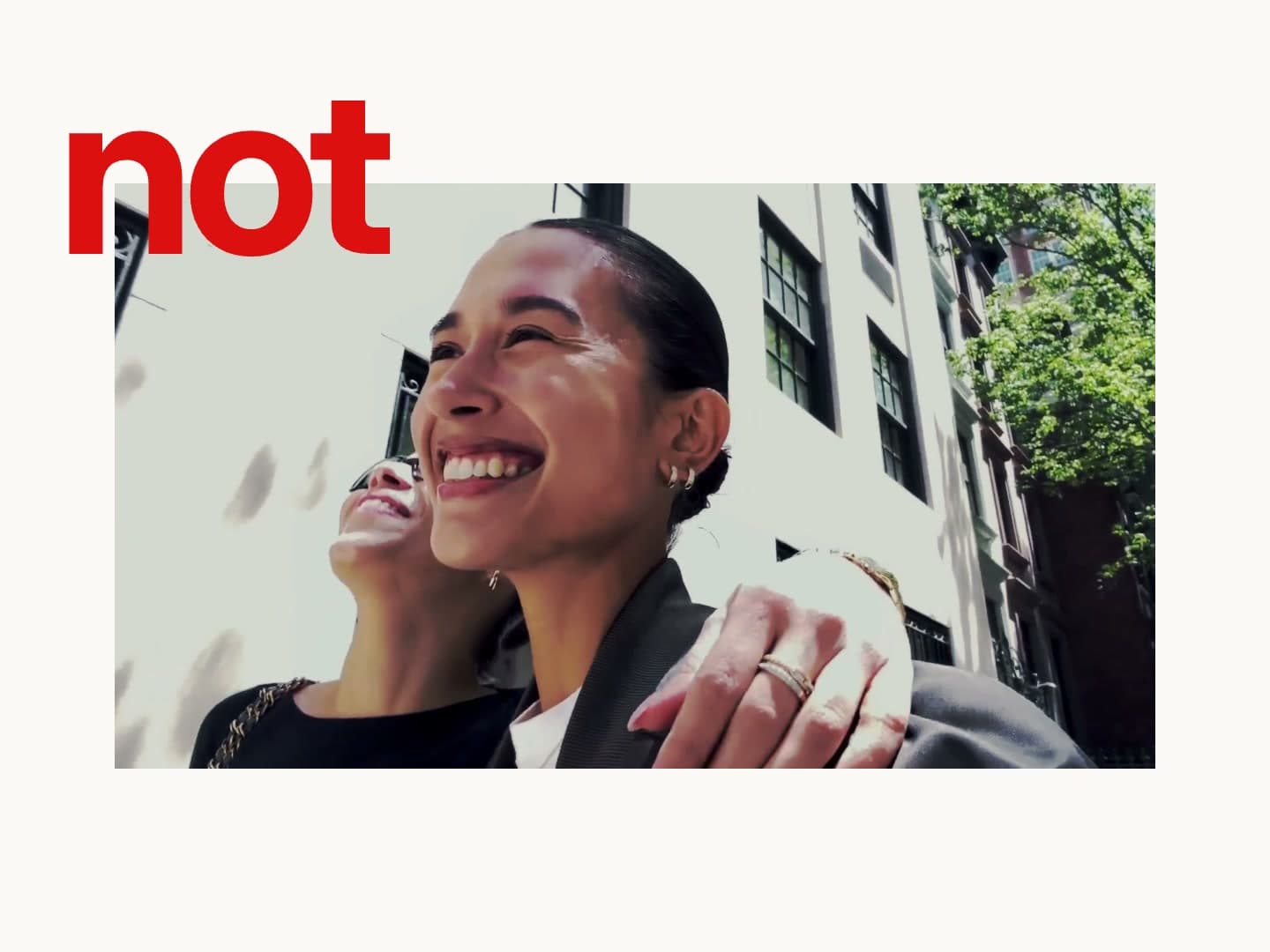
Editorial Vlog
Edit from your browser, desktop or phone.
Cardboard works wherever ChatGPT and Claude do, so you can edit on the go.
Desktop
Tablet
Mobile





What users are asking
- @Cardboard reframe it to vertical
- @Cardboard add music
- @Cardboard cut my trip clips into a 30-second Reel
- @Cardboard I run a SaaS and need help growing
- @Cardboard add captions
- @Cardboard make a trendy edit
- @Cardboard post the edit to my YouTube channel
- @Cardboard turn this into a launch strategy and a video
- @Cardboard make it match this reference
- @Cardboard add effects
- @Cardboard generate anime




Get started with one prompt.
Works on every Cardboard plan · No API key
Frequently asked questions
It brings Cardboard into ChatGPT and Claude. Attach your clips and say what you want; Cardboard edits the video and it plays right in the conversation, where you can ask for changes and export it.