Best Descript Alternatives for Video Editors in 2026
Compare the best Descript alternatives for September 2026, from Cardboard's agentic editing to CapCut's social tools, and find the right fit.
 Cardboard TeamUpdated 8 min read
Contents7 sections
Not every video starts with a clean interview recording and a transcript. If you’re working from hours of mixed footage, or your team needs to review cuts together, or you just want a first cut without scrubbing through everything manually, a Descript AI video editor alternative might actually fit your workflow better. Here’s what the best options look like right now.
TLDR:
- Descript’s transcript-first editing works well for dialogue-driven content but breaks down with complex raw footage workflows
- No alternative on this list offers both agentic first cuts from a prompt and semantic footage search except Cardboard
- Adobe Premiere Pro suits professional editors needing frame-level control; CapCut targets social-first short-form creators
- Kapwing’s free plan caps exports at 1 minute with a watermark; VEED’s 30,000 annual AI credits do not roll over
- Cardboard AI (cardboard.ai) is an AI video editor with semantic footage search, 4K export on Creator and Pro, and exports to Premiere Pro and DaVinci Resolve from Starter. Plans start at $8/month (as of October 2026), with a $5 first month
What Is Descript and How Does It Work?
Descript takes a fundamentally different approach to video editing. Instead of scrubbing through a timeline, you upload your footage and Descript generates a transcript. From there, you edit the video by editing the text, deleting sentences, cutting filler words, and rearranging sections like you would in a Google Doc.
Descript is best suited for podcasters, interviewers, educators, marketers creating tutorials, and YouTubers whose content mainly features spoken content. That audience focus is intentional. The whole workflow assumes your video revolves around what someone is saying.
Built-in AI tools like Overdub for voice cloning and Studio Sound for audio cleanup round out the feature set, making it a solid all-in-one for spoken-word content. Where it gets complicated is anything outside that lane: complex visual edits, multi-camera cuts, or footage that isn’t dialogue-driven can expose its limits fast.
Why Consider Descript Alternatives?
Descript’s document-style editing is genuinely clever for what it was built to do. If your workflow is mostly dialogue-driven content, podcast clips, or tutorial walkthroughs, it fits well. The transcript-first approach removes a real friction point for that use case.
But the model has edges, and they show up fast in certain workflows.
As fluxnote.io notes, Descript lets creators “remove filler words, correct mistakes, and cut segments simply by deleting text,” which describes the ceiling as much as it does the floor. If your edit goes beyond what’s spoken, the tool starts fighting you.
Teams that typically find themselves looking elsewhere include:
- Creators working from hours of multi-scene raw footage who need to search by face, emotion, or topic across clips
- Marketing and growth teams that need agentic first cuts from a prompt, not a transcript
- Editors who require 4K exports or frame-level visual control
- Collaborative teams bouncing between reviewers, where version sprawl becomes a real problem
- Professional filmmakers needing multi-track timelines and advanced color or motion work
None of that makes Descript a bad tool. It makes it a specialized one. The question is whether your work lives inside its specialty or outside it.
Best Descript Alternatives in September 2026
Each tool below targets a specific type of creator or production workflow, so the right pick depends on what you actually need from a Descript AI video editor alternative.
1. Cardboard: Best Overall Alternative
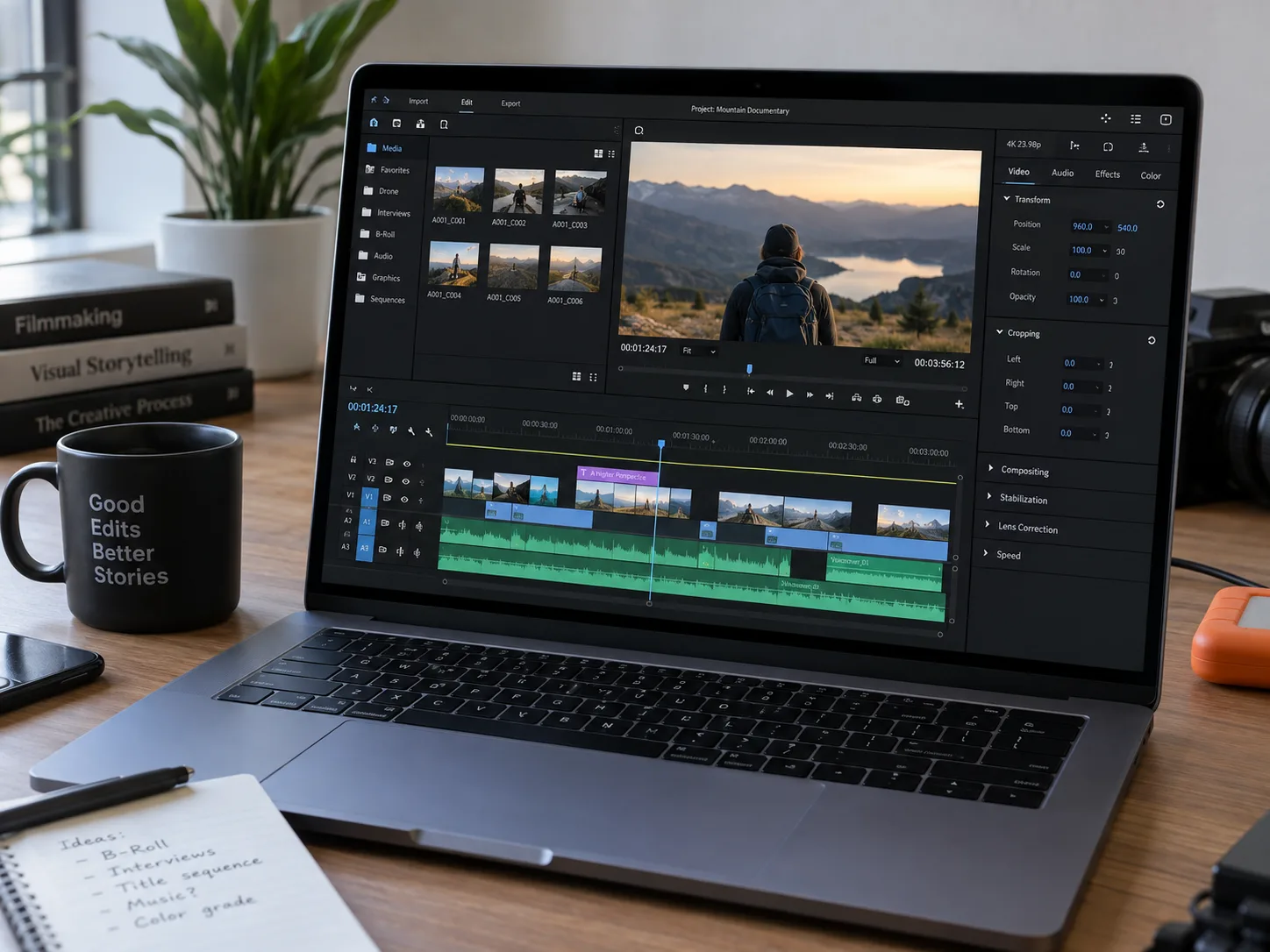
Cardboard is an AI video editor that runs in the browser and as a Mac app. Describe your edit in plain language and it proposes a first cut on the timeline automatically, no installs required.
- Natural language editing: prompts like “make a 60s recap” or “cut this into a 20s ad” generate a draft instantly
- Semantic footage search finds quotes, reactions, emotions, and scenes across hours of raw footage
- Smart Reframe converts one video into vertical, square, and widescreen versions automatically
- Public share links with comments pinned to exact timecodes, no viewer login required
Best for growth teams, creators, and editors who need to ship consistent video from large raw footage libraries without a steep learning curve. Try the Cardboard AI video editor or see the Cardboard changelog for a running list of new AI features.
2. Adobe Premiere Pro
Professional desktop editor with multi-track timelines, deep color grading, and broad codec support. Built for high-budget production work. Requires a Creative Cloud subscription, a desktop install, and a steep training investment. No browser collaboration or agentic first cuts. Right for professional editors who need frame-level control; overkill for most marketing teams.
3. CapCut
Free browser and desktop editor built for social-first short-form content. Strong template library, AI captions, and effects geared toward TikTok and Reels. It has become the default editing tool for a large chunk of social media creators. Lacks multi-scene raw footage workflows, semantic search, and professional collaboration tools.
4. Pictory
Text-to-video tool that converts scripts, blog posts, or long recordings into short clips using stock footage. The Starter plan limits output to 30 minutes of 720p video without commercial rights; the Professional plan adds 60 minutes of 1080p per month. No raw footage editing, semantic search, or real-time collaboration.
5. Kapwing
Browser-based editor with subtitle generation, dubbing, resizing, and AI video generation. The free plan caps exports at 1 minute with watermark, and the AI Video Generator primarily stitches stock footage instead of editing real recordings. Advanced AI features are credit-gated, and paid plans are priced per member, which adds up fast.
6. VEED
Browser editor focused on subtitling, AI avatars, and short-form polish. Pro plan offers 4K export and dubbing across 50+ languages. Per VEED’s pricing structure, 30,000 annual AI credits do not roll over if unused, and the free tier caps video at 720p and 10 minutes with a watermark. No agentic editing or semantic footage search.
Feature Comparison: Descript vs Top Alternatives
Comparing tools across this many features at once can get noisy, so the table below focuses on the capabilities that matter most to editors working with raw, unstructured footage.
| Feature | Descript | Cardboard | Adobe Premiere Pro | CapCut | Pictory | Kapwing | VEED |
|---|---|---|---|---|---|---|---|
| Agentic First Cut from Natural Language | No | Yes | No | No | No | No | No |
| Semantic Footage Search | No | Yes | No | No | No | No | No |
| Browser-Based (No Install) | Yes | Yes | No | Partial | Yes | Yes | Yes |
| 4K Export | No | Yes (Creator and Pro) | Yes | No | No | No | Yes (Pro only) |
| Real-Time Team Collaboration | Limited | Review links only | No | No | No | Yes | Limited |
| Smart Reframe for Multiple Aspect Ratios | No | Yes | Yes | Yes | No | Yes | Yes |
| Multi-Language Captions and Dubbing | No | Captions and translation (no dubbing) | No | Limited | Limited | Yes | Yes (Pro only) |
| NLE-Style Multi-Track Timeline | Limited | Yes | Yes | Limited | No | Limited | Limited |
| Premiere Pro / DaVinci XML Export | No | Yes | Native | No | No | No | No |
Two columns stand out here. See the TLDR for the headline gap, but the table confirms it row by row: Cardboard is the only tool in the list that checks both of those boxes.
Why Cardboard Is the Best Descript Alternative
Descript’s transcript-first workflow works well for single-speaker recordings, but most marketing teams and creators start somewhere messier: hours of raw footage, no clear structure, and a deadline. Cardboard was built for that starting point. Natural language editing replaces manual scrubbing, semantic footage search replaces digging through clips by hand, and agentic first cuts replace the assembly work that happens before any real editing even begins in Descript.
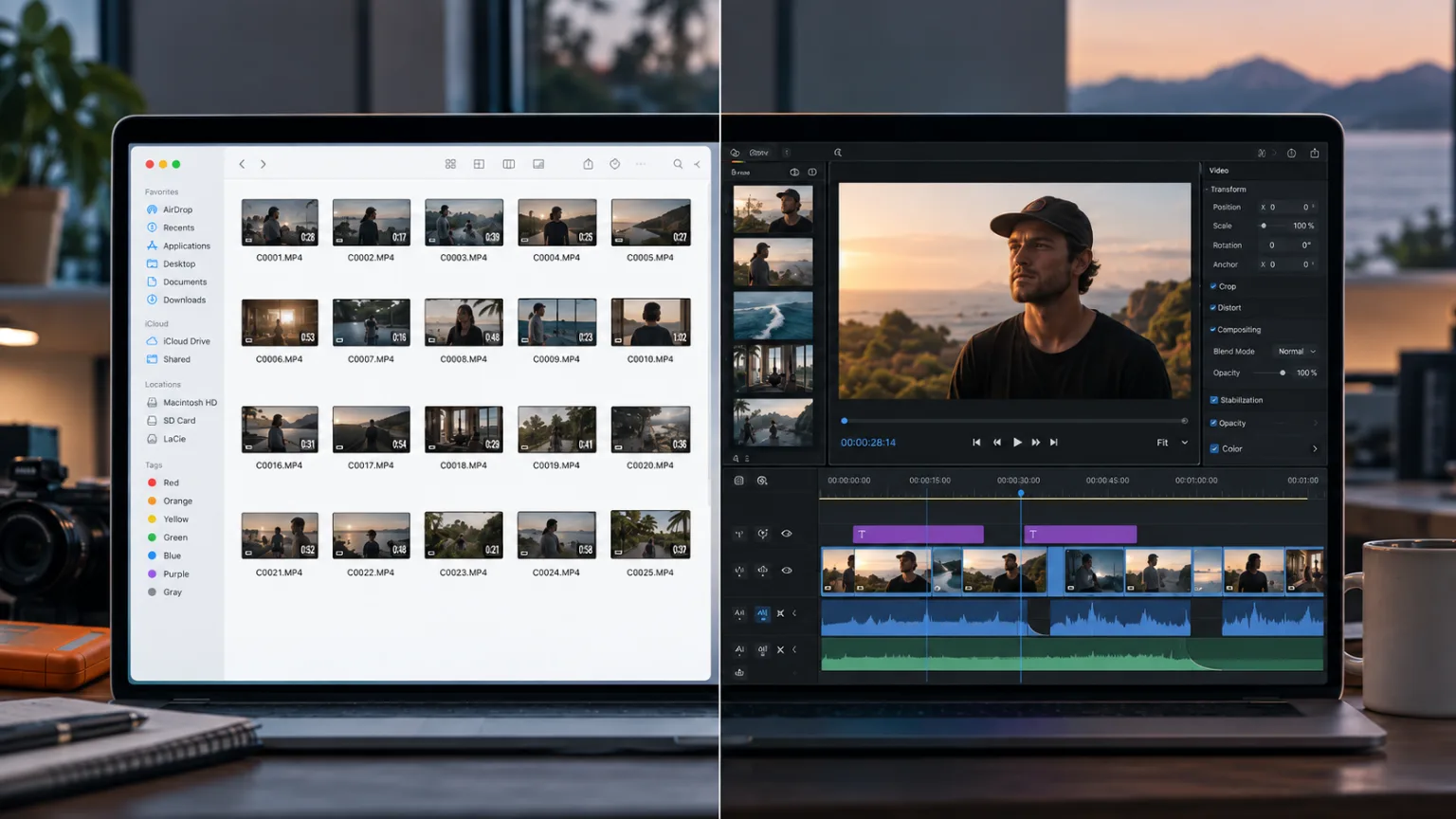
Where Descript asks you to fit your footage into a document metaphor, Cardboard works from the footage itself. Review links with timecoded comments, 4K exports on Creator and Pro, auto-reframe, and Premiere Pro/DaVinci XML compatibility mean teams skip the tradeoff between speed and quality. The hard problems Cardboard solves are the ones raw-footage workflows hit every time. For teams comparing options, Cardboard’s pricing plans cover every stage of editing. For creators and growth teams who need to ship more video without adding headcount, Cardboard is the only tool in this list that handles the full loop from raw assets to finished video.
Final Thoughts on Picking the Right Descript AI Video Editor Alternative
The best tool is the one that matches where your footage actually starts, not where you wish it did. Descript earns its spot for spoken-word content, but most marketing teams and creators are working from something messier than a single clean recording. Cardboard was built for that starting point, so your first cut does not have to be your hardest one.
FAQ
Why do video editors and creators look for Descript alternatives?
Descript’s transcript-first workflow is built around spoken content, so it starts to fall short when your edit involves multi-scene raw footage, visual storytelling, or frame-level control. Teams working with large footage libraries, needing 4K exports, or collaborating across multiple reviewers tend to outgrow it quickly.
What should you look for in a Descript AI video editor replacement?
Focus on whether the tool handles raw, unstructured footage beyond recorded interviews or single-speaker clips. Key capabilities to compare include agentic first cuts from natural language prompts, semantic footage search, real-time collaboration, and export quality like 4K support.
When does switching from Descript to Cardboard make sense?
If you are starting from hours of raw footage across multiple scenes, need a first cut generated from a prompt instead of a transcript, or require Premiere Pro and DaVinci Resolve XML exports for handoff, Cardboard covers ground that Descript was never designed for.
How does Cardboard handle footage search differently than Descript?
Cardboard’s semantic footage search lets you find specific quotes, emotions, faces, and scenes across hours of clips without scrubbing through a timeline manually. Descript’s search is limited to its transcript, so anything that isn’t spoken dialogue stays buried.
Can Cardboard replace Descript for marketing and growth teams?
Yes. Cardboard was built for marketing and growth teams who need to ship video consistently from raw assets like product walkthroughs, customer recordings, and campaign footage. The combination of natural language editing, Cardboard’s pricing plans for every team size, auto-reframe for multi-format delivery, and review links with timecoded comments removes the bottlenecks that slow those teams down in Descript.