Runway AI Alternatives: Best Picks for Editors (September 2026)
Not sure which Runway AI alternative fits your workflow? This September 2026 guide covers the top tools for editors, marketers, and creators
 Cardboard TeamUpdated 9 min read
Contents7 sections
Most of the Runway AI buzz is about generating video from prompts, and it earns that reputation. The problem is that a lot of creators and growth teams aren’t working from prompts. They’re sitting on raw footage that needs to become something publishable, and that’s a completely different job. These runway ai video editor alternatives are worth knowing about.
TLDR:
- Runway AI is built for text-to-video generation, not editing raw footage; 625 credits buys ~52 seconds of video
- Teams with existing recordings need tools with agentic editing and semantic search, which Runway lacks entirely
- Adobe Premiere Pro covers professional post-production but has no AI-driven workflow automation
- CapCut, Pictory, Descript, and VEED each cover narrow use cases and lack full raw footage editing workflows
- Cardboard is the only tool in this group with agentic editing, semantic footage search, and pro NLE export, starting at $40/month
What Is Runway AI and How Does It Work?
Runway AI is a cloud-based generative video tool built by Runway ML, a New York City company focused on creative machine learning. It lets you generate and edit video, images, and audio from a single workspace, with text-to-video generation sitting at the center of the product.

Its most recent models, Gen-4 and Gen-4.5, push toward world consistency. You can maintain consistent characters, locations, and objects across scenes without re-prompting from scratch every time, which is a real advantage for narrative or episodic work. Gen-4.5 offers extended clip generation capabilities compared to earlier models, and the tool is used by 60 million-plus creatives worldwide.
The suite covers a lot of ground depending on your plan:
- Text-to-video and image generation for building scenes from written prompts
- Audio tools and 4K upscaling for finishing and post work
- Native Adobe Premiere Pro and After Effects plugins for folding into existing professional workflows
- Collaboration features aimed at both individual creators and enterprise teams
Runway positions the whole thing as “Real-World Intelligence,” and for teams doing high-volume narrative content, the consistency features alone make it worth considering seriously.
Why Consider Runway AI Alternatives?
Runway earns its reputation for generative work. Character consistency across multi-shot sequences, production-ready outputs on a high percentage of first generations, and tight Adobe plugin support make it a strong choice for narrative and episodic content built from prompts.
But prompts are the operative word. Runway is built to generate video from scratch, and that distinction matters if your actual workflow looks different. Teams working from raw recordings, product walkthroughs, customer interviews, or hours of unedited footage will find the tool offers limited help, and AI video editing tools built for raw footage handle this far better. There’s no semantic search across existing assets, no agentic first cut from raw material, and collaboration features are not built around the async review loops that marketing and content teams rely on.
Pricing is worth factoring in too. Runway’s credit system, where 625 monthly credits on the Standard plan translates to roughly 52 seconds of Gen-4.5 video, can get expensive fast for anyone shipping content at volume instead of experimenting with individual clips.
If your work is generative storytelling, Runway fits well. If you’re sitting on a library of raw footage that needs to become ads, recaps, or social cuts, the tool was built for a different job.
Best Runway AI Alternatives in September 2026
Cardboard is built for teams sitting on raw footage who need a finished video without spending hours on a timeline. Describe the edit in plain language and Cardboard cuts, captions, and composes a first draft automatically. Semantic footage search lets you find quotes, reactions, and scenes across hours of recordings without scrubbing manually. Smart Reframe converts any video into vertical, square, and widescreen versions instantly. Real-time collaboration with timestamped comments keeps feedback loops tight, and exports go up to 4K 60fps with Premiere Pro, DaVinci Resolve, and FCP XML compatibility. Pricing starts at $40/month with a 7-day free trial.
Best for: growth teams, marketers, and creators working from raw multi-scene footage who need polished output fast.
Adobe Premiere Pro
Premiere Pro remains the industry standard for professional post-production. Deep timeline editing, Lumetri color grading, multi-track audio mixing, and AI-assisted object masking give seasoned editors granular control. Its Adobe ecosystem integrations are hard to beat for broadcast and agency pipelines.
The tradeoffs are real. Desktop installation is required, the learning curve is steep, and real-time multi-user collaboration is not natively built in the way cloud tools handle it.
Best for: professional editors in mature post-production workflows. Teams that need to ship quickly from raw footage without a long setup will find Cardboard far more accessible.
CapCut
CapCut offers free template-driven editing on web and mobile, with auto-captions, text overlays, and trending effects aimed squarely at short-form social content. For individual creators making quick clips, it covers the basics at no cost.
What it lacks: agentic editing, semantic footage search, and multi-track professional exports compatible with Premiere Pro or DaVinci Resolve. Managing complex raw assets here is not a realistic workflow.
Best for: lightweight social content. Creators and growth teams processing raw footage at scale should look elsewhere.
Pictory
Pictory converts scripts, blog posts, and audio into templated video without a traditional editing interface, making it useful for content marketers repurposing written material. Auto-captioning and script-to-video generation are its core strengths.
It was not built for raw footage editing. There is no full timeline, no agentic editing from multi-scene recordings, and pricing constraints add friction: Pictory’s plan limits and pricing constraints.
Best for: marketers turning written content into short videos. Teams working from raw recordings will find Cardboard’s semantic search and agentic editing far more practical.
Descript
Descript lets users edit video by editing a transcript, which makes it genuinely effective for podcasters and long-form interview editors. Overdub voice cloning, filler-word removal, and screen recording round out its feature set.
Outside transcript-driven workflows, it shows limits. There is no agentic first-cut generation from raw multi-scene footage, no visual semantic search, no smart reframe, and no beat-sync tools for music-driven edits. Teams with these needs should check out Descript alternatives for video editors.
Best for: audio-forward editors in podcast or interview formats. Growth and marketing teams working across diverse raw assets will fit better with Cardboard.
VEED
VEED is a browser-based editor focused on subtitles, AI avatars, screen recording, and light video trimming. For quick captioning and simple social clips without installing software, it is a reasonable free-tier option.
Heavier projects can hit browser performance limits, and there is no natural-language agentic editing, no semantic footage search, and no professional NLE export support.
Best for: individual creators needing fast subtitle generation. Teams producing polished multi-scene videos from raw assets at volume will outgrow it quickly.
Feature Comparison: Runway AI vs Top Alternatives
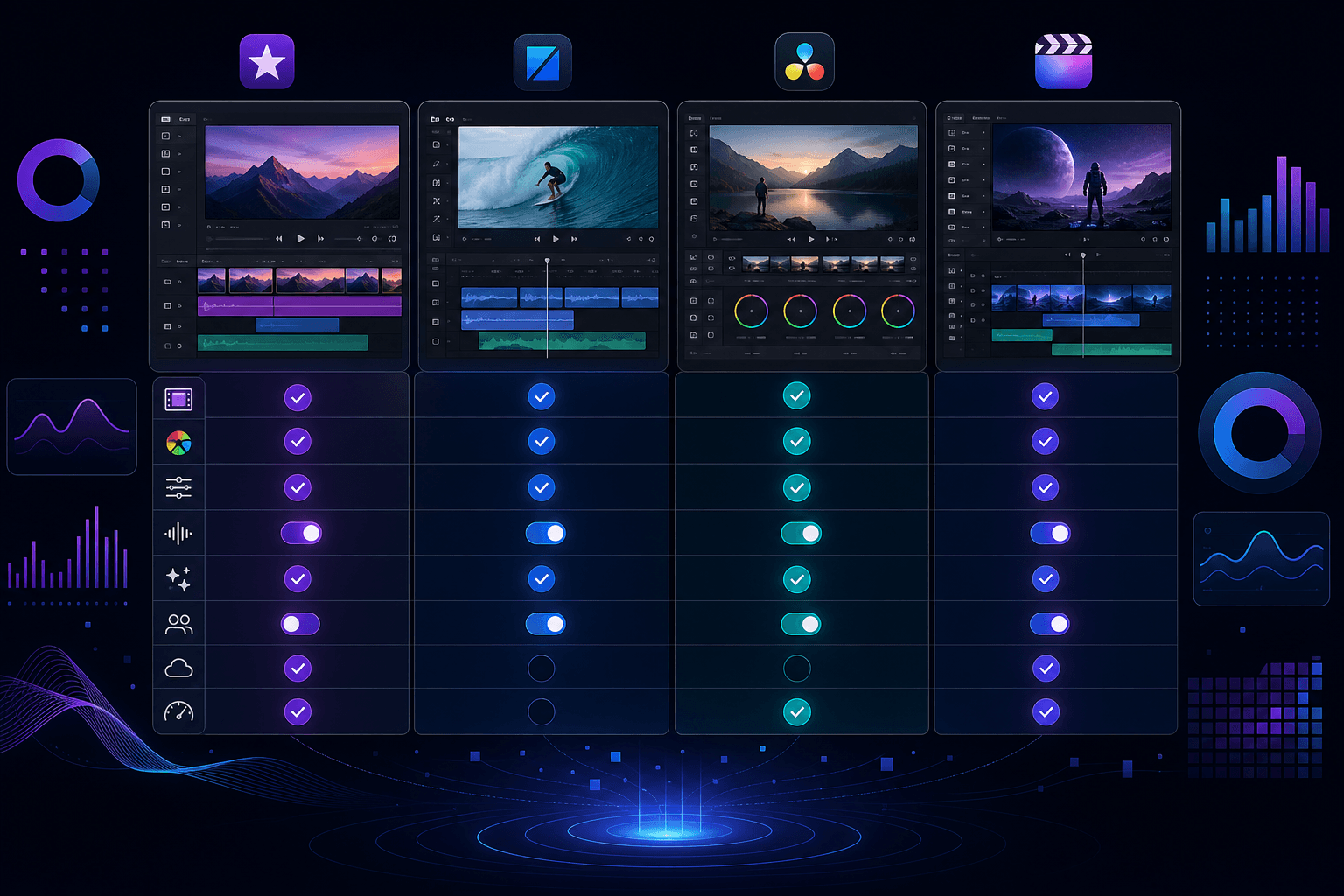
The table below puts the most-requested features side by side across the top tools in this space. A few patterns stand out quickly: Runway AI leads on generative video quality but falls short across the editing workflow features that working video editors and content teams rely on daily.
| Feature | Runway AI | Cardboard | Adobe Premiere Pro | CapCut | Pictory | Descript | VEED |
|---|---|---|---|---|---|---|---|
| Agentic natural-language editing | No | Yes | No | No | No | No | No |
| Edits raw multi-scene footage | No | Yes | Yes | Partial | No | Partial | Partial |
| Semantic footage search | No | Yes | No | No | No | No | No |
| Real-time browser collaboration | No | Yes | No | No | No | No | No |
| Multi-language captions and dubbing | No | Yes | No | Yes | Yes | No | Yes |
| Pro NLE export (Premiere/DaVinci/FCP XML) | No | Yes | Yes | No | No | No | No |
| 4K 60fps export | Yes | Yes | Yes | No | No | No | No |
Cardboard is the only tool in this group that covers every feature listed, including agentic natural-language editing and semantic footage search, two capabilities that meaningfully reduce the time editors spend hunting through raw clips. Adobe Premiere Pro matches on raw footage editing and professional export formats, but lacks any AI-driven workflow automation. See the best AI video editors for options that do. CapCut, Pictory, and VEED each cover a narrow slice of the list, making them better suited for social media video editing than full production workflows.
Why Cardboard Is the Best Runway AI Alternative
Runway AI is the right tool if you’re generating scenes from text prompts and need character consistency across a narrative sequence. For that specific job, it’s hard to beat. But most growth teams, marketing departments, and working creators are not starting from a blank prompt. They have raw recordings, product demos, interview footage, and hours of unedited material that needs to become something publishable. That’s the gap Cardboard fills.
Describe the edit you need, and Cardboard builds a first draft on the timeline. Semantic footage search finds the right clip across hours of raw material without manual scrubbing. Smart Reframe handles aspect ratio conversions. Real-time collaboration keeps feedback loops tight. These are among the hard problems Cardboard is built to solve, and everything runs in the browser with no installs required. Exports go up to 4K 60fps, with direct XML compatibility for Premiere Pro, DaVinci Resolve, and Final Cut. Starting at $40/month with a 7-day free trial, it gives serious teams a full production workflow without the overhead Runway’s credit system or desktop tools typically require. For more video editing insights, visit Cuts & Notes.
Final Thoughts on Finding the Best Runway AI Alternative
Runway AI is a strong choice if generative video from prompts is your actual workflow. For everyone else sitting on raw footage that needs to become ads, recaps, or social cuts, the gap is real. Cardboard fills that gap with agentic editing, semantic footage search, and browser-based collaboration built for teams who ship at volume. Your next video might be a lot closer than your current timeline suggests.
FAQ
Why do video editors and creators look for Runway AI alternatives?
Runway AI is built around text-to-video generation, so it works well for creating scenes from scratch. Creators and marketing teams working from raw footage, customer interviews, or product recordings will find it offers little help: there’s no way to search existing assets, generate a first cut from multi-scene recordings, or collaborate on async review loops the way content teams actually work.
When should you consider moving from Runway AI to a tool like Cardboard?
If your workflow starts with raw footage and not a blank prompt, Runway AI is solving the wrong problem for you. Teams shipping ads, recaps, or social cuts from existing recordings will get to a finished video faster with Cardboard’s agentic editing and semantic footage search than they will by generating clips from text.
What features should you look for when comparing Runway AI alternatives?
Focus on whether the tool handles raw multi-scene footage, supports natural-language editing, and exports to professional formats like Premiere Pro or DaVinci Resolve XML. Real-time collaboration and semantic footage search are worth weighing too. Both save considerable time for growth teams and creative directors managing high volumes of raw assets.
How does Cardboard handle footage search differently than tools like Descript or CapCut?
Cardboard’s semantic footage search lets you find specific quotes, reactions, emotions, and scenes across hours of recordings without manually scrubbing a timeline. Descript searches by transcript text only, and CapCut has no comparable footage search capability at all.
Can Cardboard replace Adobe Premiere Pro for professional video output?
Cardboard exports up to 4K 60fps with full XML compatibility for Premiere Pro, DaVinci Resolve, and Final Cut Pro, so it fits into professional post-production pipelines without friction. The key difference is that Cardboard runs entirely in the browser with agentic editing built in, which means teams can go from raw footage to a polished first cut without the setup time or learning curve that Premiere Pro requires.