TikTok Business Account: Setup and Content Strategy
September 2026 guide to setting up a TikTok Business account and posting videos that hold attention with the right hooks and captions.
 Cardboard TeamUpdated 12 min read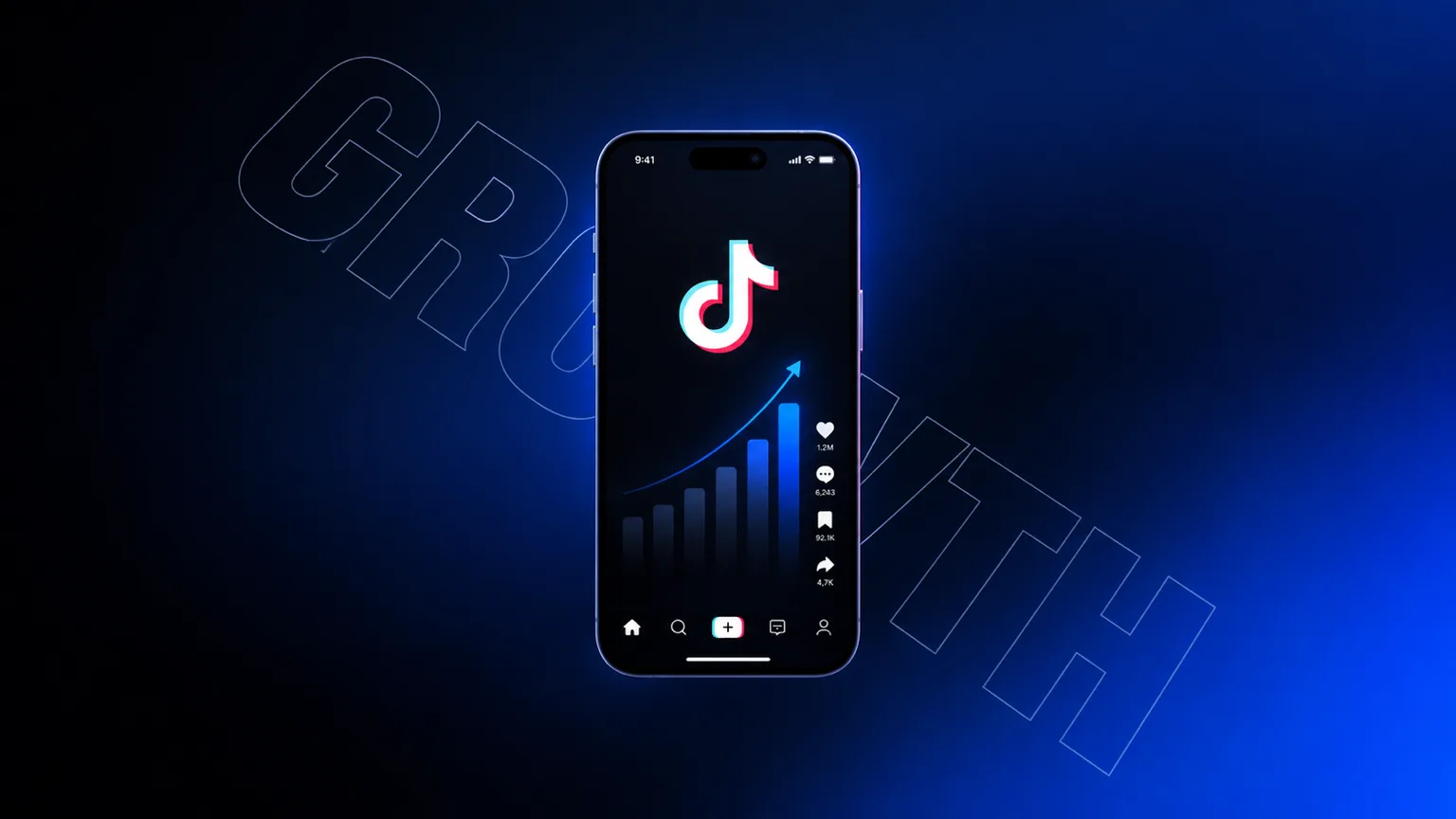
Contents15 sections
- What Is a TikTok Business Account?
- TikTok Business Account vs. Personal Account
- How to Set Up a TikTok Business Account
- How to Optimize Your TikTok Business Profile
- How the TikTok Algorithm Works for Business Accounts
- How to Build a TikTok Content Strategy for Your Business
- What Content Formats Work Best on TikTok for Businesses
- How to Hook Viewers in the First Few Seconds
- How to Use Captions, Hashtags, and Sounds to Boost Discoverability
- How TikTok Shop Works with a Business Account
- TikTok Ads and Advertising Tools for Business Accounts
- How to Repurpose Long-Form Video Into Short TikTok Clips
- How Cardboard Helps Teams Ship TikTok Videos Faster
- Final Thoughts on TikTok Business Accounts and Content Strategy
- FAQ
Getting your TikTok business account set up is the easy part. The harder part is figuring out what to post, when to post it, and why some videos take off while others disappear into the void. Here’s everything you need to get both right.
TLDR:
- Switch to a TikTok Business account in under 5 minutes to unlock ads, analytics, and TikTok Shop.
- TikTok uses viewer interactions, content information, and user information to recommend videos; use your own analytics to learn what holds your audience’s attention.
- TikTok Shop’s live shopping conversion rate of 7.4% exceeds traditional eCommerce by more than 3x.
- Captions between 100-150 characters drive 12% higher engagement; use 3-5 targeted hashtags per post.
- Cardboard is an AI video editor that handles reframing, captions, and clip creation for TikTok content.
What Is a TikTok Business Account?
A TikTok Business account is a free account type designed for brands, companies, and marketers who want to grow on TikTok with access to professional tools. Unlike a Personal or Creator account, the Business account unlocks a dedicated analytics dashboard, advertising capabilities, TikTok Shop integration, and the Commercial Music Library.
The core difference worth knowing: Personal accounts get full access to trending sounds and creator monetization programs, while Business accounts trade some of that audio flexibility for marketing infrastructure. If you’re running a brand and need ad tools, website links in your bio, and performance data, the Business account is the right fit.
TikTok Business Account vs. Personal Account
The trade-off is real but manageable. Business accounts lose access to the full trending audio library, which can feel limiting since sounds drive a lot of organic reach on TikTok. The Commercial Music Library has hundreds of thousands of tracks, so you’re rarely stuck, but you won’t be able to stitch your content to that viral audio everyone’s using this week.
| Feature | Business Account | Personal Account |
|---|---|---|
| Analytics dashboard | Advanced | Basic |
| Advertising tools | Yes | No |
| TikTok Shop | Yes | Limited |
| Trending sounds | Commercial library only | Full access |
| Website link in bio | Always available | Requires 1K+ followers |
| Creator monetization | No | Yes |
Solo creators building a personal brand get more flexibility with a Personal account. But if you’re running marketing for a company, need to run ads, or want TikTok Shop connected, a Business account is where you need to be.
How to Set Up a TikTok Business Account
Follow these steps to get your TikTok business account running:
- Download TikTok and create an account, or log into your existing one.
- Tap your profile icon, then go to Settings and Privacy.
- Select “Manage account,” then tap “Switch to Business Account.”
- Choose the category that best fits your business (Retail, Education, Food, etc.).
- Add your email and complete any verification steps TikTok prompts.
Once switched, your profile gains access to the Business Suite, where analytics, ad tools, and TikTok Shop settings all live. The whole process takes under five minutes, and you can switch back to a Personal account at any time.
How to Optimize Your TikTok Business Profile
A complete profile builds trust before you’ve posted a single video. Here’s what to get right:
- Profile photo: Use your logo or a clean, high-contrast image that reads well at small sizes.
- Bio: You have 80 characters. Lead with what you do, not who you are. “Skincare for sensitive skin. Free shipping over $40.” beats “Welcome to our official page!”
- Website link: Add it. This is one of the biggest perks of a Business account.
- Category: Pick the most specific one that fits. It helps TikTok surface you to the right audience.
- Username: Match it to your brand name across other channels where possible.
Keep your display name searchable, your bio scannable, and your link pointed somewhere worth visiting.
How the TikTok Algorithm Works for Business Accounts
TikTok’s algorithm doesn’t care how many followers you have. What it watches is how people interact with your video in the first few hours after posting.
TikTok says recommendations use user interactions, content information, and user information. Watching in full or skipping, likes, shares, and comments can all contribute, while captions, sounds, and hashtags help describe the content. The importance of these signals can change; TikTok does not publish a fixed ranking formula. Use retention and engagement from your own posts to test which topics and formats reach relevant viewers.
TikTok’s average engagement rate consistently outpaces Instagram Reels by a wide margin. Higher engagement means more organic distribution per post, which compounds over time for brands that post consistently.
How to Build a TikTok Content Strategy for Your Business
Start with your goal. Are you driving product awareness, generating leads, or pushing traffic to a landing page? That answer shapes everything else, from content format to how you measure success.
From there, narrow your niche. TikTok’s algorithm rewards depth over breadth, so a home organization brand posting consistently within that space will outperform a general lifestyle account posting randomly. Pick one or two content pillars and stay in your lane, at least until you have enough data to expand.
For posting cadence, three to five times per week is a workable starting point for most business accounts. Consistency signals to the algorithm that you’re an active creator, which keeps your content in rotation. Post when your audience is already scrolling, which your analytics tab will show after a few weeks of data.
A simple framework to keep content flowing:
- One educational or how-to video per week that teaches something your audience actually searches for
- One product-focused or behind-the-scenes post that builds familiarity with your brand
- One trend-adjacent or community-driven piece that widens your reach without drifting off-topic
What Content Formats Work Best on TikTok for Businesses
Tutorials and how-to videos tend to perform well because they teach something useful tied to your product or industry. Viewers save and rewatch them, which sends strong signals to the algorithm.
Here are the formats worth building into your content rotation:
- Product demos that show the thing actually working in real context, beyond polished catalog shots.
- Behind-the-scenes clips covering packing orders, team moments, or the making-of process. Audiences respond to process over perfection.
- Trending audio rides where you take a sound already gaining traction and build relevant content around it.
- Founder storytelling, where a 30-second origin story or “why we built this” post can outperform anything scripted.
The format that works least well is the ad that looks like an ad. If your first two seconds feel like a commercial, most viewers are already gone.
How to Hook Viewers in the First Few Seconds
The first two or three seconds of your video determine whether TikTok shows it to 500 people or 500,000. Watch time in the opening seconds is the strongest ranking signal the algorithm uses. Lose someone immediately and the system deprioritizes your content before it ever gets a real chance.
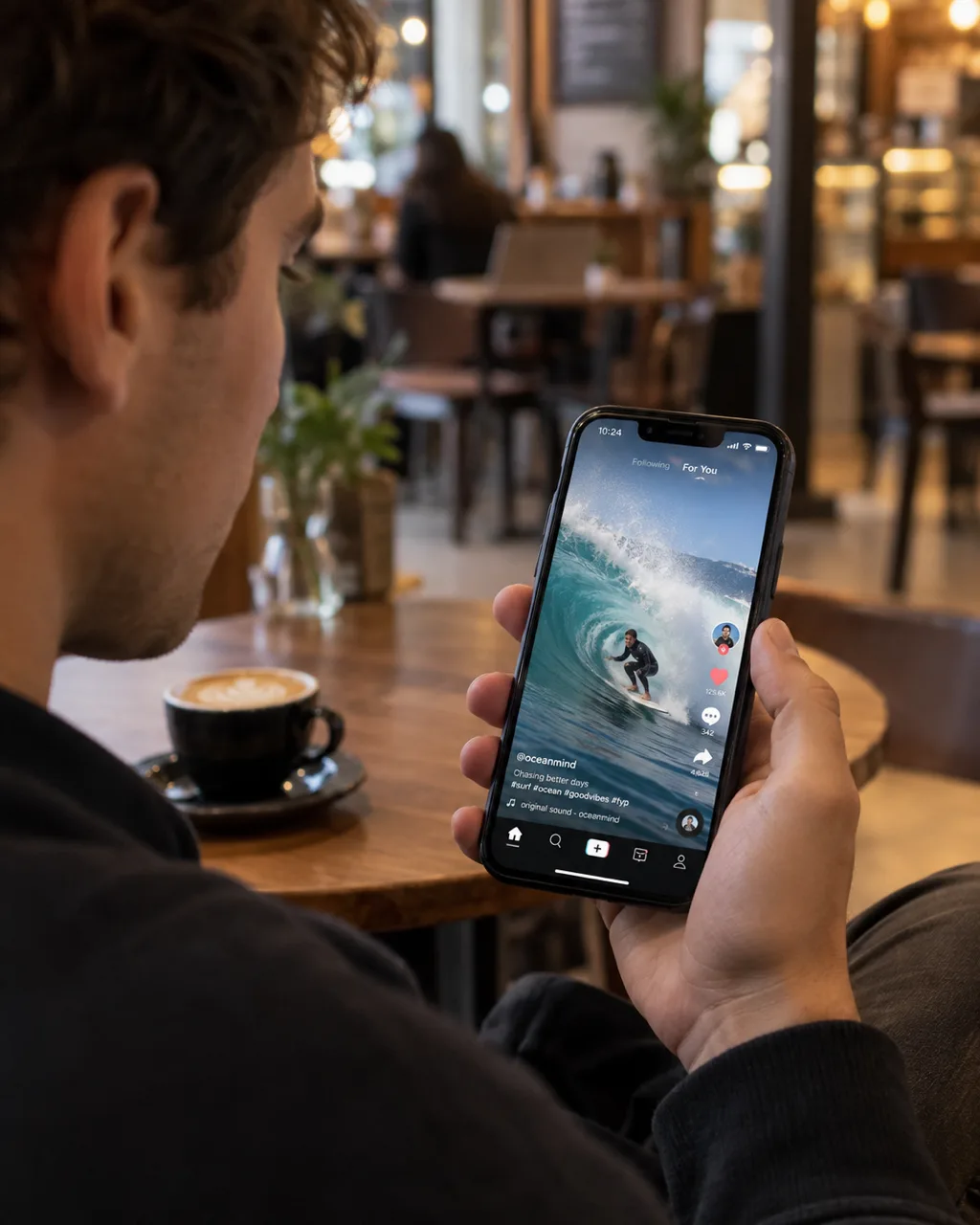
A strong hook is visual and verbal at the same time. Something needs to be happening on screen while your first line creates a reason to stay. A few structures that work:
- Lead with the payoff: “Here’s what happened when we switched our packaging supplier.”
- Create a knowledge gap: “Most brands get this wrong on TikTok.”
- Call out the viewer directly: “If you sell physical products, watch this.”
Start in motion instead of standing still talking at the camera. Cut the setup. Context can come in seconds two through five, but second one has one job: stop the scroll.
How to Use Captions, Hashtags, and Sounds to Boost Discoverability
Captions, hashtags, and sounds are the metadata layer that tells TikTok who to show your video to. Get them right and the algorithm handles distribution for you.
For captions, shorter tends to outperform longer. Posts with captions between 100 and 150 characters saw 12% higher engagement rates than those with very short captions or none at all. Write one line that adds context or sparks curiosity, then cut everything else.
For hashtags, three to five targeted tags beat a wall of generic ones. Mix one broad category tag (#smallbusiness, #skincare) with two or three niche tags that describe exactly what’s in the video. TikTok reads hashtags as classification signals, so vague or mismatched tags push your content to the wrong audience.
Sounds are trickier for Business accounts since trending audio from the full library is off-limits. Watch what sounds are gaining traction in your niche, find licensed versions in the Commercial Music Library, and build your video around those. Original audio also works well, particularly for branded formats you post repeatedly.
A clear caption, relevant hashtags, and a categorically appropriate sound give the algorithm multiple signals pointing in the same direction, which is what gets your content in front of people who actually want to see it.
How TikTok Shop Works with a Business Account
TikTok Shop connects directly to your Business account and lets you sell without sending viewers to an external site. Products are listed in your profile’s shop tab, tagged inside individual videos, and featured during live streams, all within TikTok itself.
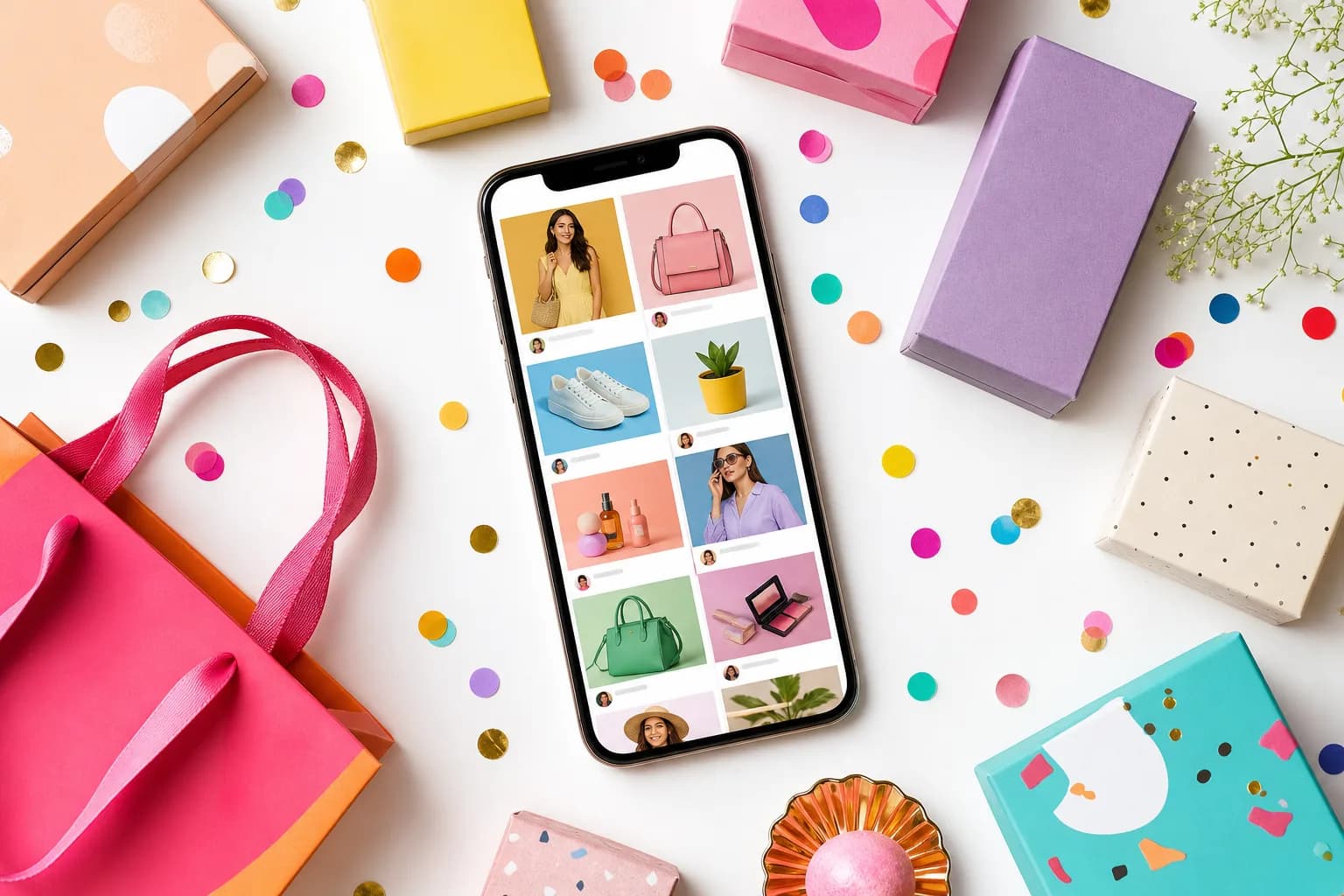
The numbers make a strong case for taking it seriously. TikTok Shop’s GMV reached $33.1 billion in the trailing twelve months, and its live shopping conversion rate of 7.4% exceeds traditional eCommerce by more than 3x.
To get started, connect your TikTok Shop through the Business Suite after setting up your Business account. From there, upload your product catalog, tag products in existing videos, and go live with a shoppable product showcase pinned in the corner of your stream. If you already sell on Shopify, a native integration syncs inventory automatically.
TikTok Ads and Advertising Tools for Business Accounts
TikTok Ads Manager is available the moment you switch to a Business account, covering campaign setup, audience targeting, budget controls, and performance reporting in one place.
The ad formats worth knowing:
- Spark Ads let you boost organic posts that are already performing, running your existing content as a paid ad without losing the native look.
- In-Feed Ads appear in the For You feed and blend with organic content when executed well.
- Shopping Ads connect directly to your TikTok Shop catalog and show products to users most likely to buy.
83% of weekly U.S. TikTok users have taken action after seeing a TikTok ad, a strong conversion signal relative to other social channels. Spark Ads are usually the right starting point since you’re spending money on content that already proved it could hold attention organically.
How to Repurpose Long-Form Video Into Short TikTok Clips
Most teams already have the raw material. Product demos, recorded webinars, founder interviews, onboarding walkthroughs: hours of footage sitting unused because cutting it down feels like a separate project nobody has time for.
The workflow is simpler than it looks:
- Watch your long-form asset and mark the moments with the clearest payoff: a sharp one-liner, a before/after reveal, a surprising result.
- Clip to 30-60 seconds. TikTok rewards brevity, so cut before you think you need to.
- Reframe for vertical. Most long-form content is shot in 16:9, which means cropping for portrait mode manually unless your editor handles it automatically.
- Add captions. Roughly 70% of TikTok users watch with sound off at least some of the time, so on-screen text carries the message when audio does not.
- Write a new hook. The original intro rarely works for TikTok. Lead with the most interesting part, then let the context follow.
One webinar can yield five to ten clips with distinct hooks. One product walkthrough can become a tutorial, a demo, and a FAQ response. The footage is already there.
How Cardboard Helps Teams Ship TikTok Videos Faster
Repurposing footage at the volume TikTok demands is where most teams hit a wall. Editing takes time, reframing takes more time, and captioning is often the last thing anyone gets to. Cardboard is an agentic AI video editor built for exactly this problem, running entirely in the browser with no installs required.
You can type “cut this into a 20s ad” and Cardboard proposes a first cut on the timeline. Smart Reframe converts wide-format footage to vertical automatically, keeping the subject in frame without manual cropping. Word Pop captions reveal text as it’s spoken and emphasize keywords inline, designed for the kind of high-retention, sound-off viewing TikTok rewards. Semantic footage search lets you find a specific quote or reaction across hours of raw video without scrubbing through a timeline.
For teams producing TikTok content consistently, it’s the difference between a video taking an afternoon and taking minutes. Plans start at $8/month on Lite ($5 for the first month).
Final Thoughts on TikTok Business Accounts and Content Strategy
Getting your TikTok Business account live is the easy part. The brands that grow are the ones posting regularly, testing formats, and paying attention to what their audience actually watches. If cutting and repurposing video is where your workflow slows down, Cardboard is worth a look.
FAQ
Should I switch my TikTok account to a Business account or keep a Personal account for brand growth?
Switch to a Business account if you need ads, TikTok Shop, or analytics, since those tools are only available on Business. The trade-off is losing full access to trending audio, but the Commercial Music Library covers most use cases, and the marketing infrastructure you gain far outweighs that limitation for brand accounts.
What is the best AI video editor for marketing teams who need to ship TikTok videos fast?
Cardboard is built for exactly this workflow: you describe the edit in plain language, and it proposes a first cut automatically in the browser with no installs. For teams repurposing raw footage into TikTok clips at volume, it’s faster than Descript alternatives or manual editing in Premiere Pro, with Smart Reframe handling vertical conversion and Word Pop captions optimized for sound-off viewing. Plans start at $8/month on Lite ($5 for the first month).
How do I repurpose long-form video into short TikTok clips without spending hours editing?
Pull the sharpest moments (a one-liner, a result, a before/after), clip to 30-60 seconds, reframe for vertical, and write a new hook that leads with the most interesting part. One recorded webinar or product walkthrough can generate five to ten distinct clips, each with a different angle.
How do TikTok hashtags and captions affect how far a TikTok business account’s content reaches?
Hashtags tell TikTok’s algorithm which audience to send your video to, so three to five targeted tags outperform a long list of generic ones. Captions between 100 and 150 characters drive 12% higher engagement than very short or absent captions; one line that adds context or creates curiosity is enough.
What content formats perform best for a TikTok business account in 2026?
Tutorials, product demos in real context, and founder storytelling consistently outperform polished ad-style content because they hold attention and generate rewatches, which are the strongest signals TikTok’s algorithm uses to decide whether to amplify a video. Behind-the-scenes clips work well for the same reason: process beats perfection on TikTok.