Easy Video Ideas for Small Business Social (October 2026)
Explore simple, repeatable video ideas small businesses can edit fast for consistent social media posting in October 2026.
 Cardboard TeamUpdated 12 min read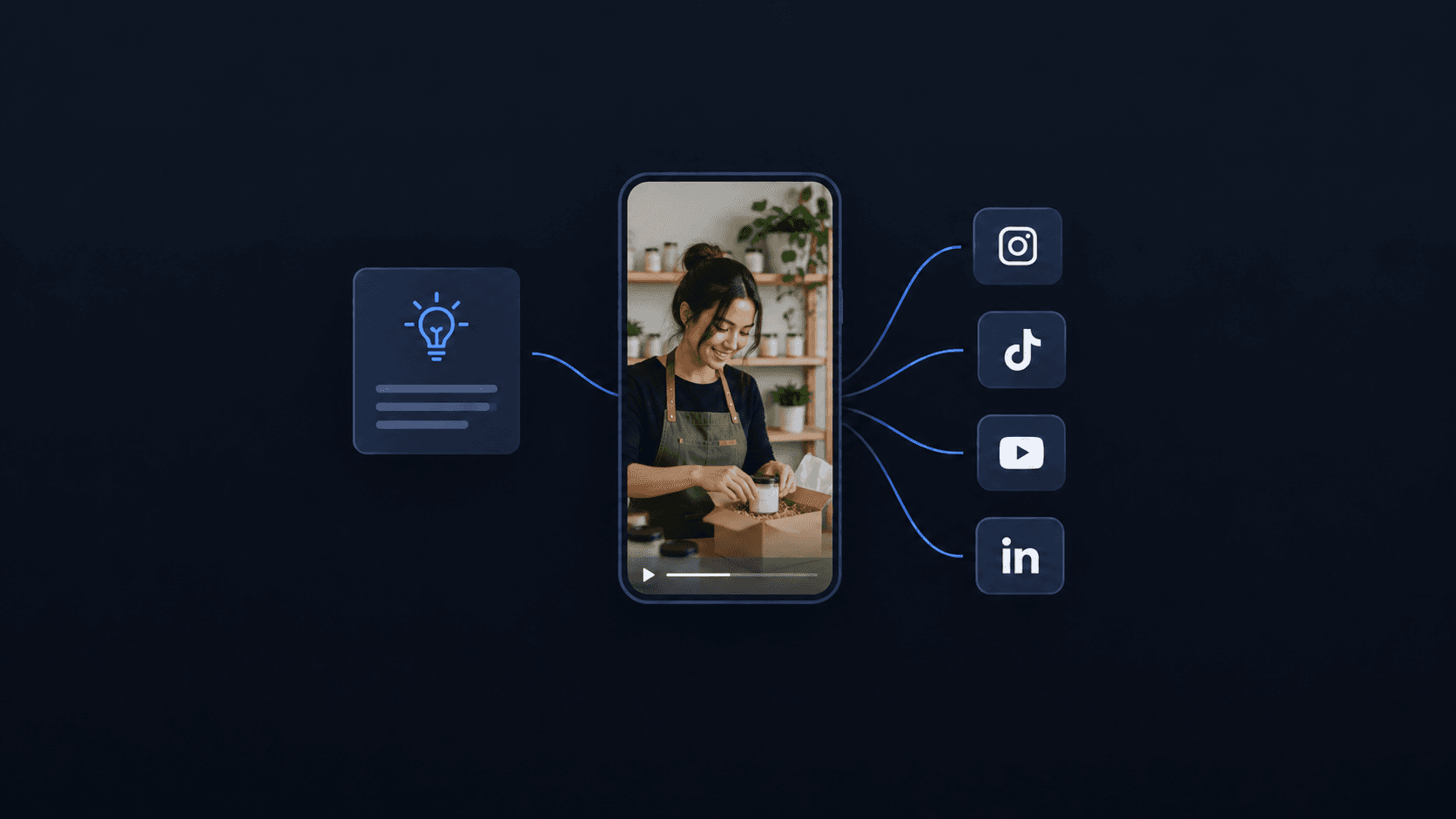
Contents16 sections
- Why Small Businesses Can't Afford to Skip Video in 2026
- The Raw Assets You Already Have
- Product Demo Clip
- Customer Testimonial Clips
- Behind-the-Scenes Brand Moments
- Product Launch Teasers and Announcement Videos
- Repurposing Long-Form Content Into Short Clips
- How to Reformat One Video for Every Channel
- Founder and Team Introduction Videos
- Explainer and Myth-Busting Videos
- Tips, Tricks, and How-To Videos
- Event Recaps and Real-Time Coverage
- How AI Editing Closes the Gap Between Raw Footage and a Published Video
- How Cardboard Turns Raw Footage Into Post-Ready Video
- Final Thoughts on Video Content Ideas for Small Teams
- FAQ
If your video content plan keeps getting pushed to next week, the issue probably isn’t motivation. It’s that the ideas on your list require more time and setup than you actually have. These formats are built for small teams who need to post consistently without turning every clip into a production.
TLDR:
- 91% of businesses now use video as a marketing tool. Consistency, not budget, separates the ones that grow
- You likely already have publishable footage in demos, calls, and webinars sitting unused
- One recording session can produce 5-8 clips across channels with the right repurposing workflow
- AI editing has cut median production costs by 40%, making weekly publishing realistic for small teams
- Cardboard is an agentic AI video editor that turns raw footage into post-ready clips via plain-language prompts
Why Small Businesses Can’t Afford to Skip Video in 2026
Short-form video delivers 2.5x more engagement per impression than any other content type, and 91% of businesses now use video as a marketing tool. That figure has climbed steadily over the past decade and reached 86% as recently as 2024. The gap between small businesses that grow on social and those that stall rarely comes down to budget. It comes down to consistency.
Most small teams know video works. The harder problem is showing up week after week without burning out or hiring a full production crew. That’s where a reliable bank of video ideas, ones that are genuinely easy to execute and edit, makes the real difference.
The Raw Assets You Already Have
Most small businesses are sitting on more publishable footage than they think. Before recording anything new, do a quick inventory of what already exists on your drives.
In the last 90 days, your team has probably recorded at least a few of these:
- Product demo recordings or Loom walkthroughs that show your offering in action without any scripting required
- Customer onboarding calls that capture real questions and real answers your audience is searching for
- Internal team presentations that often contain talking points strong enough to anchor a standalone video, or even training videos for new hires
- Recorded webinars or live Q&As that are essentially finished content waiting to be clipped and published
Product Demo Clip
Making a product demo video can be among the higher-converting formats you publish, and the raw material is probably already sitting in your Loom library.
Trim a longer walkthrough down to 60-90 seconds showing the single most compelling moment in your product. Skip the preamble, start with the outcome, then show how you get there. Viewers on social decide within the first three seconds whether to keep watching, so the “aha” moment needs to come early.
To make it edit-ready: cut the dead air at the start, add captions for viewers scrolling with sound off, and reframe for vertical if posting to Reels or Shorts.
Customer Testimonial Clips
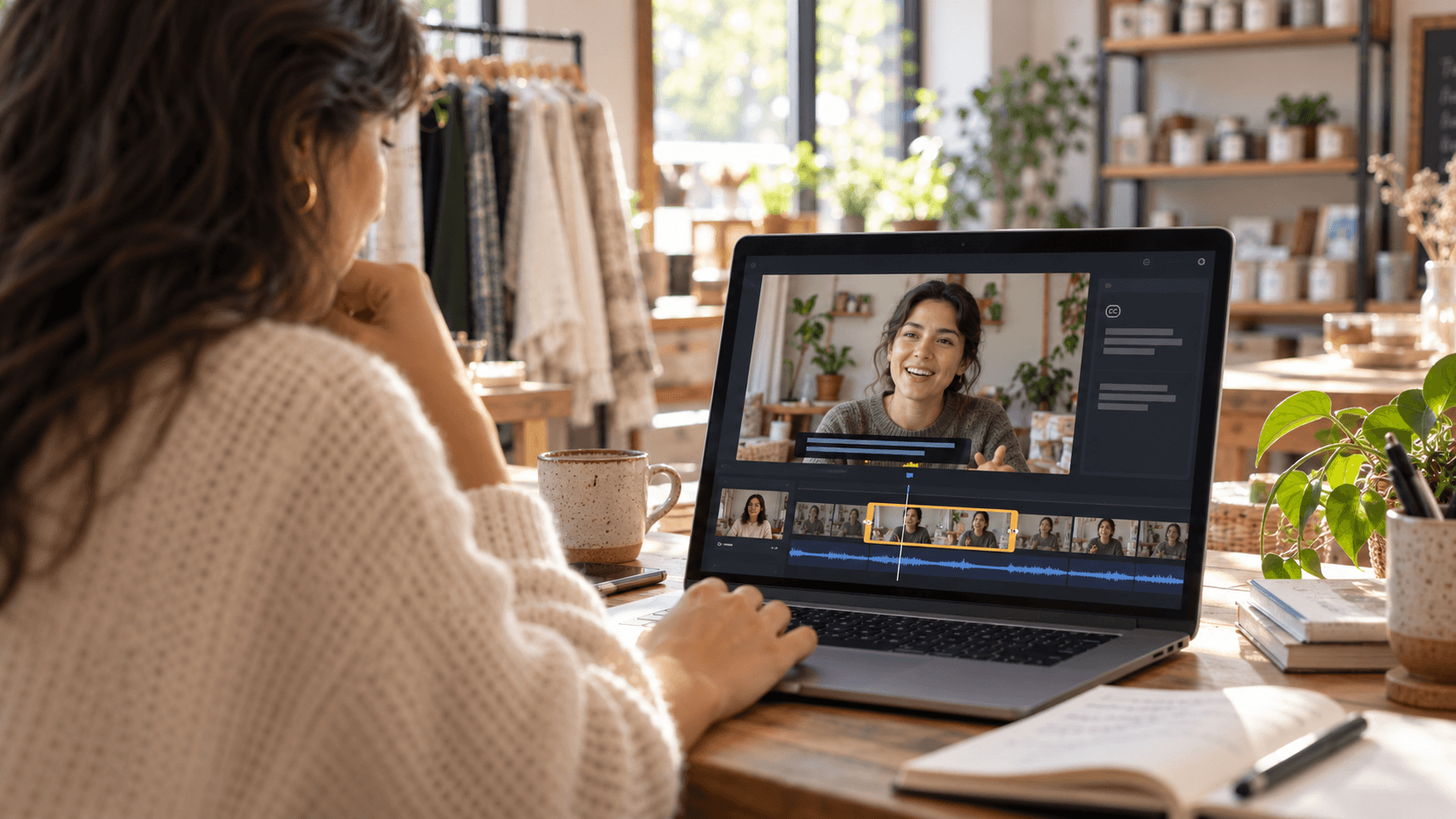
A recorded customer call is raw testimonial material. You don’t need a studio setup or a scripted response from a happy customer. You need the right 20-30 second moment pulled from a conversation that already happened.
The edit challenge is finding that soundbite inside 30 minutes of recording. The faster path is editing a UGC video with captions and using semantic footage search to locate the exact moment a customer describes their result in their own words. Search for a phrase like “before we started” or “the difference was” and jump straight to it.
What makes the clip land:
- Start mid-sentence if the opening is slow. Cut to the emotion.
- Add captions, since most viewers watch without sound.
- Keep it under 30 seconds for social. Longer cuts work on landing pages.
Behind-the-Scenes Brand Moments
Behind-the-scenes content works because it looks unpolished. That’s the point. On TikTok and Instagram Reels, footage that signals authenticity tends to outperform footage that signals budget.
Good behind-the-scenes video ideas include:
- A packaging run filmed on a phone while orders go out
- The team prepping for a product launch the day before it goes live
- A short clip of how your product is actually made, no narration required
- Office or workspace moments that show the people behind the brand
The edit is minimal: trim the start and end, drop in captions, and reframe to vertical.
Product Launch Teasers and Announcement Videos
One recording session can cover your entire launch content calendar if you plan it right. Film the reveal, capture the team reaction, and record a short walkthrough, then cut three separate clips from the same footage.
A basic launch sequence looks like this:
- A 15-30 second teaser cut to music, showing just enough to create curiosity without revealing everything
- A launch day reveal that shows the full product and leads with the outcome
- A post-launch recap pulling the best reactions or early customer responses
The edit work is mostly trimming and reordering. Three videos, one session.
Repurposing Long-Form Content Into Short Clips
The real bottleneck with long-form repurposing is finding the right moment, not cutting it. A 45-minute webinar might have four or five genuinely quotable moments. The same challenge applies when you turn a podcast into short clips. Locating them manually means scrubbing through the whole recording, which is why most teams skip it.
A faster workflow:
- Search your transcript or footage for high-signal phrases like “the mistake most people make” or “what actually worked”
- Flag the 20-30 second window around each hit
- Set the format per destination: vertical for TikTok and Reels, horizontal for LinkedIn and YouTube
- Add captions, trim the handles, export
One recording can realistically produce five to eight clips across channels without shooting anything new.
How to Reformat One Video for Every Channel
Shooting once and publishing everywhere is the goal. The obstacle is that TikTok wants 9:16, LinkedIn prefers 16:9, and Instagram Reels sits at 9:16 while YouTube Shorts demands the same. Cropping manually for each ratio costs time you don’t have.
A smart reframe tool handles this automatically, tracking the subject across the frame so the key action stays centered in every version. The same technique is useful when you make a promo video for multiple platforms. The result looks intentional, not like a YouTube video awkwardly letterboxed onto a phone screen.
| Channel | Aspect Ratio | Max Length |
|---|---|---|
| TikTok | 9:16 (vertical) | 10 min |
| Instagram Reels | 9:16 (vertical) | 90 sec |
| YouTube Shorts | 9:16 (vertical) | 60 sec |
| 16:9 (landscape) | 10 min | |
| YouTube | 16:9 (landscape) | Unlimited |
One source file, five outputs, no re-editing from scratch.
Founder and Team Introduction Videos
Audiences connect with people faster than they connect with products. A 30-45 second founder clip or team introduction Reel gives your brand a face, and the bar for production quality is lower than most assume.
Good options here:
- A selfie-style clip filmed on a phone where you explain why you started the business, kept to under 60 seconds
- A recorded Loom walking through who your team is and what each person handles
- A “meet the team” Reel stitching together short individual clips from each person
The edit is light: trim the silence, add captions, drop in background music, and reframe for vertical if it’s going to Reels or Shorts. No studio, no script. The less produced it looks, the better it tends to perform.
Explainer and Myth-Busting Videos
Explainer videos work because they show up at exactly the right moment: when a buyer is confused and actively searching for clarity. A well-structured 60-second explainer can rank in YouTube search, surface in TikTok’s discovery feed, and double as a landing page asset.
Myth-busting clips follow the same format but lead with a contrarian hook, which tends to drive more comments and shares. “You don’t actually need X to Y” or “Here’s what most people get wrong about Z” gives viewers a reason to respond.
Both formats are low-effort to produce and edit:
- Record a talking head video on your phone or a screen recording walking through the concept
- Keep it under 90 seconds and front-load the payoff
- Add captions for sound-off viewing and a text overlay restating the main point
- Trim the handles and export
No motion graphics, no voiceover artist, no shoot day required.
Tips, Tricks, and How-To Videos
How-to videos are one of the most repeatable formats a small business can own. The structure is already decided for you, and the content almost always exists somewhere in what your team has already written.
Pull three to five tips from a blog post, a sales FAQ, or a support doc. Record a talking-head clip or a screen share walking through each one, and you have your raw material.
The edit follows a simple pattern:
- One cut per tip, no lingering on any single point
- A consistent caption style across every video so the format becomes recognizable to repeat viewers
- A text overlay at the start announcing the number of tips so viewers know exactly what they’re getting
Three-tip and five-tip formats perform well because they make a specific promise upfront. Keep each tip to 10-15 seconds and the whole clip under 90 seconds, and it fits comfortably in Reels, Shorts, and TikTok without any restructuring. That makes it a good fit once you’ve set up a TikTok Business Account to track performance.
Event Recaps and Real-Time Coverage
Event footage is perishable. A conference recap posted three days later rarely lands the way the same clip posted that evening would. The window is short, which means the edit needs to be fast.
Here is what to capture at any event:
- A 10-second clip of the venue or booth setup before the crowd arrives
- Quick reactions or soundbites from team members between sessions
- Any product demo, panel moment, or live interaction worth preserving
- A short “day in review” clip filmed at the end, summarizing what happened
Pull the strongest 30 to 60 seconds, strip background noise so voices cut through clearly, add captions for sound-off viewers, and reframe for vertical if it’s going to Reels or TikTok. Event audio is rarely clean out of the camera, so noise removal matters more here than in almost any other format. Post the same day. Even rough footage with tight captions outperforms polished recaps that arrive a week late, the same speed advantage that comes from learning to build AI video ads fast.
How AI Editing Closes the Gap Between Raw Footage and a Published Video
Outsourcing edits has always been the default for small teams without an in-house editor, but the math stops working fast. Freelance video editing costs $25 to $150/hour, with project-based work running $300 to $1,500 or more depending on scope.
At those freelance rates, the per-video cost drops enough with AI tooling that publishing three or four clips a week stops being a budget conversation. Our video editing guides walk through the specifics for each format.
What AI editing handles in a real workflow:
- First-cut assembly from raw footage, so you’re refining a draft instead of starting from a blank timeline
- Automatic captions synced to speech, including suppression during silences
- Background noise removal so conference audio, phone recordings, and outdoor clips come through cleanly
- Smart reframe that tracks subjects across aspect ratios without manual keyframing
- Format exports for every channel from a single source file
How Cardboard Turns Raw Footage Into Post-Ready Video
Cardboard is an agentic AI video editor built for the exact problem this post keeps running into: footage that exists but never gets published. Teams from PostHog, Airtable, and Google are among its early users. Describe the edit in plain language, “cut this call into a 20-second testimonial” or “make a 60-second recap from this walkthrough,” and Cardboard proposes a first draft on the timeline. You refine from there instead of starting from scratch.
Semantic footage search finds the right moment across hours of recordings without manual scrubbing. Smart Reframe outputs vertical, square, and horizontal versions from one file. Captions, background noise removal, translation, and XML exports for Premiere Pro or DaVinci Resolve are all built in. Pricing plans start at $8/month, unlimited exports from $29/month, and 4K exports from $59/month, which is less than the cost of a single outsourced clip at most freelance rates.
Final Thoughts on Video Content Ideas for Small Teams
None of these formats require a crew, a studio, or a big production budget. What they do require is showing up consistently, which gets a lot easier once your editing process stops taking half a day. Your raw footage has more usable content in it than you think. Cardboard can help you find the right moment and get it published without starting from scratch every time.
FAQ
How do I repurpose long-form video content into short clips for TikTok and YouTube Shorts without scrubbing through the whole recording?
Use semantic footage search to locate high-value moments by searching for phrases like “the mistake most people make” or “what actually worked,” then flag the 20-30 second window around each hit. One 45-minute webinar can realistically produce five to eight clips across TikTok, Reels, and YouTube Shorts without recording anything new. Cardboard’s semantic search does this inside the editor, so you skip the manual scrub entirely.
How do I reformat a horizontal video into vertical and square versions automatically without manual cropping?
A smart reframe tool tracks the subject across the frame and outputs 9:16, 1:1, and 16:9 versions from a single source file, so each cut looks intentional instead of awkwardly letterboxed. Cardboard’s Smart Reframe handles this automatically, meaning one recorded walkthrough or product demo becomes TikTok, Reels, LinkedIn, and YouTube assets in one pass. No keyframing, no re-editing from scratch per channel.
OpusClip vs Cardboard for turning raw footage into short social clips?
OpusClip focuses on clipping and pulling standout moments from a single long video, while Cardboard works across the full editing workflow: first-cut assembly, semantic search across multiple recordings, Smart Reframe, captions, noise removal, and 4K exports from one browser-based editor. If your team needs to go from a library of raw assets to post-ready clips consistently, Cardboard covers more of that process end to end.
What are the easiest video ideas for small businesses that don’t require a production crew or studio setup?
Product demo clips trimmed from existing Loom recordings, customer testimonial soundbites pulled from onboarding calls, and behind-the-scenes packaging or prep footage are among the lowest-lift formats available. Each requires minimal editing: trim the handles, add captions for sound-off viewers, and reframe for vertical. The raw material is almost always footage your team has already recorded.
How do I turn raw product footage into a polished video without hiring a freelance editor?
Describe the edit in plain language inside an AI video editor like Cardboard, and it assembles a first draft on the timeline for you to refine. Automatic captions, background noise removal, and Smart Reframe run on the same file, so you are not juggling separate tools. At $29/month for unlimited exports, the per-video cost drops well below typical freelance editor rates. See the AI editing section above for the full breakdown.