Build a Demo Video That Converts Using AI (2026)
Learn how to make a demo video that converts, with AI tools for scripting, editing, and reframing. Updated October 2026.
 Cardboard Team13 min read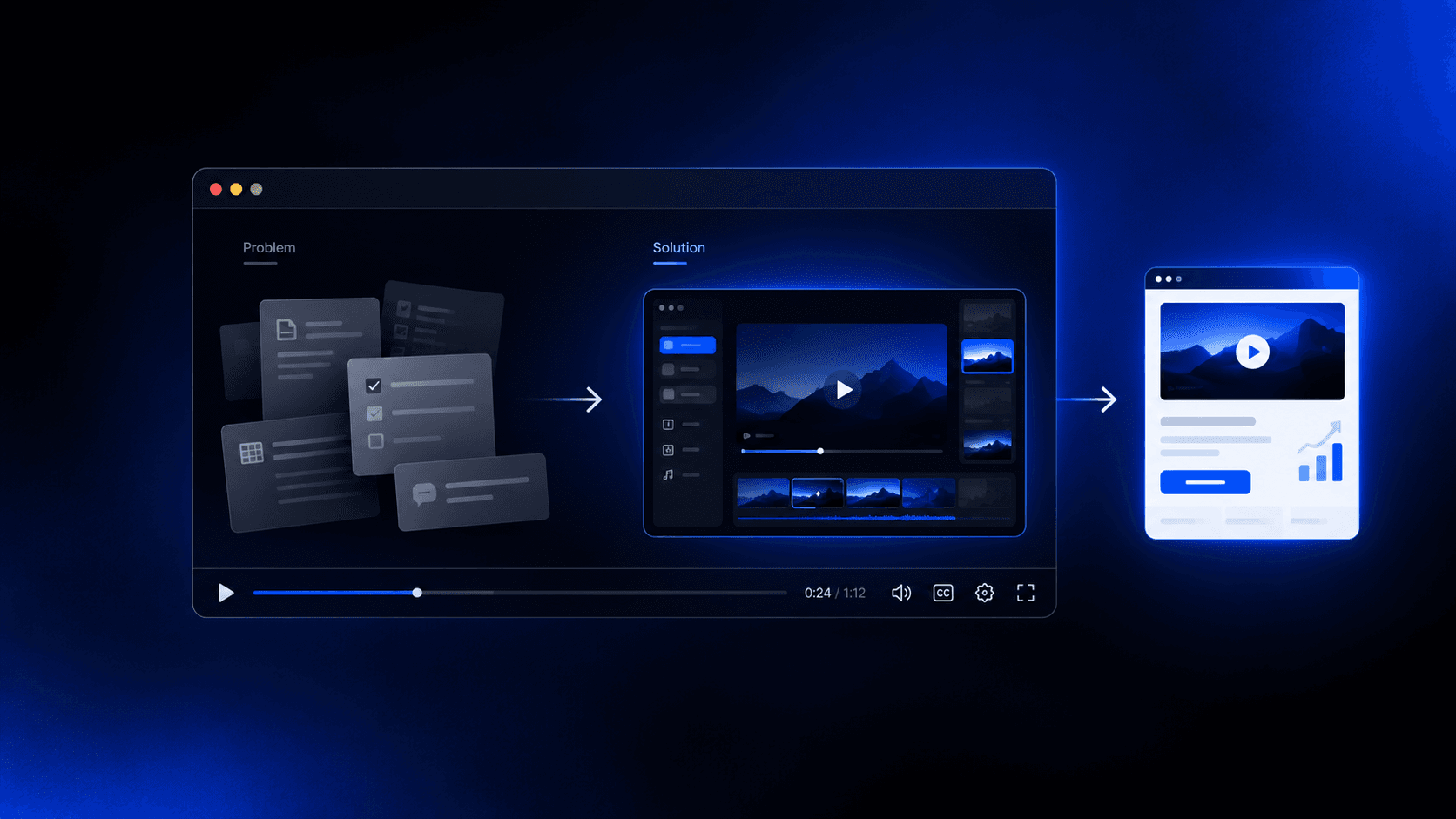
Contents14 sections
- What Is a Product Demo Video?
- Why Demo Videos Matter for Conversion
- Types of Product Demo Videos
- How Long Should a Demo Video Be?
- What Makes a Great Product Demo Video
- How to Write a Script That Solves Real Problems
- How to Record Your Product Demo Video
- How to Edit a Demo Video for Impact
- How AI Changes the Demo Video Production Workflow
- How to Repurpose One Demo Video Into Multiple Formats
- How to Distribute and Measure Demo Video Performance
- How Cardboard Helps Teams Ship Demo Videos Faster
- Final Thoughts on Building a Demo Video That Drives Results
- FAQ
A lot of demo videos show the product. The ones that convert show the problem first. That small shift in structure, along with a tighter script and smarter editing, is what separates a video that drives signups from one that just lives on a landing page.
TLDR:
- Landing pages with embedded demo video convert at 86% higher rates than text-only pages
- Keep marketing demo videos to 2-3 minutes; that’s where engagement and conversion peak
- Script around a before-and-after workflow, not a feature list, to hold attention and drive action
- AI editing tools have cut median video production cost from $4,200 to $2,500 per finished minute
- Cardboard generates a first cut from raw footage via plain-language prompts, with smart reframe and semantic search built in
What Is a Product Demo Video?
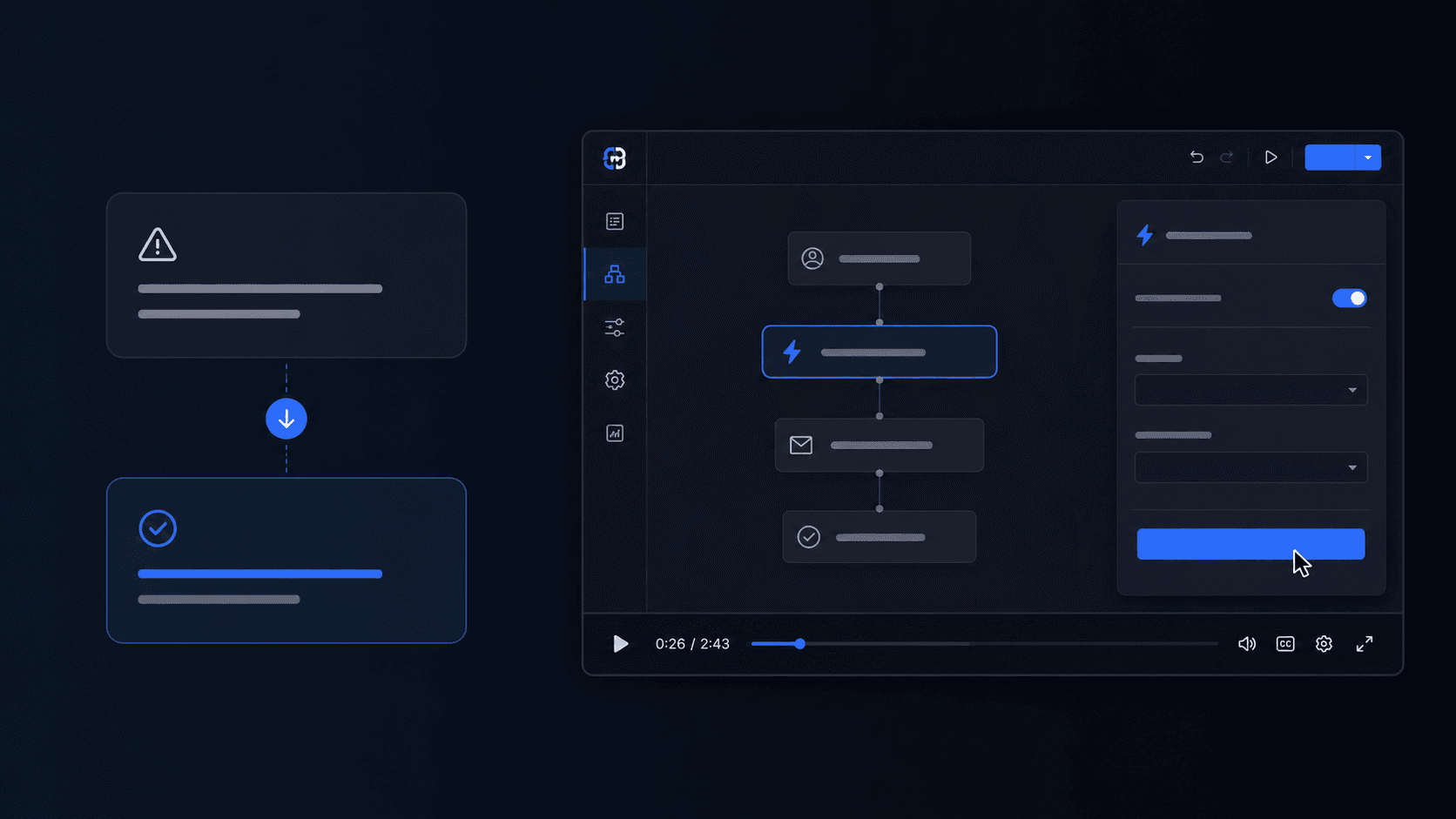
A product demo video shows your product in action, walking a viewer through what it does, how it works, and why that matters to someone with a real problem to solve.
It helps to separate this from two formats that often get confused with it. An explainer video answers “what is this?” at a high level, usually through animation or narration without showing the actual UI. Knowing how to make a promo video helps clarify the distinction: a promotional clip builds excitement, while a demo video does something narrower, putting the product on screen and showing the experience directly.
The audience is usually someone already considering a purchase, or curious enough to want proof. You’re showing, not pitching.
Demo videos appear across the funnel: embedded on a landing page, sent during a sales sequence, used in onboarding, or posted to drive organic discovery. The format stays the same; the context shapes what you choose to focus on.
Why Demo Videos Matter for Conversion
Landing pages with embedded video convert at 86% higher rates than text-only equivalents. For complex products, where a visitor needs to quickly grasp what something does and whether it fits their situation, video does work that a paragraph of copy simply cannot.
The effect is strongest in B2B SaaS, where explainer videos have shown conversion lifts exceeding 100% in controlled testing. That gap separates a page that leaks leads from one that holds attention long enough to convert.
91% of businesses now use video as a marketing tool in 2026, which means the bar for standing out has risen. A demo video that is clear, specific, and well-edited is increasingly what separates a product that gets taken seriously from one that gets skipped.
Types of Product Demo Videos
Before hitting record, you need to know which format you’re making. Each type serves a different audience, lives in a different place, and fails for different reasons when misused.
- Marketing overview demo: 2-3 minutes, lives on your homepage or landing page, covers what the product does and who it’s for. Broadest possible audience.
- Feature-specific walkthrough: 60-90 seconds, goes deep on one capability. Useful for release announcements, help docs, or mid-funnel nurture.
- Sales demo: 3-5 minutes, often personalized to a prospect’s context. Shared in outreach sequences or after an initial call.
- Onboarding demo: guides a new user through setup or a core workflow, similar to how to make training videos for internal teams. Reduces support load and improves activation.
- Short-form social demo: under 60 seconds, optimized for a feed. The goal is curiosity, not conversion.
The format you choose shapes everything downstream: script length, screen recording approach, editing style, and where you publish. Understanding what AI video editing tools can automate helps you plan for each format from the start.
How Long Should a Demo Video Be?
Data from Wistia and Vidyard across millions of videos points to the same sweet spot: 2 to 3 minutes consistently delivers the best balance of engagement and conversion for marketing demos. Viewers stay long enough to understand the product, and conversion rates peak in that window.
| Demo Type | Recommended Length |
|---|---|
| Marketing overview | 2 to 3 minutes |
| Sales demo | 3 to 5 minutes |
| Feature-specific | 60 to 90 seconds |
| Onboarding walkthrough | 5 to 10 minutes |
| Short-form social | Under 60 seconds |
Length discipline matters before you script anything. A feature walkthrough crammed into five minutes loses people; a homepage overview cut to 45 seconds leaves them confused.
What Makes a Great Product Demo Video
The best demo videos share a few qualities that have nothing to do with production budget.
Lead with a real workflow, not a feature list
Feature lists tell viewers what exists. Workflows show why it matters. A viewer watching your demo is quietly asking: “Does this solve my actual problem?” Show a recognizable scenario play out from start to finish and they stay. Give them a guided tour of every button and they leave.
Answer one core question
Pick the single most important thing a viewer should understand by the end, and build everything around that. If you’re targeting a growth team, that question might be “how fast can I go from raw footage to a finished video?” Answering it clearly beats covering ten secondary features.
Respect attention spans
Drop the slow intro. Show the product doing something impressive as early as possible, and save context and edge cases for further down the funnel.
End with a clear next step
A demo that fades out without directing the viewer anywhere wastes the attention it earned. Tell them exactly what to do next, whether that’s starting a trial, booking a call, or watching a deeper walkthrough.
How to Write a Script That Solves Real Problems
A tight script is what separates a demo that converts from one that gets skipped. Everything else, recording quality, music, transitions, is downstream of this.
Start with the pain, not the product. Open with a sentence that names what your viewer is frustrated by. “You have hours of raw footage and a deadline tomorrow.” Viewers self-select in fast when you get specific about a problem they actually have.
Structure the script around a before-and-after: show the painful version, then show your product resolving it. This arc does more persuasive work than any list of features because it puts the viewer inside a familiar situation and walks them out of it.
A few practical rules:
- Write short sentences. If you have to re-read a line to parse it, rewrite it.
- Read it out loud. Awkward phrasing shows up immediately when spoken.
- Cut anything that doesn’t move the viewer closer to understanding the product or wanting to try it.
- Avoid jargon. If a term requires explanation, replace it with plain language or skip it entirely.
- At a natural speaking pace of roughly 130 words per minute, a 2-minute demo needs about 260 words of script, not 500.
End the script before you think you need to. Viewers drop off gradually, so every extra sentence costs you a percentage of your audience. The CTA belongs in the script itself, not added as an afterthought in post.
How to Record Your Product Demo Video
Before hitting record, reset your product environment: use a demo account with realistic but tidy data, close unrelated tabs, hide your bookmarks bar, and go full screen. Viewers notice cluttered UI, and it quietly erodes trust.
Screen recording
Record at your monitor’s native resolution, ideally 1080p or higher. Most teams reach for Loom, QuickTime, or OBS, though some prefer looking into Descript alternatives for a more complete editing workflow. Where possible, record screen and audio on separate tracks so fixing audio in post stays manageable.
Voiceover vs. on-camera
Voiceover keeps focus on the product, which works well for top-of-funnel demos. On-camera narration adds personality for founder-led content or sales sequences where a face builds rapport. You can combine both: a brief on-camera intro followed by a screenshare walkthrough.
Audio quality
A $50 to $80 USB condenser mic will outperform your laptop’s built-in microphone dramatically, and pairing good audio with one of the best AI video editors makes cleanup even easier. Record in a quiet room, away from HVAC hum or street noise. Bad audio kills an otherwise solid demo faster than any visual issue.
Capturing close-ups and B-roll
After your main recording, go back and capture zoomed-in UI moments for key interactions. A tight crop on a button click or a result loading draws the viewer’s eye exactly where you want it during editing.
How to Edit a Demo Video for Impact
Pacing is where most demo videos quietly fail. Even a well-recorded walkthrough feels sluggish if the edit doesn’t ruthlessly cut dead air, long loading screens, and any moment where nothing is happening on screen. Start here:
- Remove every pause over one second that isn’t intentional.
- Watch the whole thing at 1.25x speed. If it feels slow there, it will feel slow to your viewer.
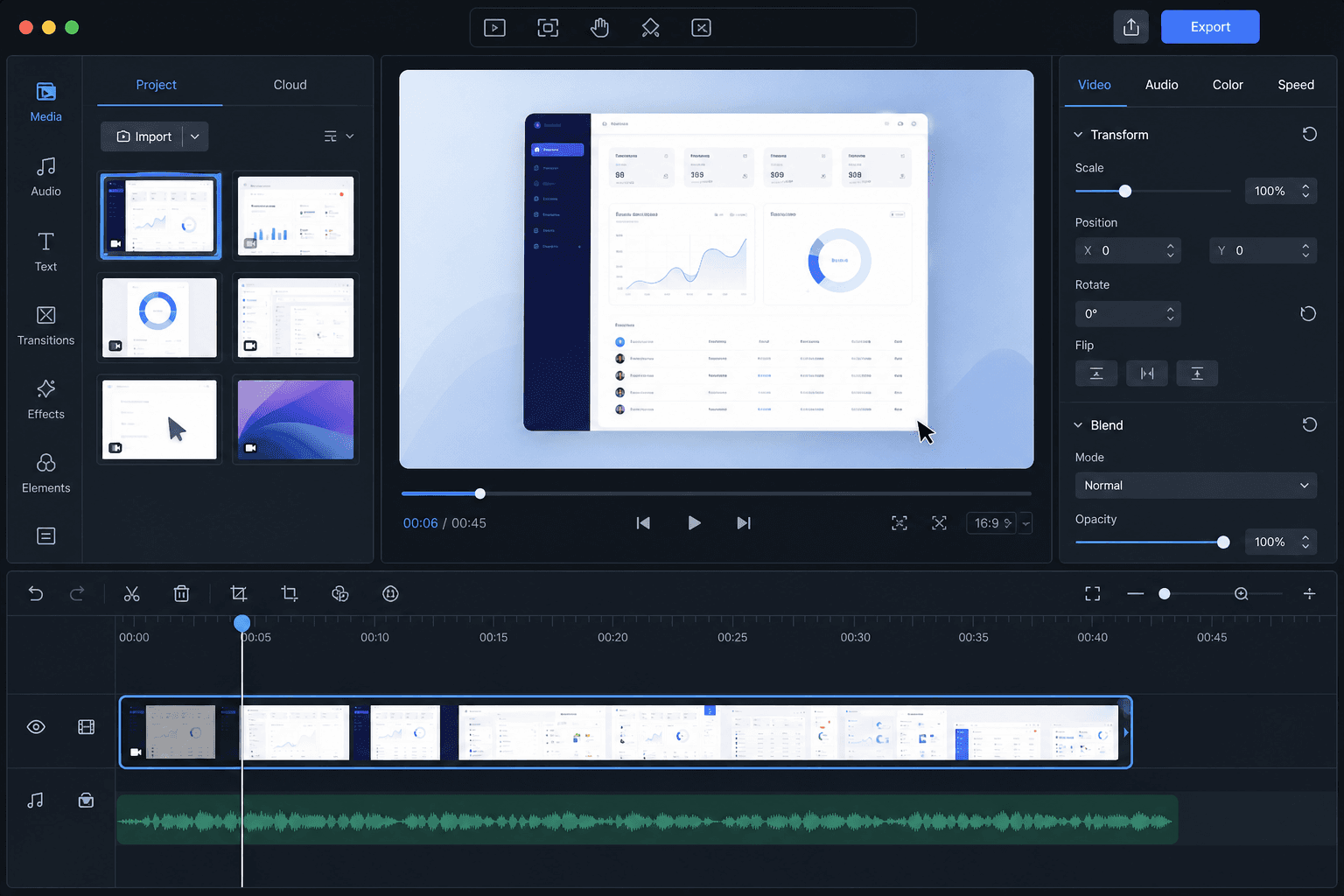
A few editing decisions that move conversion:
- Zoom into key UI moments. A tight crop during a critical click or result loading draws attention naturally, without narration having to do the work.
- Add captions. Many viewers watch without sound, especially on mobile or in a feed. Captions also hold attention longer for viewers who do have audio on.
- Cut to the result. Show the output before you explain how it works. Leading with the payoff keeps viewers watching long enough to care about the process.
- Use subtle motion to guide the eye. A cursor indicator or a quick zoom signals where to look and reduces cognitive load.
Reframing for multiple aspect ratios is often ignored at the editing stage and then becomes a separate project later. If you record in widescreen and plan to post anywhere vertical, handle that cut simultaneously.
For lean marketing teams, this is the stage that burns hours. Audio cleanup, color correction, caption timing, and aspect ratio exports can consume a full day in post. AI editing tools have compressed that by a measurable amount, cutting average production costs by 40%, with much of that savings coming from automation handling the repetitive work that used to require a skilled editor and hours of back-and-forth.
How AI Changes the Demo Video Production Workflow
AI compresses the production timeline at every stage, and the gains compound.
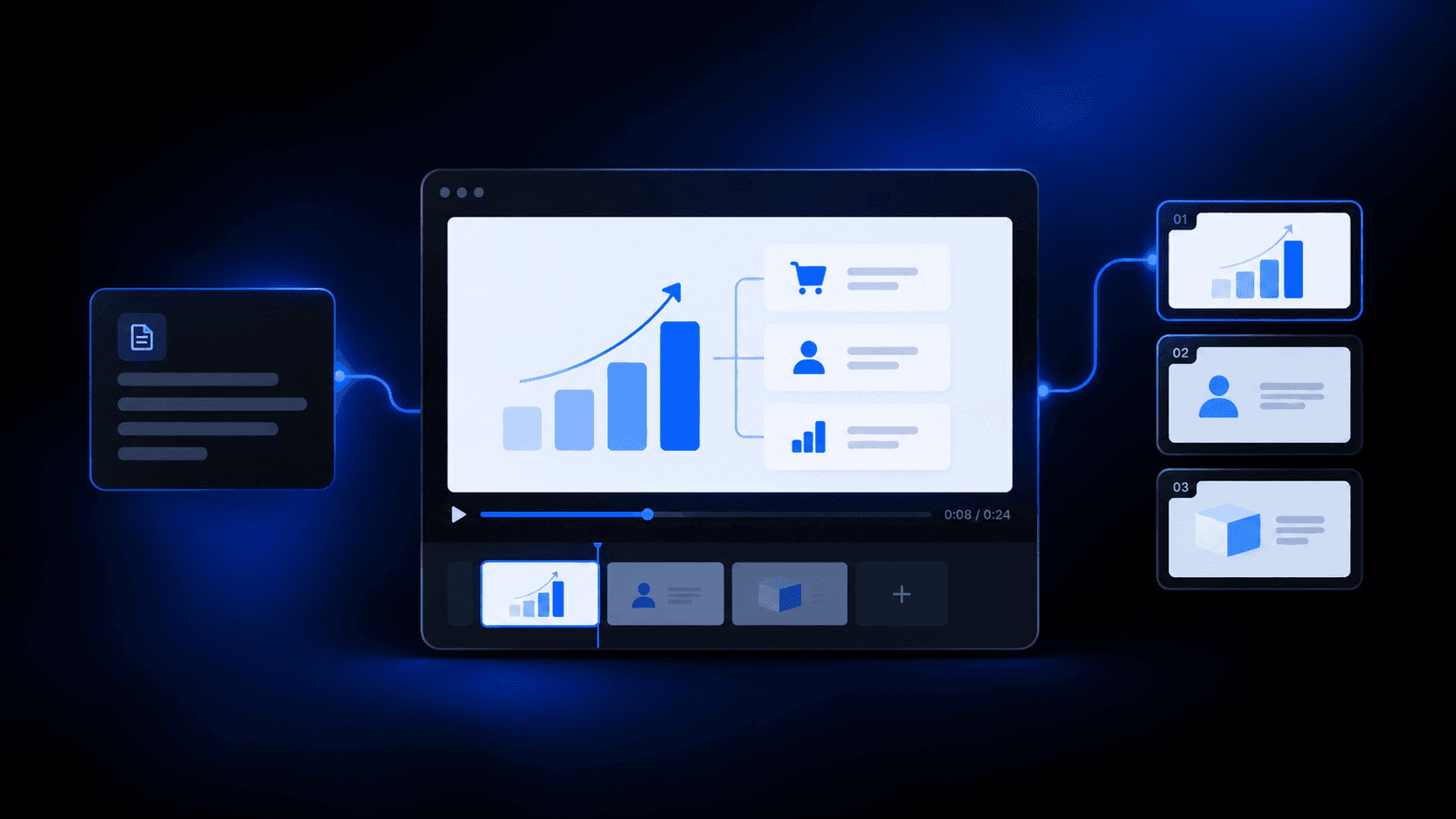
Scripting used to mean a blank doc and hours of staring. AI tools now generate a working first draft from a prompt describing your product, target audience, and goal. Getting from zero to something editable cuts the hardest part of the process in half. From there, automated first cuts pull a structured sequence from raw screen recordings without manual scrubbing. Caption generation runs in seconds. Background noise removal is a single click. Smart reframing handles widescreen-to-vertical conversion, and multi-language dubbing now runs from the same timeline without hiring voice talent per market.
The aggregate effect is measurable, and it compounds: when scripting, cutting, captioning, and reframing all run faster, the time between raw recording and published video shrinks from days to hours, and each subsequent video gets faster as the workflow becomes repeatable.
A sharp script, a clean recording environment, and smart editing judgment still matter. AI removes the bottlenecks that kept teams from shipping at all.
How to Repurpose One Demo Video Into Multiple Formats
Your main demo recording doesn’t have to be a one-time asset. Treat it as source material and you can pull an entire content library from a single session.
From one 3 to 5 minute walkthrough, a typical marketing team can cut:
- A 2 to 3 minute homepage overview for your website
- A 30 to 60 second social clip leading with the most impressive moment, ideal for posting once you’ve set up a TikTok business account
- A feature-specific clip at 60 to 90 seconds for a release announcement or help doc
- A caption-heavy vertical version for LinkedIn or Instagram Reels
- An onboarding snippet covering just the setup flow
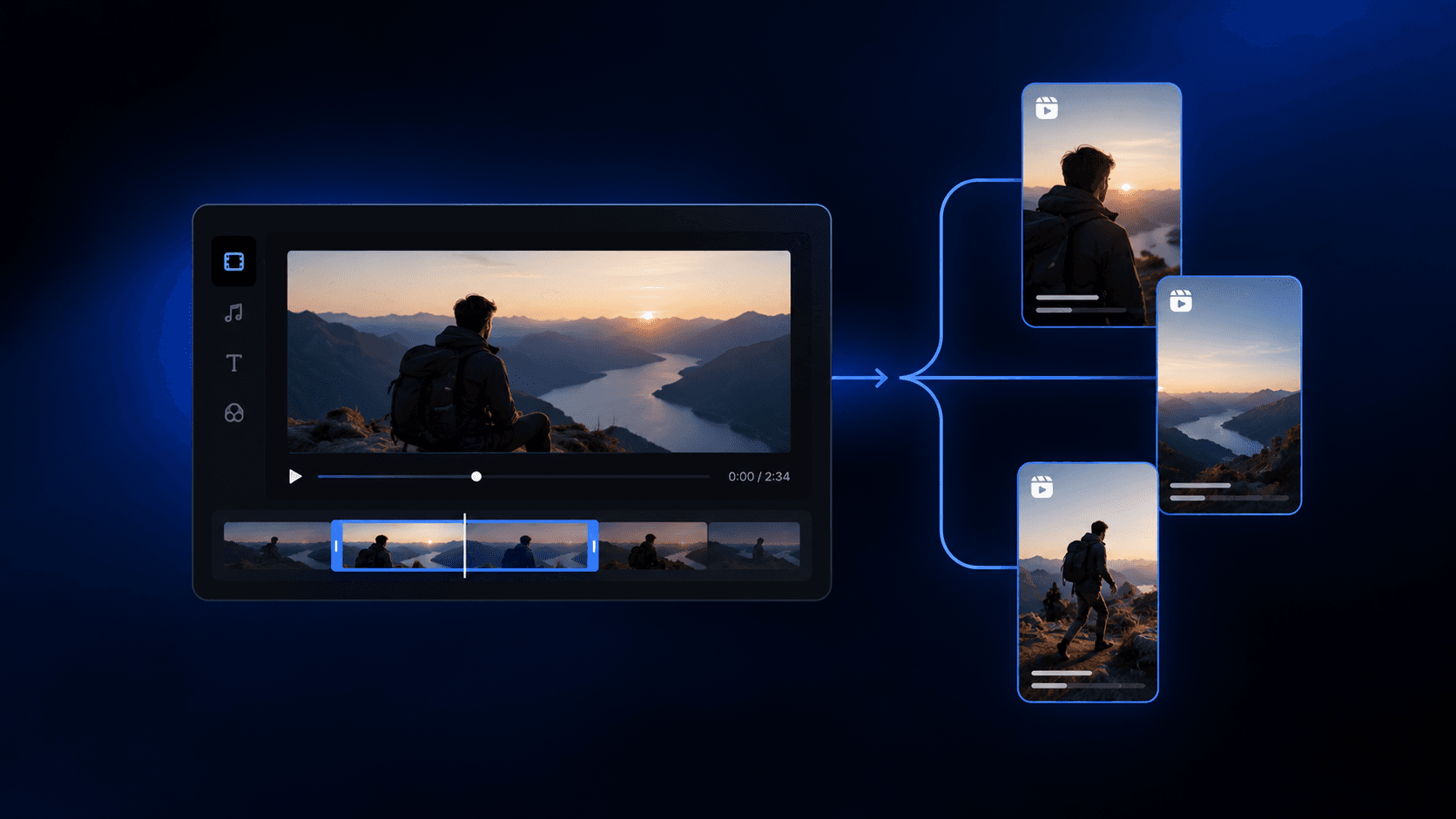
The editing logic for each version differs. The social cut wants the payoff in the first five seconds. The vertical version needs reframing so the UI stays readable in a 9:16 crop. The onboarding clip trims everything except the steps a new user needs on day one.
AI tools handle most of this without starting from scratch. Smart reframe converts widescreen to vertical automatically, semantic search finds the exact 20-second moment worth isolating, and caption timing runs from the same source file across all versions at once, capabilities worth comparing against other Runway AI alternatives.
How to Distribute and Measure Demo Video Performance
Where you put a demo video matters as much as how you made it. The right content in the wrong place gets ignored.
Deployment by context
- Landing pages: embed above the fold where possible. Play rate drops sharply when a video requires scrolling to find.
- Outbound email sequences: link to a hosted video with a thumbnail image. Most email clients won’t autoplay, but a strong thumbnail drives clicks.
- LinkedIn and paid social: use your short-form vertical or square cut, ideally produced with one of the best video editors for social media. Native uploads get more reach than external links.
- Product pages and in-app onboarding: feature-specific clips belong here, not your full overview. Match the clip to where the user is in their journey.
Metrics worth tracking
- Play rate: what percentage of page visitors hit play. Low play rate is a placement or thumbnail problem, not a video problem.
- Completion rate: how far viewers watch before dropping. Steep drop-off in the first 15 seconds usually means a slow opener.
- CTA click-through: how many viewers take the next step after watching. This is the number that connects video to pipeline.
- Pipeline influence: in a CRM, tag which deals included a video touchpoint and compare close rates. This closes the attribution loop.
How Cardboard Helps Teams Ship Demo Videos Faster
Cardboard was built directly for the workflow this article describes. You describe the edit you want in plain language, “make a 60s recap from this raw footage” or “cut this into a 20s ad,” and it proposes a first cut on the timeline instantly. No scrubbing, no manual assembly.
From there, Smart Reframe turns your main demo recording into vertical, square, and widescreen versions automatically, keeping the UI readable in every crop. Semantic footage search finds the exact 20-second moment worth isolating across hours of raw walkthroughs without touching a timeline. Audio cleanup, multilingual captions, real-time collaboration with timestamped comments, and 4K 60fps exports handle the rest.
Pricing starts at $8/month on the Lite plan, and Starter is $29/month. Creator at $59/month adds 4K exports, voice cloning, and 1,500 generative credits, while Pro at $175/month adds 5,000 credits and priority processing. Launch pricing takes up to 78% off your first month, which makes it workable for early-stage startups and large growth teams alike.
Final Thoughts on Building a Demo Video That Drives Results
Getting a demo video right is mostly about discipline: lead with the problem, show the product doing something useful, and cut everything that slows the viewer down. The production side has gotten a lot more manageable with AI doing the repetitive work. If you want to see how fast you can go from raw recording to a finished video, Cardboard is worth a look.
FAQ
How do I repurpose a single demo video recording into short clips and social ads automatically?
Record one 3 to 5 minute walkthrough, then use an AI editor like Cardboard to generate your social cut, vertical reframe, and feature-specific clips from the same source file. Cardboard’s semantic footage search finds the exact moment worth isolating, Smart Reframe handles the 9:16 conversion, and caption timing runs across all versions at once, so you’re not rebuilding each cut from scratch.
Cardboard vs Descript for creating a product demo video: which fits a lean growth team better?
Cardboard is built around agentic first cuts and semantic footage search, so you describe the edit you want and get a structured draft on the timeline without scrubbing through raw recordings. Descript is stronger for transcript-based editing where you’re working from spoken word; Cardboard is faster when your raw material is screen recordings, product walkthroughs, or multi-scene footage where you need to find and cut specific visual moments quickly.
Can I edit a product demo video by describing the cut I want in plain language, without manual timeline work?
Yes. Cardboard lets you type instructions like “make a 60s recap from this raw footage” or “cut this into a 20s ad,” and it proposes a first cut on the timeline automatically. You then refine from that draft instead of building the sequence by hand.
How long should a product demo video be for a SaaS landing page?
Two to three minutes is the sweet spot for a homepage marketing demo, based on engagement data from Wistia and Vidyard across millions of videos. Shorter than 90 seconds often leaves visitors without enough context; longer than three minutes sees completion rates drop before viewers reach your call to action.
What’s the best way to create testimonial videos and launch recaps from raw footage without a dedicated editor?
Semantic footage search is the fastest path, letting you find specific quotes, reactions, or moments across hours of raw clips without scrubbing a timeline manually. Cardboard combines that search with agentic first cuts and multilingual captions, so a growth marketer or founder can go from a folder of raw recordings to a finished testimonial or launch recap without handing off to a post-production team.