Create an Explainer Video with AI Tools (October 2026)
Skip the editor and build an explainer video with AI. Get script structure, pricing data, and workflow tips for October 2026.
 Cardboard Team14 min read
Contents14 sections
- What Is an Explainer Video?
- Why Explainer Videos Work
- The Main Types of Explainer Videos
- How Long Should an Explainer Video Be?
- How to Write a Script for an Explainer Video
- How Much Does an Explainer Video Cost Without AI?
- How AI Has Changed the Explainer Video Workflow
- How to Make an Explainer Video with AI Step by Step
- Animated vs. Live-Action Explainer Videos
- Repurposing Raw Footage into Explainer Videos
- Where to Share Your Explainer Video
- How Cardboard Makes Explainer Videos Faster for Growth Teams
- Final Thoughts on How to Make an Explainer Video
- FAQ
If you have screen recordings, a founder demo, or even a rough set of bullet points, you already have the raw material for an explainer video. The part most people get stuck on is turning that stuff into something polished and publish-ready, and that’s exactly where an AI explainer video maker saves you the most time. Here’s the full process, step by step.
TLDR:
- Landing pages with explainer videos convert at 86% higher rates than text-only pages
- AI tools cut median production cost from $4,200 to $2,500 per finished minute in 2026
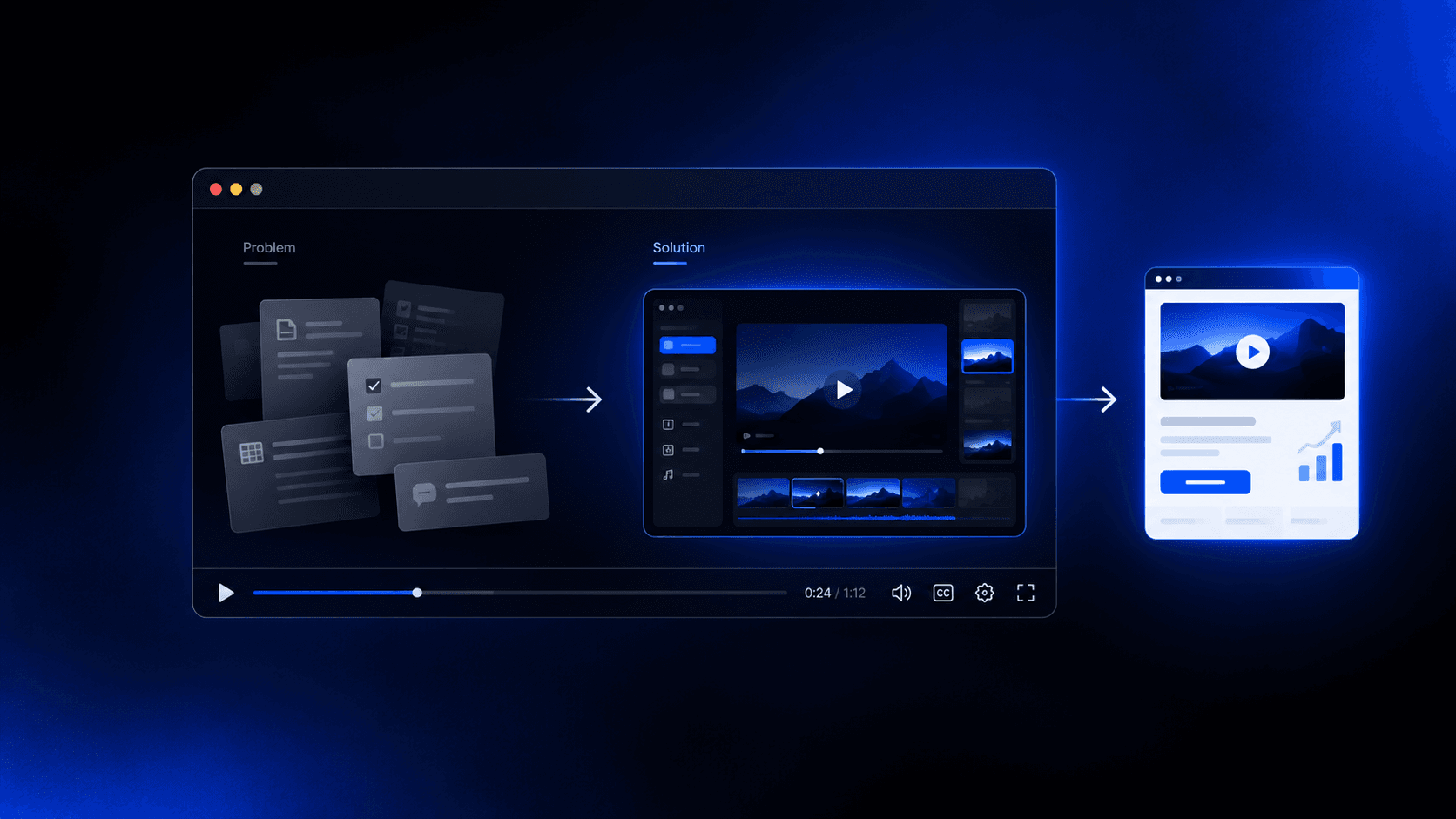
- Script structure is one of the biggest factors: hook, problem, solution, proof, CTA in 225 words for 90 seconds
- You can produce a 60 to 90 second explainer start to export in under two hours with AI
- Cardboard assembles first cuts from plain-language prompts with smart reframing built in
What Is an Explainer Video?
An explainer video is a short video that communicates what a product, service, or idea does and why it matters. The goal is clarity, not depth. In 60 to 90 seconds, a good explainer answers the core question a viewer has before they’re willing to go further.
It’s worth separating explainers from similar formats:
- A demo video walks through specific features in detail, assuming the viewer is already curious enough to go deep.
- A testimonial hands the mic to a customer, building trust through someone else’s voice.
- A brand film, similar in spirit to how you make a promo video, builds emotional connection over a longer arc, often without mentioning the product directly.
An explainer sits earlier in that chain, converting confusion into interest, fast. They tend to live where first impressions happen: hero sections on landing pages, the first email in an onboarding sequence, paid social ads, and cold product launches.
Why Explainer Videos Work
For B2B SaaS in particular, pages with explainer videos see conversion lifts exceeding 100% in controlled testing. That gap is hard to ignore if you’re spending money on traffic.
The reason comes down to cognitive load. A well-made explainer does the work for the viewer, compressing what would take five minutes to read into under 90 seconds of watching. Less friction at that critical first-impression moment means more people move forward.
The Main Types of Explainer Videos
Each format serves a genuinely different purpose, so picking the right one early saves substantial rework later.
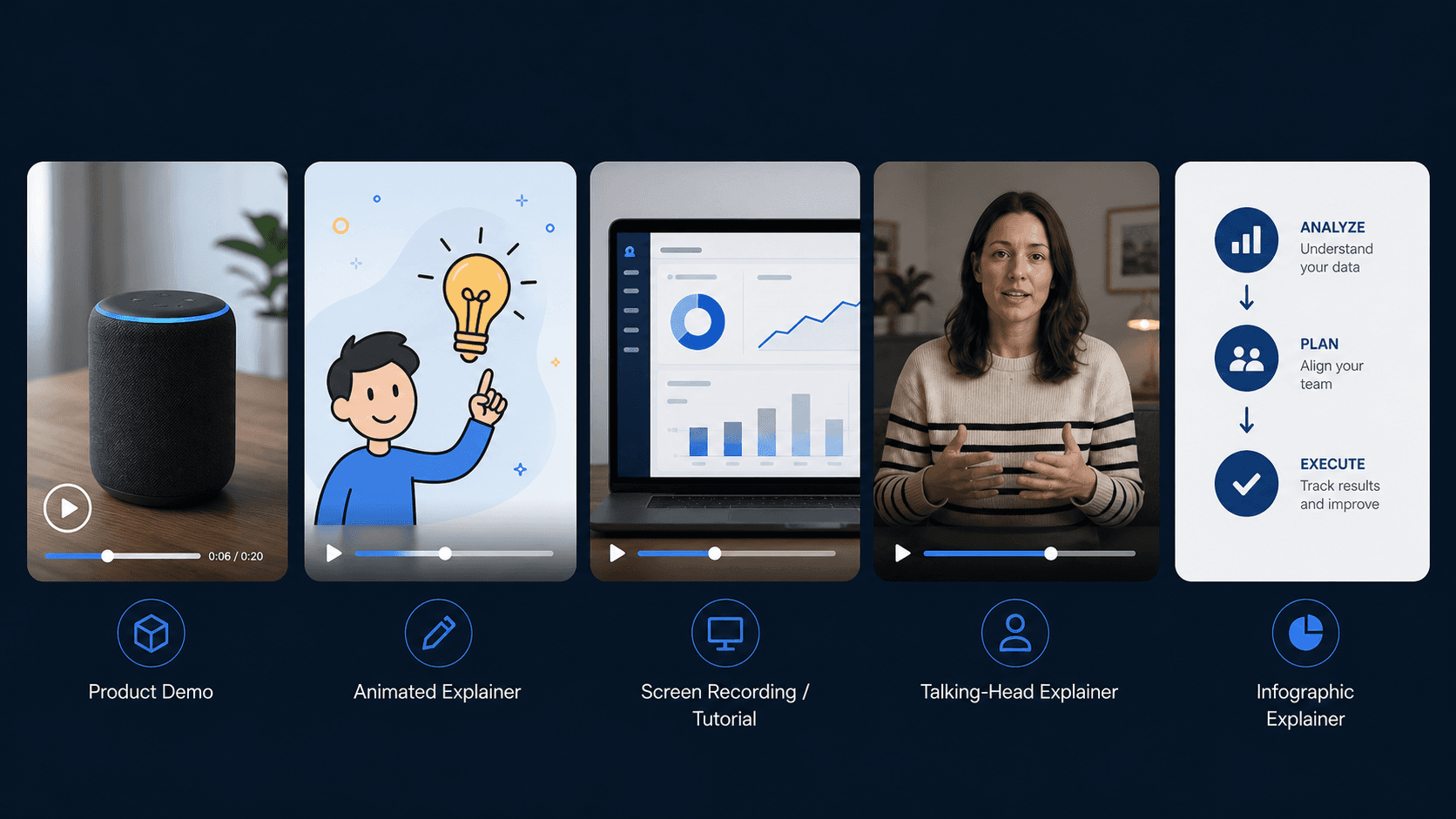
- Animated: Motion graphics and drawn characters work well for abstract products, SaaS tools, and anything with no obvious visual form. Animation lets you show concepts that can’t be filmed, and the style travels well across cultures.
- Whiteboard: Drawings appear in real time, usually over a voiceover. Strong for educational content, internal training videos, and step-by-step processes where the pacing of reveal reinforces understanding.
- Live-action: Real people, real locations. Best when trust and relatability drive conversion, like service businesses or healthcare, where a human face builds credibility faster than any graphic.
- Mixed media: Animation layered over live footage, or graphic callouts on a screen recording. A flexible middle ground for product walkthroughs where you need both the real interface and visual clarity around it.
Animated and whiteboard videos are easier to update post-launch since you’re editing source files instead of reshooting. Live-action is harder to iterate but often converts better in direct response contexts where authenticity matters.
How Long Should an Explainer Video Be?
Length depends almost entirely on where the viewer is encountering your video and what decision you’re asking them to make.
According to Yans Media, the framework breaks down cleanly by context:
- 30 seconds for ads, where attention is borrowed and not guaranteed
- 60 to 90 seconds for website and landing page use, where someone has already shown intent
- Up to 2 to 2.5 minutes for detailed B2B content, where the buyer needs enough information to move a decision forward
Match the length to the moment, and you’ll lose fewer people before they get to the point.
How to Write a Script for an Explainer Video
The script comes before everything else. No tool, style, or visual treatment fixes a weak script, so getting this right early matters.
A reliable structure for most explainers:
- Hook: Open with the problem or a sharp observation that makes the viewer feel seen. You have about three seconds before attention moves elsewhere.
- Problem: Expand on what’s going wrong and why it’s frustrating. Keep it specific enough to be recognizable.
- Solution: Introduce what you do and how it resolves the problem. Skip the feature list; focus on the outcome.
- Proof: One stat, one customer result, or one concrete before/after that makes the solution believable.
- Call to action: One clear next step. Not two, not three.
On pacing: a conversational voiceover runs at roughly 130 to 150 words per 60 seconds of finished video, a widely used industry estimate, though the exact rate varies by speaker and style. So if you’re targeting a 90-second explainer, your script should land around 200 to 225 words. Count before you record.
How Much Does an Explainer Video Cost Without AI?
Traditional production costs are genuinely wide-ranging, and the gap between tiers is steep.
According to a 2026 agency pricing breakdown, the market has split into four tiers:
| Tier | Price Range |
|---|---|
| AI video agencies | $500 to $8,000 |
| Mid-market studios | $5,000 to $15,000 |
| Premium agencies | $15,000 to $50,000 |
| Enterprise flagship | $50,000+ |
That’s before factoring in revision rounds, voiceover licensing, or async feedback loops with a studio. The AI video agency tier has only existed for about 18 months, and it’s now possible to get a branded explainer delivered in 72 hours for a fraction of what traditional studios charge. That’s exactly the window where building it yourself with AI tools starts to make sense.
How AI Has Changed the Explainer Video Workflow
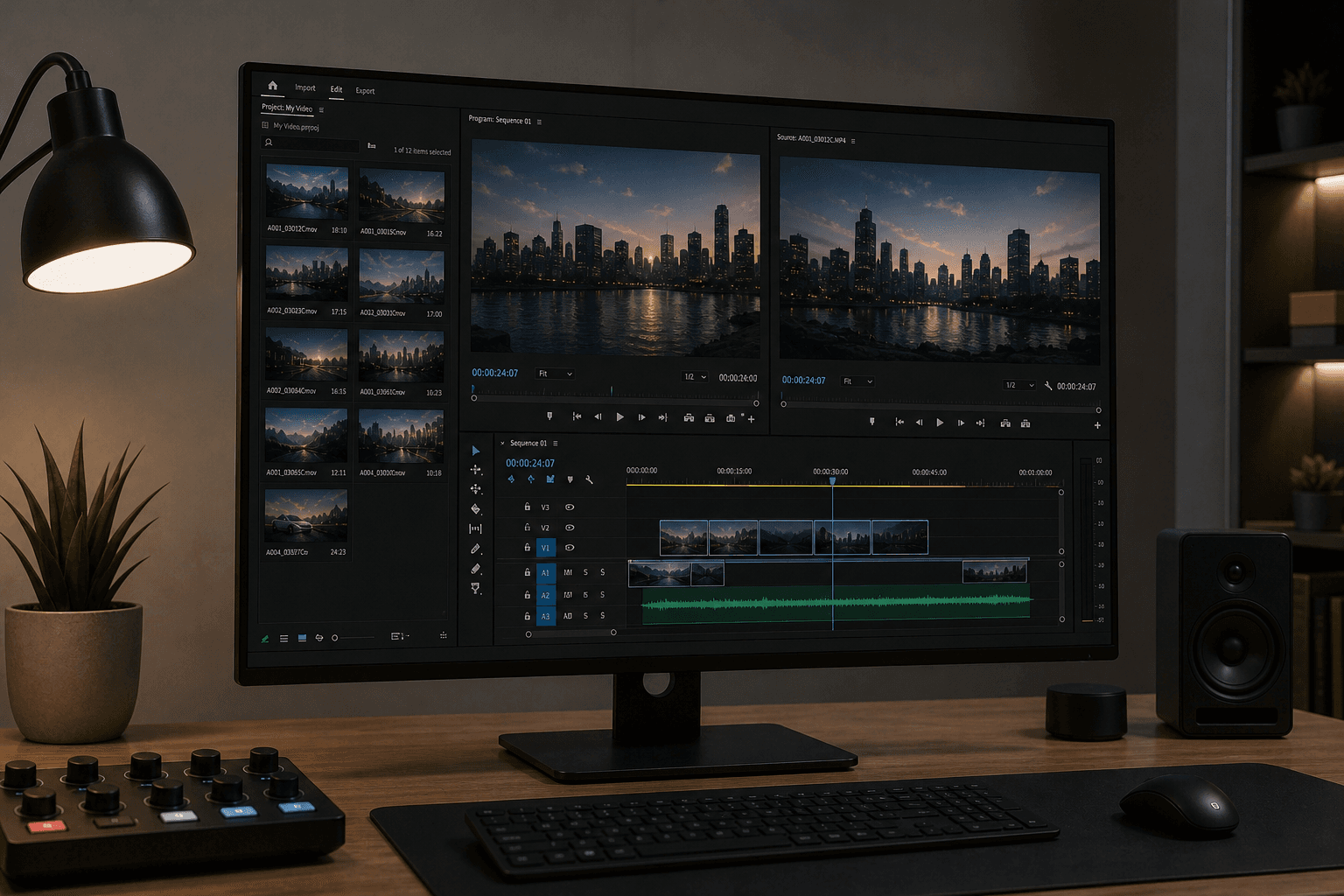
The cost of making an explainer video has dropped sharply. AI-powered editing, scripting, voiceover, and generation tools reduced the median production cost from $4,200 to $2,500 per finished minute as of 2026. That’s a real change in what’s possible for a solo founder or small marketing team with no video budget.
What AI actually handles now, across a typical workflow:
- Script drafts generated from a brief or raw notes, ready to edit instead of writing from scratch
- Voiceover generation and voice cloning with no recording studio required
- Auto-captions with formatting built for social retention
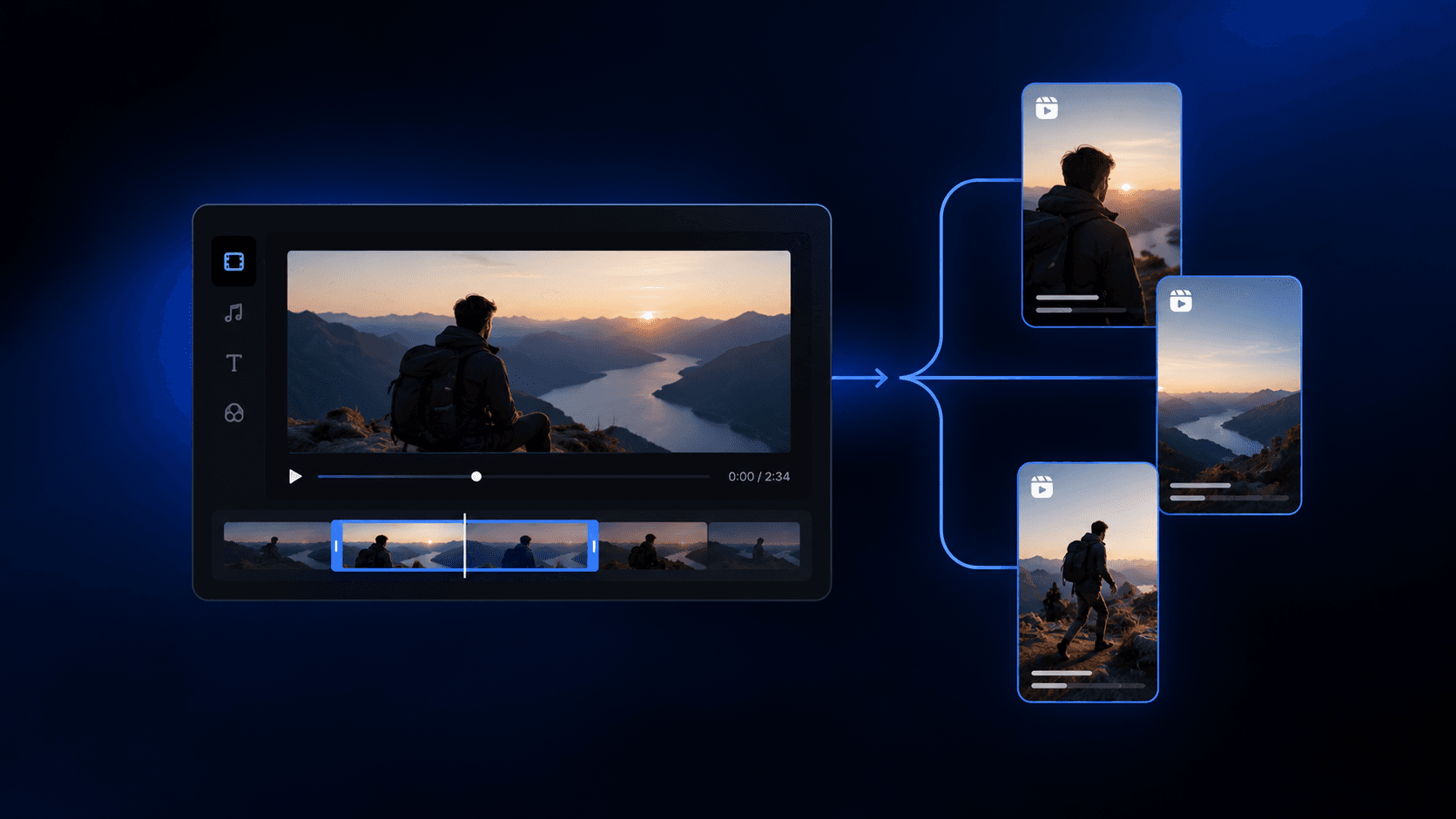
- Smart reframing from one source file into vertical, square, and widescreen cuts
- First-cut assembly from raw footage based on a plain-language prompt
The creative decisions still belong to you, but the grunt work largely doesn’t.
How to Make an Explainer Video with AI Step by Step
Gather your raw assets first: screen recordings, b-roll clips, a script draft, or even just bullet points you want to cover. The cleaner your inputs, the better your first cut will be.
Once you have your assets loaded into one of the best AI video editors available, the steps follow a predictable order:
- Describe the edit in plain language or paste your script directly. Something like “make a 90-second product explainer from these clips, starting with the problem” is enough to get a usable first draft onto a timeline.
- Review the AI-generated cut. Check pacing, clip order, and whether the narrative arc holds. This is your editing pass, not a full rebuild.
- Add captions and clean up audio. Remove background noise, balance levels, and apply captions formatted for where the video will live.
- Reframe for each destination. One source file should produce vertical, square, and widescreen versions without re-editing from scratch.
- Export and publish. Most tools support direct export to standard formats; some offer XML export for Premiere Pro or DaVinci if you want to finish there.
The whole process, start to export, can realistically run under two hours for a 60 to 90 second explainer, which is a meaningful shift from what traditional production timelines looked like even a year ago.
Animated vs. Live-Action Explainer Videos: Which to Choose
The right choice here is less about preference and more about what your audience needs to feel confident moving forward.
Animated explainers work best when your product is abstract, software-based, or hard to film. You control every visual element, there’s no talent to coordinate, and updating the video later means editing source files without booking a reshoot. For SaaS tools, fintech products, or anything with a global audience, animation sidesteps cultural and visual specificity that live-action carries by default.
Live-action wins when human credibility is the deciding factor. Healthcare, consulting, and service businesses often see better conversion from a real person on screen because the face does trust-building work that motion graphics can’t replicate. The tradeoff is slower production and higher costs if anything needs to change post-launch.
Mixed media sits in a practical middle ground. A screen recording with animated callouts, or live footage with graphic overlays, gets you authenticity and clarity without a full production budget. AI editors handle this format well since reframing, captioning, and compositing can all run from a single prompt.
- Abstract product or no visual form: animated
- Trust-driven sale or human relatability needed: live-action
- Product UI plus context needed: mixed media
Repurposing Raw Footage into Explainer Videos
Most teams already have everything they need: product walkthroughs recorded for a customer call, a webinar from last quarter, a founder demo that got three views on YouTube. Raw footage tends to pile up while polished video output stays at zero.
The first job is finding the right moments. Semantic search in AI editors lets you search footage by concept instead of timecode, so you can pull “the part where we explain the pricing model” without scrubbing through hours of recordings manually.
Once you have candidate clips, sequencing them into a narrative arc follows the same structure as any explainer script: problem, solution, proof, call to action. A 45-minute demo recording might yield a 90-second explainer if you extract the right three or four moments and order them correctly.
The last gap is usually audio and framing. Footage recorded on a laptop mic during a Zoom call needs noise removal and level balancing before it’s usable, and a widescreen recording rarely fits the vertical or square formats where explainers get the most reach. AI video editing tools handle reframing like this without a reshoot.
Where to Share Your Explainer Video
Distribution matters as much as production. A good explainer sitting in a Google Drive folder does nothing.
Here’s where each placement works best, along with the format it requires:
| Placement | Ideal Length | Format |
|---|---|---|
| Homepage / landing page | 60 to 90 seconds | Widescreen or square |
| Social media (organic), including a TikTok business account | 15 to 30 seconds | Vertical (9:16) |
| Email campaigns | 30 to 60 seconds | GIF thumbnail + link |
| Paid ads | 15 to 30 seconds | Vertical or square |
| In-app / onboarding | 60 to 120 seconds | Widescreen or square |
Your homepage or product landing page is where the full explainer earns its keep. Viewers here have already shown intent, so you can run longer without losing them. Paid ads and organic social demand the opposite, which is why many teams turn to social media video editors for tight cuts, vertical framing, and a hook within the first two seconds before the scroll takes over.
Email is its own format. Embedded video rarely plays reliably across clients, so the standard move is a thumbnail that links out to a hosted version. Keep the linked video short and make the CTA obvious.
In-app and onboarding flows are underused, and many teams looking into Descript alternatives find this is where a 90-second explainer dropped into a welcome sequence or an empty-state screen can reduce support tickets and lift activation without any additional ad spend. Since you’ve already made the video, reframing it into the right format is the only remaining step.
How Cardboard Makes Explainer Videos Faster for Growth Teams
Growth teams rarely lose to a bad idea. They lose to slow output. By the time a polished explainer gets through a studio’s revision cycle, the launch window has moved, which is a common reason creators start comparing Runway AI alternatives.
Cardboard is built around the opposite model. You describe the edit in plain language, and it assembles a first cut on the timeline automatically. “Make a 90-second product explainer from these clips, leading with the problem” is a complete instruction. From there, you’re refining an existing draft, not building from scratch. Semantic footage search lets you pull the right moment from hours of recordings by describing what happened in it, skipping timecode-scrubbing entirely.
Smart reframing converts one source file into vertical, square, and widescreen versions in a single pass, so your homepage explainer and your paid ad cuts come from the same edit without duplicating work.
Pricing now starts at $8 per month on Lite. Starter is $29 per month and adds unlimited exports plus AI-generated music, and Creator is $59 per month and adds 4K exports plus voice cloning. Launch pricing takes up to 78% off the first month. Every plan sits well below the entry floor of any AI video agency, let alone a mid-market studio. No install is required, the editor runs entirely in the browser, and there’s also an AI video editor for Mac if you prefer a native app.
Final Thoughts on How to Make an Explainer Video
The format, the length, the style choices all matter, but none of them matter more than actually getting the video made and in front of people. Speed is what separates teams that ship content from teams that are still waiting on revision round three. Cardboard is designed to cut that gap down, and plans start at $5 for your first month on Lite, so it’s easy to see if it fits how your team works.
FAQ
What’s the best AI explainer video maker for a small SaaS or growth team in 2026?
Cardboard is worth a close look if your team is working from raw footage like demos, walkthroughs, or webinar recordings. You describe the cut in plain language, get a first draft on the timeline automatically, and export vertical, square, and widescreen versions from a single source file. Plans start at $8/month on Lite ($5 for the first month), and Starter at $29/month adds unlimited exports. Launch pricing takes up to 78% off the first month. Tools like Descript and VEED are solid for transcript-based editing, but neither gives you agentic first-cut assembly from raw multi-scene footage the way Cardboard does.
How do I repurpose long-form video footage into a short explainer without editing from scratch?
Search your footage by concept using semantic search to pull the right moments without scrubbing through timecodes, then sequence those clips around the problem-solution-proof-CTA structure. Even a rough customer onboarding call can yield a compelling 90-second explainer once you strip the small talk, isolate the moments where the product clearly solves the problem, and order them for a viewer who hasn’t seen it before. From there, noise removal, caption formatting, and reframing into vertical or square cuts handle the remaining gaps before export.
How do I use natural language to edit a video and describe the cut I want?
Load your raw clips into an AI editor like Cardboard and type a plain-language instruction such as “make a 90-second product explainer from these clips, leading with the problem.” The editor assembles a first draft on the timeline automatically, and your job becomes refinement instead of a full manual build. This approach works best when your input assets are reasonably clean: screen recordings, b-roll, or a rough script draft give the agent enough to work with.
Cardboard vs Descript for creating explainer videos from raw footage?
Descript is strong for transcript-based editing where you want to cut by deleting words from a script. Cardboard is a better fit when you’re starting from raw multi-scene footage and need a first cut assembled automatically, semantic search across hours of recordings, and smart reframing into multiple aspect ratios in a single pass. If your workflow is repurposing demos, walkthroughs, and webinar clips into polished explainers and ad cuts, Cardboard’s agentic approach gets you to a shareable first draft faster.
What’s a realistic budget to make an explainer video with AI tools vs hiring a studio?
AI tools have brought the entry point down sharply. A mid-market studio runs $5,000 to $15,000 per video, while AI video agencies now deliver branded explainers for $500 to $8,000 in roughly 72 hours. Building it yourself with an AI editor like Cardboard costs $29 to $175 per month on the Starter through Pro plans, all with unlimited exports, which makes sense if you’re shipping more than one or two videos and want to keep iteration fast and in-house.