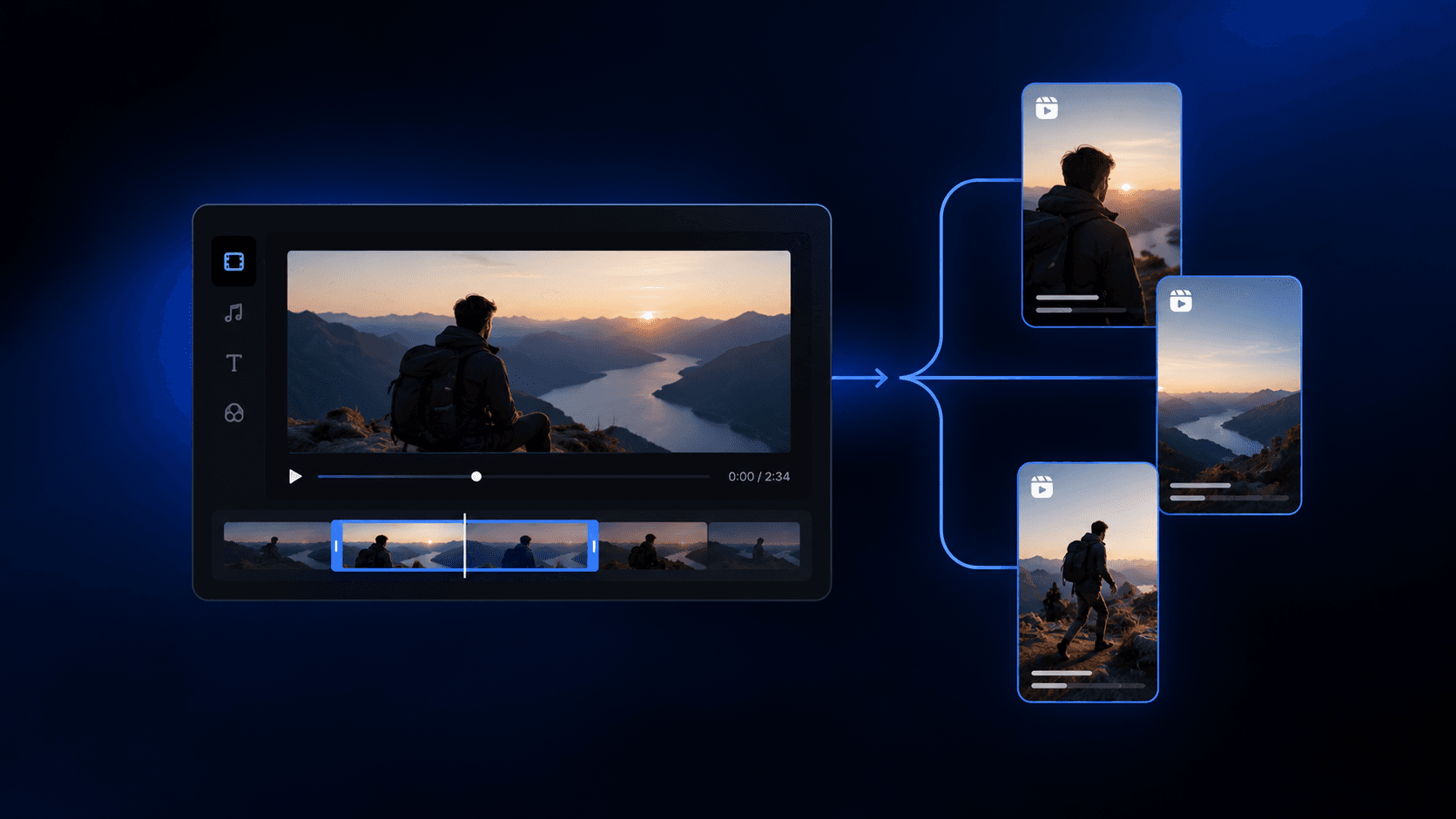
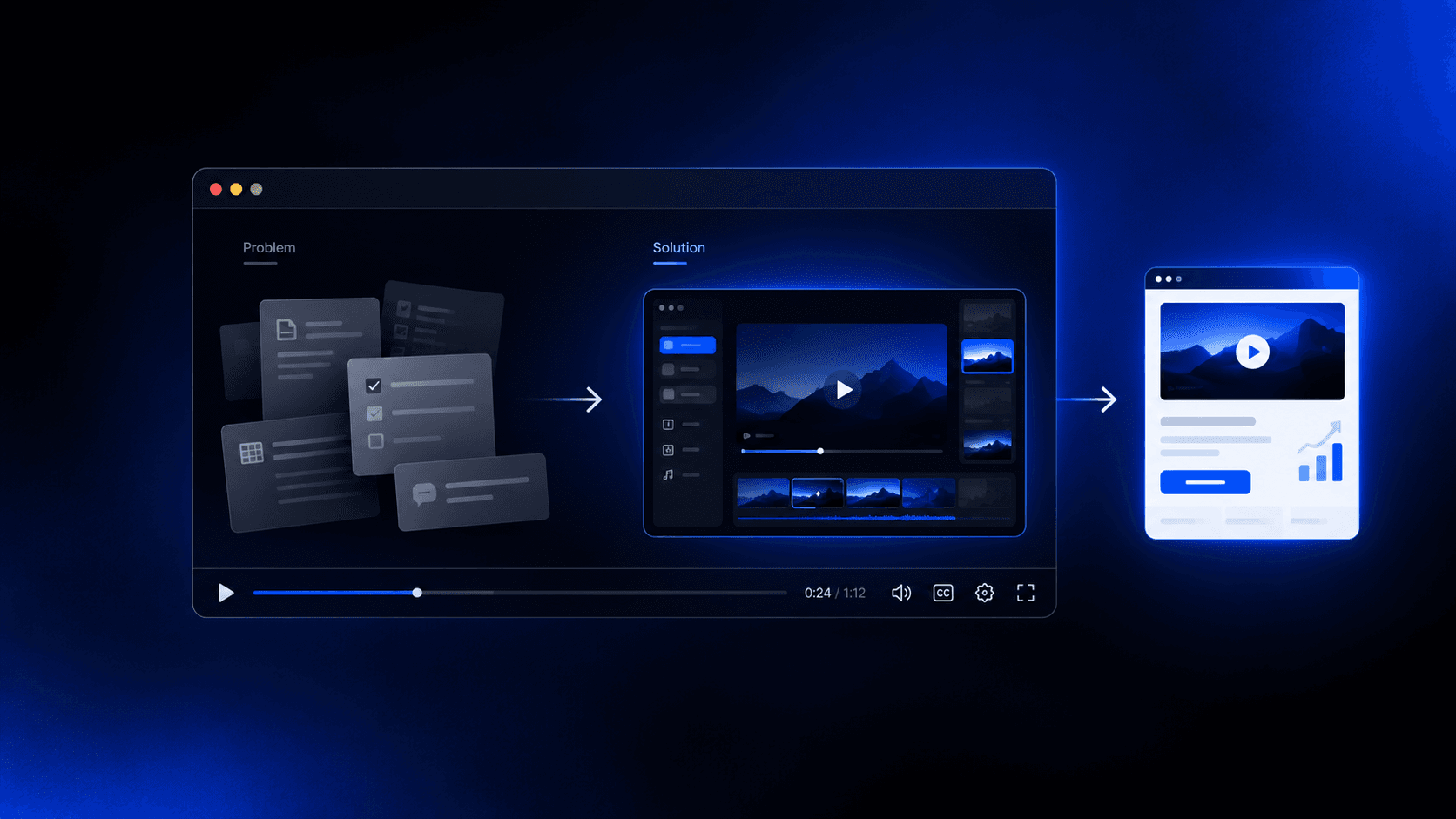
How to Create UGC Videos for Your Brand (Oct 2026)
UGC videos explained: formats, costs, briefing tips, and editing workflows to help your brand create them this October 2026.
 Cardboard Team15 min read
Contents14 sections
- What Is a UGC Video?
- Why UGC Videos Outperform Traditional Ads
- UGC Videos vs. Influencer Marketing
- The Most Effective UGC Video Formats
- UGC Video by Industry
- Real vs. Commissioned UGC Creators
- How to Brief a UGC Creator
- Best Practices for Filming UGC Videos
- Where to Distribute UGC Videos
- How to Repurpose UGC Footage Across Formats
- How to Build a UGC Video Strategy for Your Brand
- How Cardboard Helps Teams Turn Raw UGC Into Polished Videos Fast
- Final Thoughts on UGC Video Formats and Strategy
- FAQ
A friend texting you a video about a product they actually tried will always feel more credible than a brand ad. That’s the whole logic behind UGC videos, and it’s why so many brands are quietly shifting their creative budgets toward them. We’ll walk through what the format looks like, which types work best for different goals, and how to build a process that keeps the content coming.
TLDR:
- UGC videos get 10x longer viewing time than brand-created videos and converted 6.73x better than non-UGC content in Q1 2026, up from 4.27x in Q4 2025 (a quarter-over-quarter snapshot, not an ongoing average)
- Commissioned UGC creators cost $100 to $500 per video and give you full ownership; influencers rent you their audience with limited reuse rights
- For conversions, testimonials and before-and-afters close hardest; lifestyle and day-in-the-life formats work better for awareness
- One creator video can produce 6-8 deployable clips across channels when you reframe, trim, and caption for each placement intentionally
- Cardboard is an agentic AI video editor that handles UGC editing workflows including smart reframe, auto-captions, and plain-language edit instructions
What Is a UGC Video?
UGC stands for user-generated content. In video form, that means footage shot by real people instead of brand production teams, typically on a smartphone, in natural lighting, with no crew or studio behind it.
The defining quality of a UGC video is that it looks like something a friend might send you. No corporate polish, no scripted spokesperson on a white backdrop. Just someone talking to a camera about a product they actually used, or showing how it fits into their daily life.
That said, “user-generated” has shifted. Plenty of UGC videos today are made by paid creators who never organically bought the product. The footage still follows the same lo-fi aesthetic, and brands still own the rights to run it as an ad. Whether it comes from a genuine customer or a commissioned creator, the format stays consistent: authentic-feeling, short, and built for social feeds.
What separates UGC video from traditional brand video is intent and execution. Brand video signals production value. UGC video signals a real person’s experience. UGC videos get 10 times longer viewing time compared to brand-created videos, which suggests audiences engage with the format on a different level entirely.
Why UGC Videos Outperform Traditional Ads
The numbers behind UGC’s performance are hard to ignore. In Q1 2026, UGC content delivered 4x higher CTR and 50% lower CPC compared to brand-produced ads. For performance marketers watching every dollar, that gap matters.
The reason comes down to trust. A polished ad signals a brand paid to convince you. A shaky phone video of someone genuinely reacting to a product feels closer to a real opinion, and audiences respond to that differently, even when they know the creator was paid.
UGC Videos vs. Influencer Marketing
The simplest way to frame it: a UGC creator sells you content, an influencer sells you reach. Both involve real people, but they solve different problems.
When you commission a UGC creator, you own the footage outright. You can run it as a paid ad, drop it on a product page, test five variations against each other, and keep using it six months from now. The creator’s follower count is irrelevant because the content lives on your channels, not theirs.
Influencer marketing works differently. You’re paying for access to a built-up audience, posted through the influencer’s own account. The content reaches their followers, and the window closes. You typically don’t own the rights to reuse it freely across paid channels, and pricing reflects that audience rental model.
| UGC Creator | Influencer | |
|---|---|---|
| What you’re buying | Content ownership | Audience access |
| Distribution | Your channels, paid ads, email | Their social channels |
| Rights | Brand-owned | Usually limited |
| Cost driver | Content quality | Follower count |
| Campaign goal | Performance, conversion | Awareness, reach |
If you need a steady supply of ad-ready video assets, UGC creators are generally the more cost-effective choice. If you need to reach a specific audience that already trusts a particular voice, influencer marketing earns its place. Many brands run both in parallel, using UGC content to fuel paid media while influencer posts handle top-of-funnel awareness.
The Most Effective UGC Video Formats
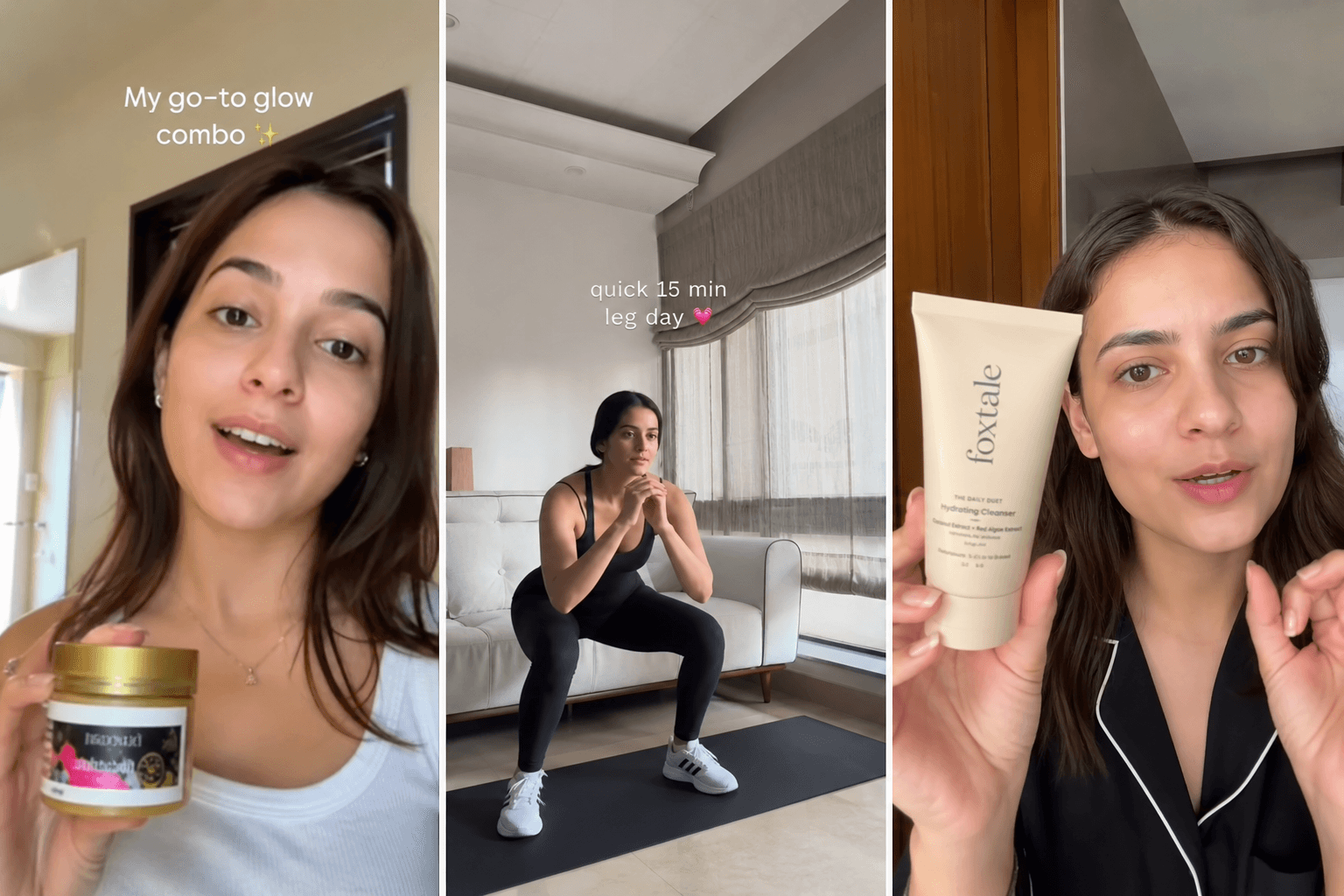
Different goals call for different formats. Here are the ones brands reach for most often:
- Unboxing: Captures first impressions in real time, making it well-suited for product launches and gift-adjacent categories where the reveal itself is part of the appeal.
- Testimonials: A creator speaks directly to camera about results they got. High trust signal with strong fit for paid ads and product pages.
- Tutorials and how-tos: Shows the product solving a specific problem step by step, ideal for categories where buyers need to see it working before they commit.
- Before-and-after: Skincare, fitness, home improvement, and cleaning products tend to perform especially well here, letting the contrast do the heavy lifting.
- Lifestyle integration: Product appears naturally inside a routine and not as the focus, building brand familiarity without feeling like a pitch.
- Day-in-the-life: Creator brings the camera along through their day, weaving the product in organically. Lower conversion intent, but strong for awareness and relatability.
The format you pick should follow your objective. For conversions, testimonials and before-and-afters tend to close harder. For category awareness or colder audiences, lifestyle and day-in-the-life content holds attention longer without triggering ad fatigue.
UGC Video by Industry
UGC video works across almost every vertical, but the format that converts best changes depending on what you’re selling.
Ecommerce
Physical products are where UGC started and still performs strongest. Hauls, unboxings, and before-and-afters map naturally to the purchase journey. Beauty products with customer video reviews see 45% higher conversion rates. The visual proof carries weight that a product description simply cannot.
SaaS and Digital Services
Software doesn’t photograph well, so UGC here leans on walkthroughs and feature breakdowns. A real user screen-recording their workflow and narrating what changed for them reads more credibly than a polished demo reel. Testimonial-style videos work well too, especially when the creator speaks to a specific pain point and not the product broadly, a format that overlaps with how teams make training videos for onboarding.
Mobile Apps
Short, punchy screen captures paired with a voiceover showing the app in action perform well on a TikTok business account and Instagram Reels. The format mirrors how people already share app discoveries with friends, which makes it feel native and organic, not advertised.
Media and Advertising Agencies
Agencies often use UGC to fuel client campaigns at scale, treating it as a content production system. The focus moves from organic-feeling social posts toward ad-ready assets built for paid channels across Meta and TikTok.
Real vs. Commissioned UGC Creators
Organic UGC comes from customers who bought your product and filmed something without being asked. When it surfaces, it’s gold. Genuine enthusiasm is nearly impossible to replicate, and audiences can sense the difference. The catch is that you can’t manufacture it on demand, and volume is unpredictable.
Commissioned UGC fills that gap. You hire creators to produce content styled to look like organic posts, then own the rights to use it however you want. The creator might have never touched your product before the brief landed in their inbox, but the footage follows the same lo-fi aesthetic that makes UGC work.
Rates for commissioned UGC creators typically run $100 to $500 per video depending on deliverables, usage rights, and the creator’s experience level, and pairing that footage with one of the best AI video editors can stretch the budget further. That’s considerably less than influencer content or a traditional promo video, where pricing climbs with follower count regardless of how the asset performs.
The tradeoff is control versus authenticity. With commissioned creators, you define the hook, the talking points, the format. With organic UGC, you get raw honesty but no guarantees on quality, framing, or timing. Most brands building a consistent paid media operation lean on commissioned creators for volume, then amplify genuine customer content when it appears.
How to Brief a UGC Creator
A brief is the difference between a creator who nails it on the first take and three rounds of frustrated feedback. Keep it tight, but cover every element that actually matters.
There are seven things worth including in any UGC brief worth sending.
- Campaign objective: Specify the goal (conversions, awareness, retargeting) so the creator can calibrate tone and call-to-action.
- Target audience: Who is watching this ad and what do they already know about the category? A creator who understands the viewer writes a better hook.
- Key message: One core claim the video must land. If you list five, you’ll get none of them clearly.
- Hook direction: The first two seconds decide everything. Give the creator two or three hook options to work from instead of leaving it open-ended.
- On-camera do’s and don’ts: Specific language to use or avoid, energy level, whether you want direct-to-camera or a lifestyle-style delivery.
- Technical specs: Aspect ratio (9:16 for TikTok and Reels, 1:1 for feeds), target length, natural lighting preferred, no background music unless supplied.
- Revision expectations: Define how many rounds are included upfront. One or two rounds is standard.
Well-structured briefs tend to reduce revision cycles, keep production moving, and give you cleaner performance data to iterate on over time.
Best Practices for Filming UGC Videos
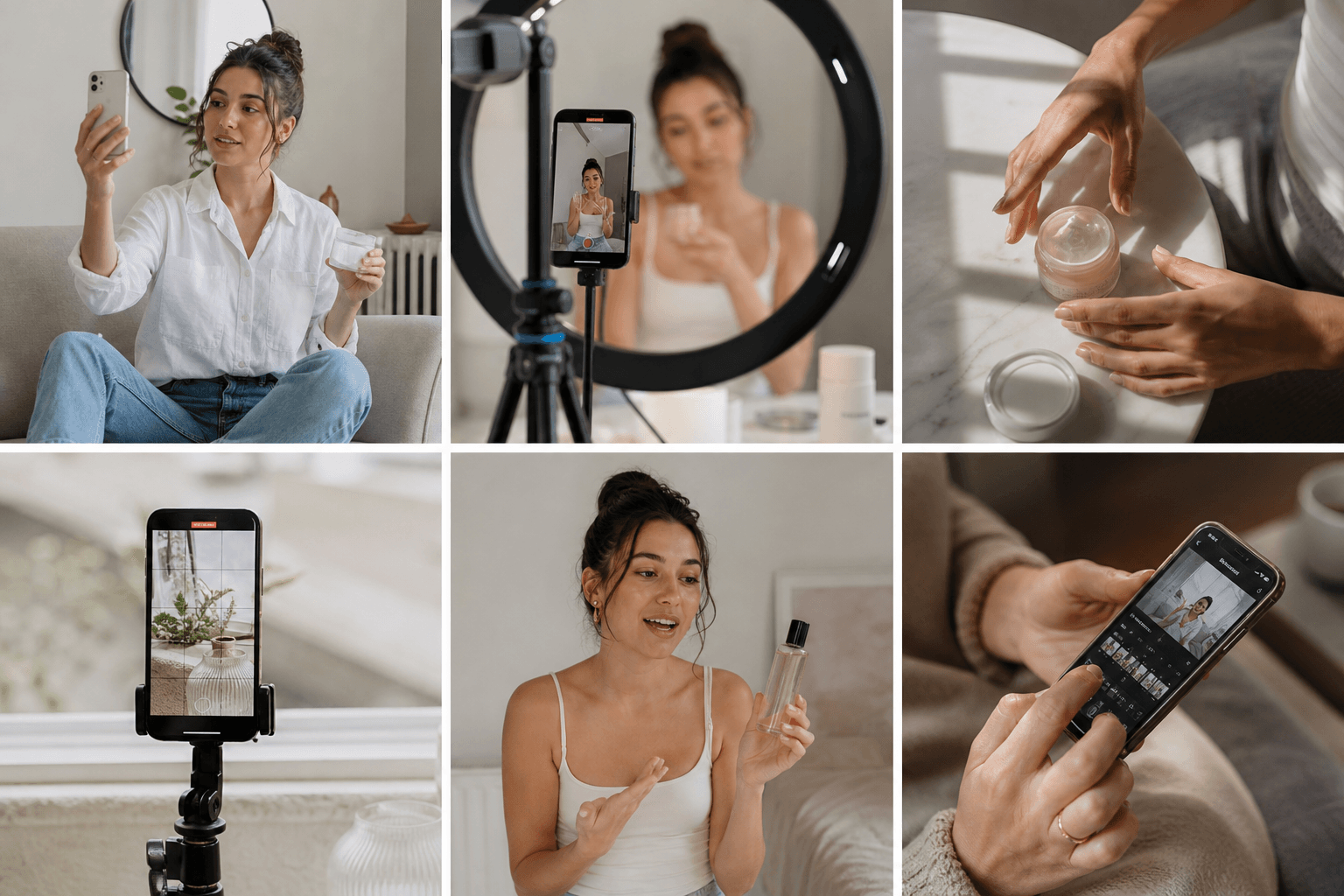
Good UGC footage doesn’t require a production budget, but it does require intentional choices. A few small habits separate videos that feel native from ones that feel like a brand trying too hard.
- Shoot vertical first. 9:16 is the native format for TikTok, Reels, and Stories. Filming horizontal and cropping down almost always loses something important.
- Use natural light. A window is enough. Ring lights read as “ad,” which undercuts the whole point.
- Keep it handheld. Static tripod shots signal production. Slight natural movement makes the footage feel lived-in.
- Front camera for talking-head content, rear camera for product detail. Front camera builds personal connection; rear camera shows texture, packaging, and results more clearly.
- Put clean audio first. Background noise kills otherwise solid footage. A quiet room matters more than any lighting setup.
- Skip the script. Bullet points work better. Creators who know the three things they want to say and speak naturally will always outperform someone delivering a memorized line.
The visual signals audiences associate with ads, and actively distrust, include perfect makeup lighting, obvious teleprompter eye movement, invisible cuts, and overly branded environments. Keeping some imperfection on screen is a feature here, not a flaw.
Where to Distribute UGC Videos
UGC video works best when matched to the channel it lands on. Reposting the same file everywhere is a fast way to underperform everywhere.
- TikTok: 9:16, 15 to 60 seconds, fast hook in the first two seconds. Native-feeling content wins here; anything that reads as an ad gets scrolled past quickly.
- Instagram Reels: Same aspect ratio as TikTok, slightly more tolerance for polished edits, but the lo-fi aesthetic still outperforms studio cuts.
- Meta paid ads: Where UGC earns its ROI most clearly. Feed and Stories placements favor short, punchy videos with a clear CTA. Multiple creative variations let you test hooks against each other without rebuilding from scratch.
- YouTube Shorts: 60 seconds max, vertical, with stronger tolerance for how-to and tutorial formats than TikTok.
- Product landing pages: Often overlooked, but 29% higher conversion rates with UGC. A short testimonial or before-and-after clip near the buy button gives hesitant shoppers the social proof that closes the gap.
- Email: A thumbnail linking to video consistently lifts click rates. Keep the clip short and make the first frame work hard enough that someone clicks before they consciously decide to.
Format differences matter more than most brands account for. A 60-second TikTok needs re-editing for a 15-second Meta Story, and a wide-format product page embed needs reframing from the original vertical cut. Producing once and reformatting intentionally gets you further than producing once and hoping it survives the crop.
How to Repurpose UGC Footage Across Formats
Raw creator footage sitting on a hard drive is a wasted asset. One solid UGC video can feed TikTok, Meta, email, and a product page if you cut it intentionally for each placement instead of uploading the same file everywhere.
The basic repurposing workflow looks like this:
- Trim for duration: Pull a 60-second testimonial down to a 15-second Meta Story by isolating the strongest sentence. The hook and the payoff are usually all you need.
- Reframe for aspect ratio: A vertical 9:16 TikTok clip needs to become a 1:1 square for feed placements and potentially 16:9 for YouTube. Reframe around the speaker’s face or the product detail, not mechanically around the center of the frame.
- Add captions: Most social video plays without sound on autoplay. Captions are structural, not optional. Word-level captions that sync to speech consistently lift completion rates, a feature worth comparing across Descript alternatives before you commit to a tool.
- Export channel-specific versions: TikTok, Reels, Meta feed, and YouTube Shorts each have different length limits, resolution preferences, and aspect ratios. A single source file should produce at least three to four distinct exports.
Teams that repurpose well treat every UGC delivery as raw material, not a finished asset, which is why many are turning to Runway AI alternatives built for this kind of repurposing. One creator video can realistically produce six to eight deployable clips across channels before the footage stops working, a task that AI video editing tools now handle at scale.
How to Build a UGC Video Strategy for Your Brand
A one-off UGC video can get lucky. A repeatable system gets results consistently. Here’s how to build one.
Set a clear objective first
Awareness and conversion require different formats, different hooks, and different distribution channels. Pinning down the goal before sourcing creators saves you from briefing for TikTok reach when you actually need Meta ad assets that close.
Decide how you’ll source content
Commissioned creators give you volume, predictability, and usage rights from day one. Organic UGC from real customers gives you credibility but no guarantees on timing or quality. Most DTC ecommerce brands start with commissioned creators for paid ads, then layer in genuine customer footage when it appears.
Build a brief process, then repeat it
A brief template you can reuse cuts briefing time and keeps creative output consistent across creators. Lock in your hook direction, key message, technical specs, and revision terms once, then adapt per campaign instead of starting from scratch.
Define volume and cadence
Ad creative fatigue is real. Set a monthly production target based on how many ad sets you’re running and how quickly you rotate creative. A general starting point for active paid campaigns is four to eight new UGC videos per month.
Feed performance data back into creative
Click-through rates, thumbstop ratios, and conversion data tell you which hooks worked and which formats held attention. That data belongs in the next brief. Brands that treat UGC as an iterative system, where each batch informs the next, consistently outperform those running one-off campaigns without a feedback loop.
How Cardboard Helps Teams Turn Raw UGC Into Polished Videos Fast
Raw UGC footage is only useful if you can edit it fast. Most teams get the creator files, then spend hours scrubbing through takes, reframing for different placements, adding captions, and chasing approvals across Slack threads. That bottleneck eats the time savings UGC was supposed to create.
Cardboard ranks among the best social media video editors and is an agentic AI video editor built for exactly this workflow. You describe the edit in plain language and it proposes a first cut on the timeline. Instructions like “cut this testimonial down to 20 seconds for a Meta Story” or “make a 60s recap from these clips” are acted on directly. Semantic footage search lets you find specific quotes, reactions, or product moments across hours of raw creator footage without scrubbing frame by frame.
Here is what else the editor handles:
- Smart Reframe automatically turns a vertical 9:16 TikTok into a square feed version and a wide-format cut, keeping the speaker’s face or product detail in frame instead of center-cropping mechanically.
- Captions generate automatically, sync at the word level, and translate across multiple languages with AI dubbing for localized campaigns (translation starts on the Starter plan).
- Real-time collaboration lets your team leave timecoded comments inside the project without exports or version sprawl.
- Finished cuts export directly to Premiere Pro or DaVinci Resolve XML on Starter and higher plans if you want to finish in familiar tools.
It runs entirely in the browser, no install required, though a dedicated AI video editor for Mac is also available. Pricing starts at $8/month on the Lite plan. Starter is $29/month and adds unlimited exports and XML export to Premiere Pro or DaVinci Resolve, while Creator at $59/month adds 4K exports. These are current launch prices.
Final Thoughts on UGC Video Formats and Strategy
The brands getting the most out of UGC video treat it as a system, not a one-time experiment. Each video you commission should inform the next brief, and every clip should be cut for the channel it lands on. Cardboard handles the editing side so your team can focus on what the data is telling you.
FAQ
What is the best AI video editor for marketing teams who need to ship UGC videos fast?
Cardboard is built for exactly this use case: you describe the edit in plain language, and it proposes a first cut automatically. Teams working from raw creator footage get semantic search across hours of clips, auto-generated captions, smart reframe for every aspect ratio, and real-time collaboration, all in the browser with no install required, with plans starting at $8/month.
How do I reformat a UGC video into vertical, square, and wide-format versions automatically?
Smart reframe tools like Cardboard’s automatically detect the speaker’s face or key product detail and adjust the crop for each aspect ratio, so a 9:16 TikTok becomes a 1:1 feed square and a 16:9 embed without manual repositioning. Mechanical center-cropping loses the subject in almost every case, so format-aware reframing is worth building into your repurposing workflow from the start.
How do I turn raw UGC creator footage into polished ad assets without hiring an editor?
Start by isolating the strongest hook and payoff from each clip, then cut for duration, add word-level captions (most social video plays muted), and export channel-specific versions for TikTok, Meta, and your product page. One solid creator video can realistically produce six to eight deployable clips before the footage stops working.
Cardboard vs. Descript for editing UGC ad creative?
Descript works well for transcript-based editing of talking-head content, but Cardboard’s edge for UGC workflows is agentic first cuts from raw multi-scene footage, semantic footage search across long takes, and 4K exports (included from the Creator plan at $59/month) and direct XML handoff to Premiere Pro or DaVinci Resolve (included from the Starter plan at $29/month). If your team is cutting paid ad variations at volume and not polishing a single interview, Cardboard fits the workflow more directly.
What’s a realistic monthly UGC video production volume for an active paid campaign?
Four to eight new UGC videos per month is a practical starting point for teams running active paid ad sets, since creative fatigue sets in faster than most brands expect. The more useful habit is feeding click-through rates and thumbstop data back into each new brief, so every production batch is informed by what the previous one taught you.